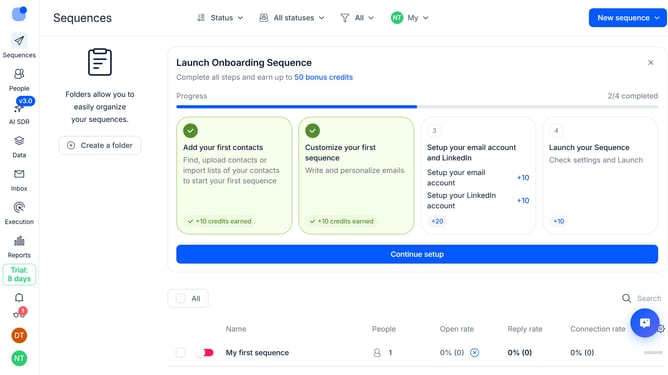
How to show reply rate sequence column in Reply
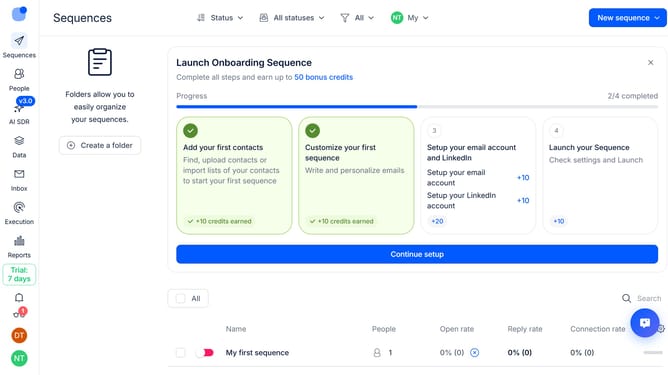
Here is how to show reply rate sequence column in reply
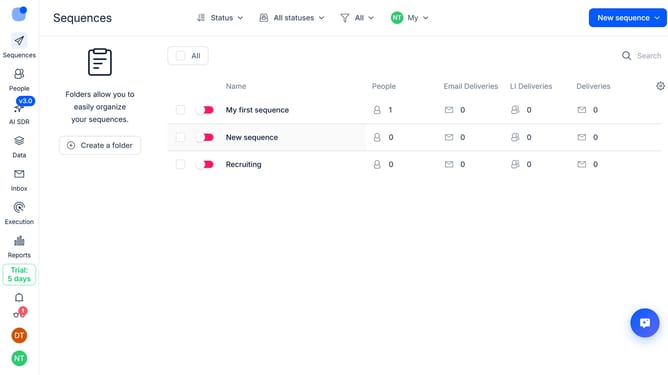
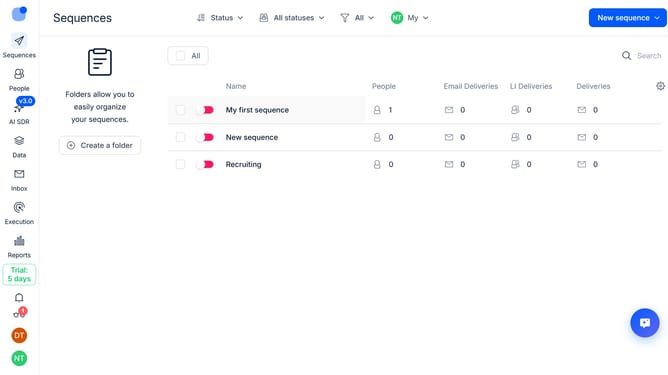
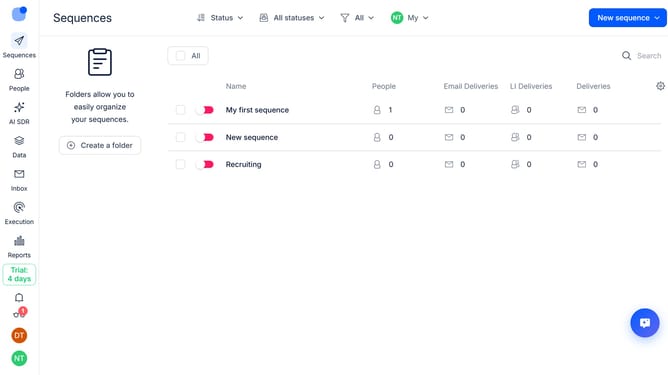
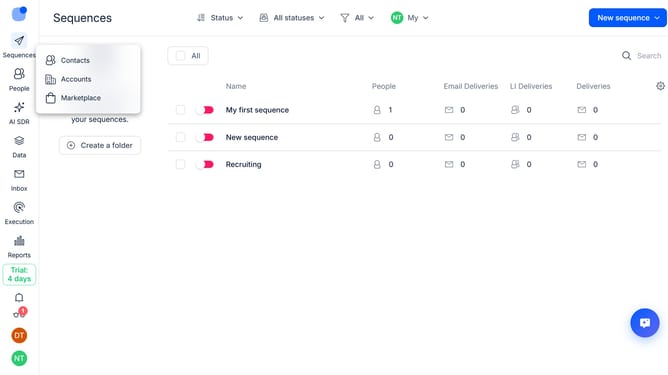
- First click on the "Sequences" link in the left sidebar
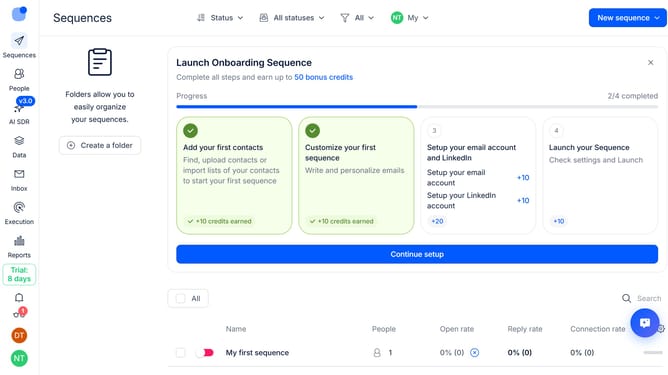
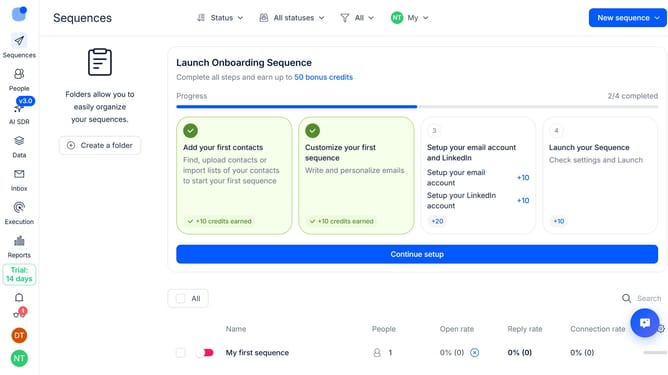
- Then click on the settings icon in the top-right of the page
- Next, select "Add column" in the dropdown menu
- Finally, click on "Reply rate" to add it as a column
Why should you How to show reply rate sequence column in Reply
Reply.io is a robust sales engagement platform designed to streamline and optimize communication sequences for teams.
Displaying the reply rate sequence column in Reply is an invaluable feature for sales teams looking to enhance their outreach strategies.
This feature allows users to effortlessly visualize the effectiveness of their communication sequences by highlighting which messages are generating responses.
By understanding reply rates, users can fine-tune their approach, ensuring each message resonates better with their audience, ultimately leading to improved engagement and higher conversion rates.
Last update