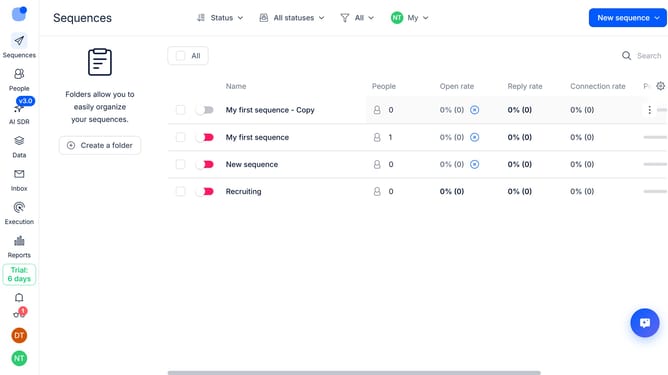
How to hide email deliveries column in Reply
Here is how to hide email deliveries column in reply
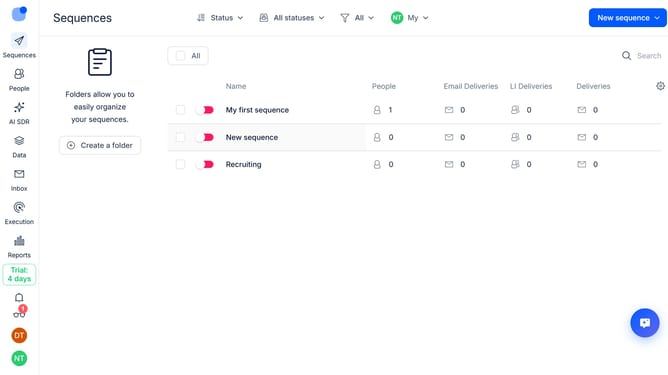
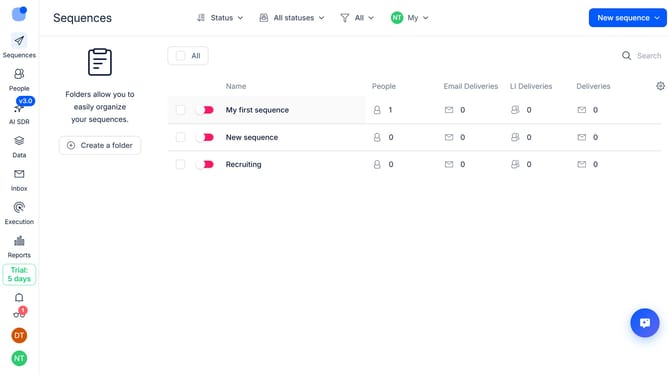
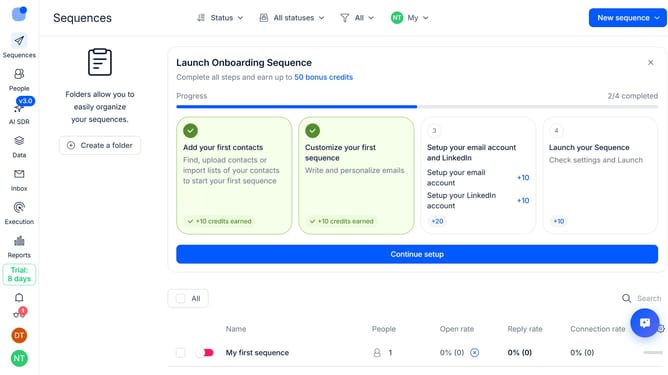
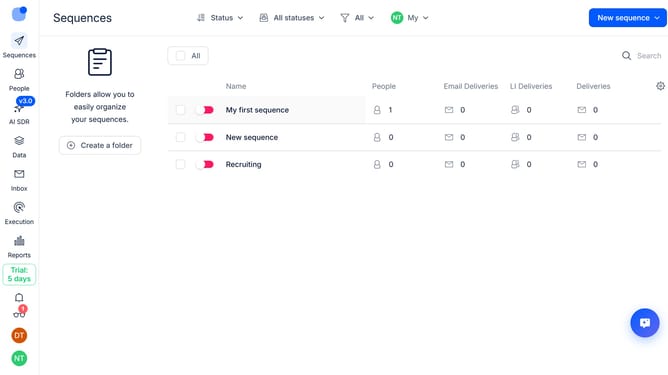
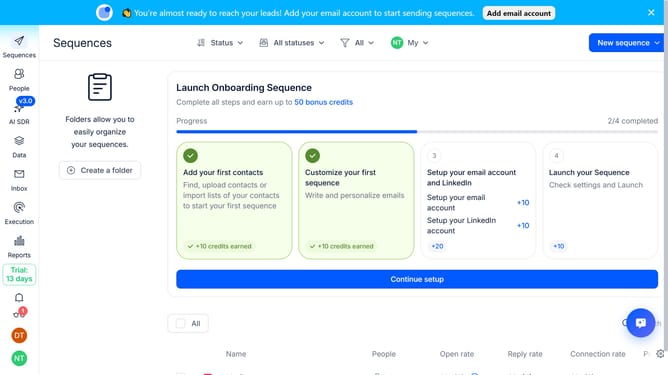
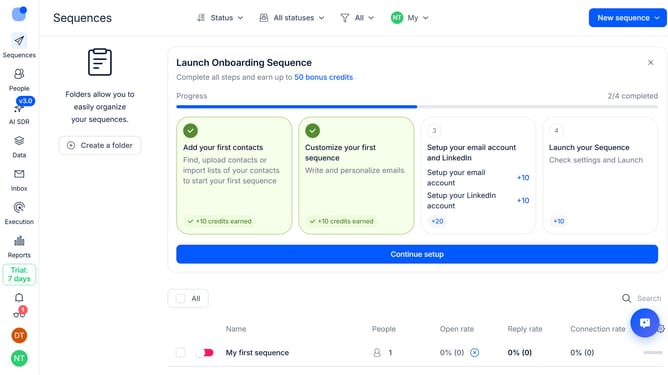
- First click on the "Sequences" item in the left sidebar
- Then click on the "Settings" icon in the right side
- Finally click on the "X" icon next to the "Email Deliveries" option
Why should you How to hide email deliveries column in Reply
Reply.io streamlines your sales engagement by automating and optimizing communication at scale.
One of the features you might find helpful is the option to hide the email deliveries column. This feature allows you to customize your dashboard, decluttering your view and focusing on the metrics that matter most to your strategy.
By hiding unnecessary columns, you create a more streamlined workspace, enhancing your ability to quickly analyze key data and make informed decisions. This improves productivity by allowing your team to concentrate on actionable insights.
Last update