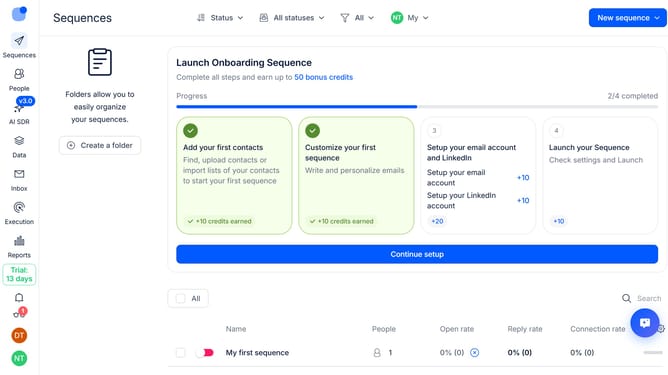
How to show owner sequence column in Reply
Here is how to show owner sequence column in reply
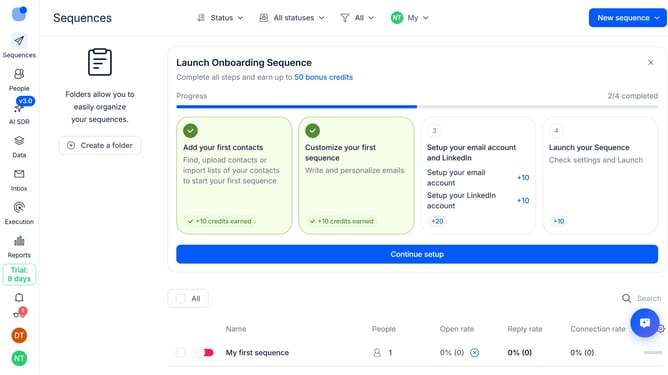
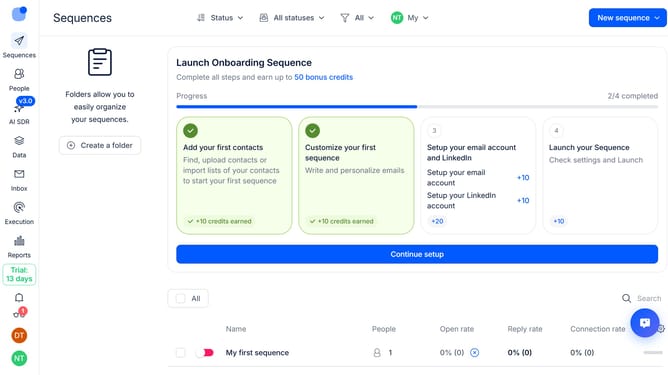
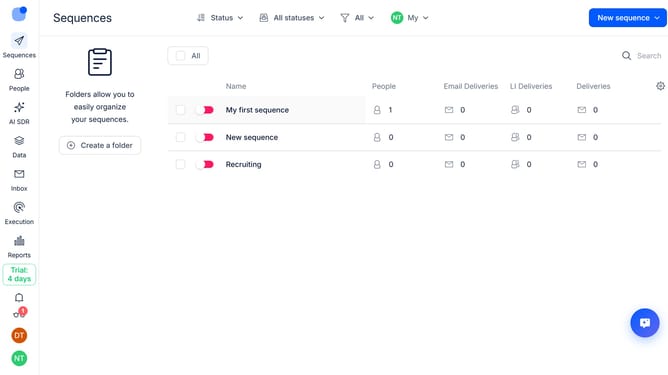
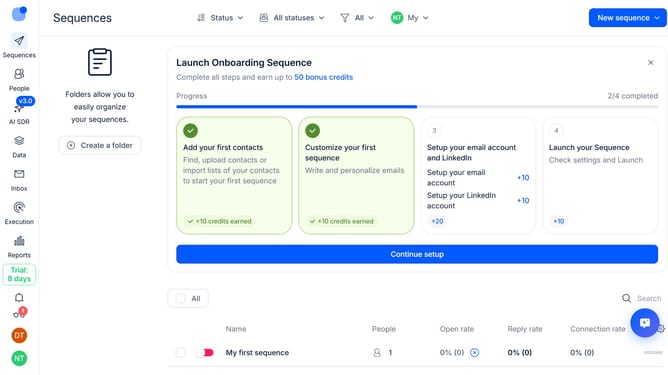
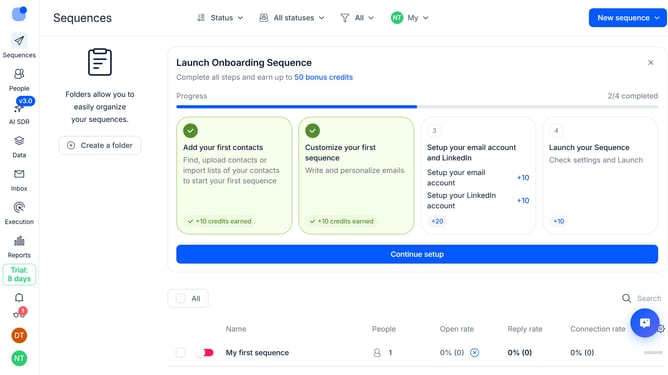
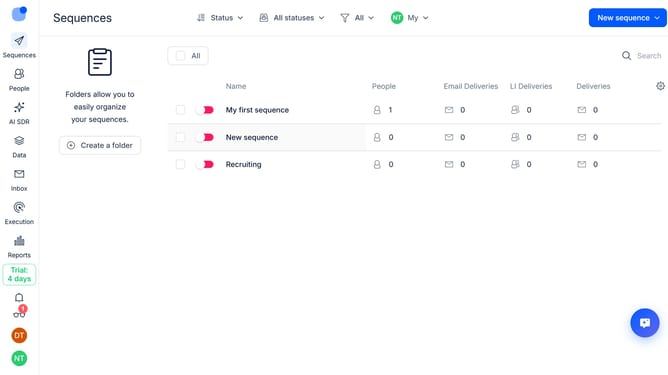
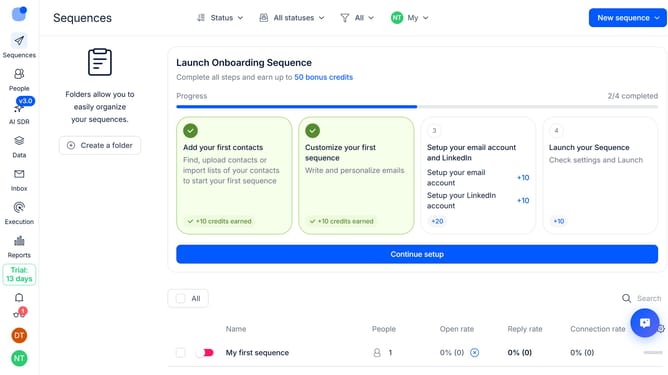
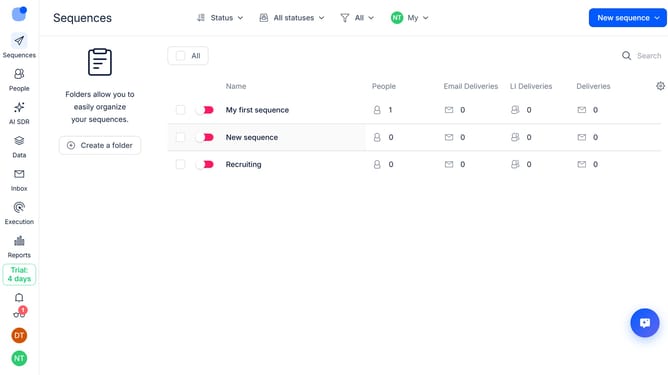
- First click on "Sequences" in the left sidebar
- Then click on the gear icon in the header
- Next click on "Add column" in the dropdown menu
- Finally select "Owner" from the list of columns
Why should you How to show owner sequence column in Reply
Reply.io is a powerful sales engagement platform designed to streamline communication and amplify productivity.
Unlocking the owner sequence column in Reply brings valuable context to your outreach efforts. This feature allows team members to view which sequences are managed by specific owners, enhancing collaboration and clarity.
Having this visibility ensures tailored communication strategies and a cohesive approach to customer engagement. By leveraging this feature, teams can coordinate more effectively, ensuring each outreach is informed and impactful.
Last update