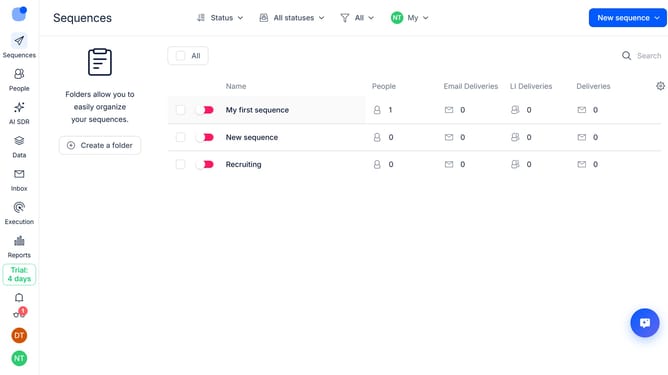
How to disable open tracking for a sequence in Reply
Here is how to disable open tracking for a sequence in reply
- First click on a sequence where you went to disable open tracking
- Then click on the "Settings" button
- Next click on the arrow icon next to the "Email Tracking" option
- Then toggle off the "Open tracking" option to disable it
- Finally click on the "Save settings" button
Why should you How to disable open tracking for a sequence in Reply
Reply.io is an innovative platform designed to enhance sales engagement through automated outreach and improved communication.
Disabling open tracking for a sequence in Reply allows users to focus on genuine interactions rather than just email open rates. This feature is particularly valuable for those aiming to maintain privacy and respect recipients' data preferences.
By turning off open tracking, users can emphasize content quality and create more authentic connections, enhancing trust. This approach is beneficial in nurturing long-term relationships and fostering genuine engagement.
Last update