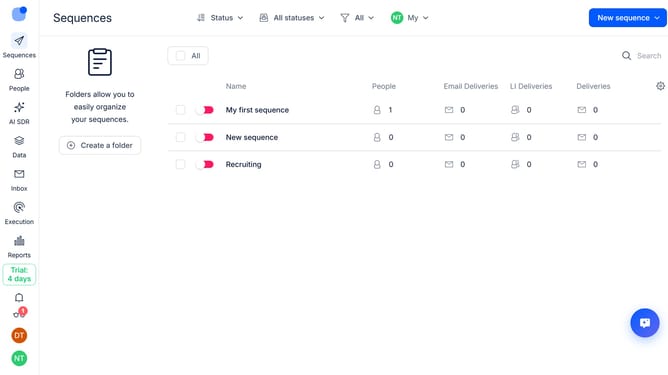
How to hide open rate sequence column in Reply
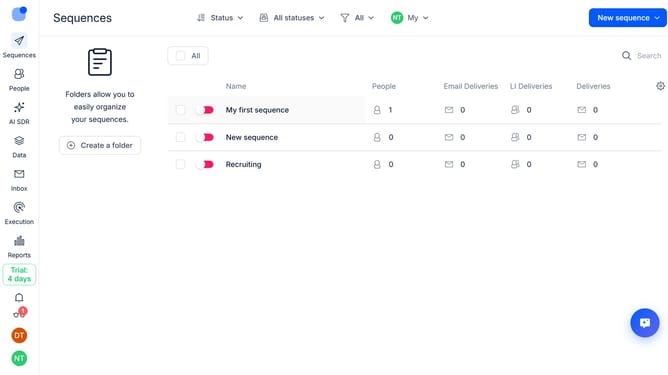
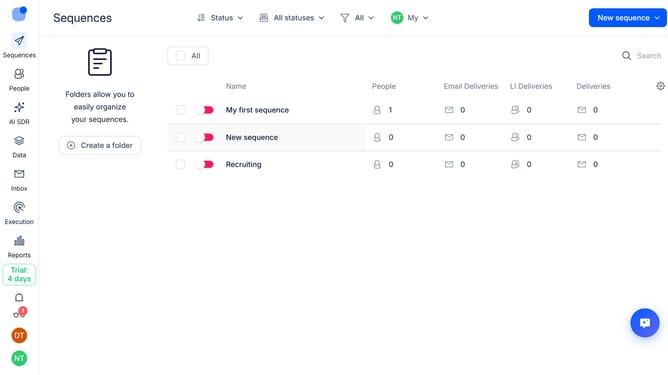
Here is how to hide open rate sequence column in reply
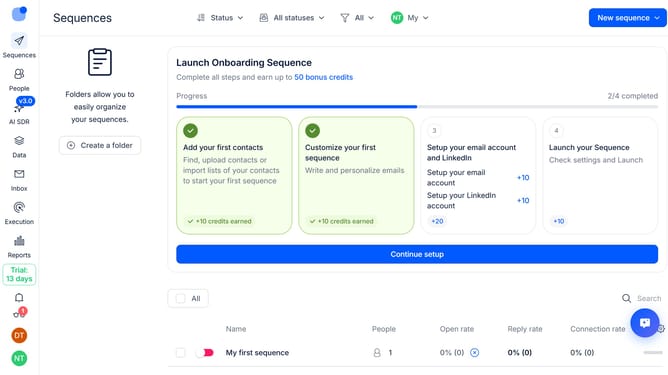
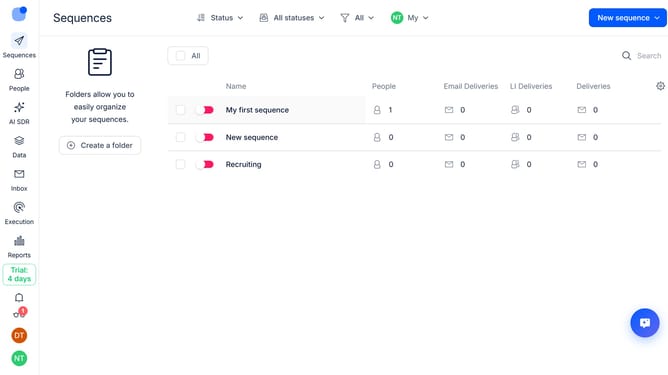
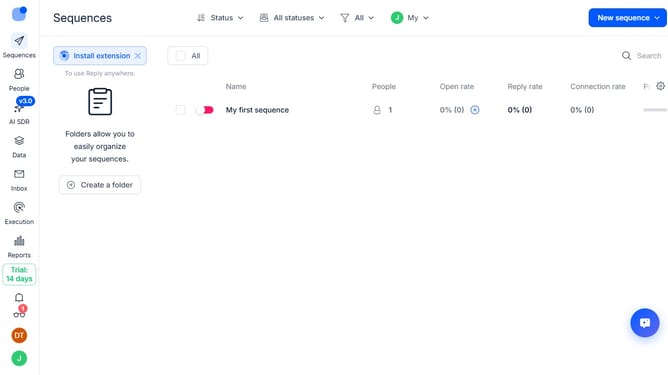
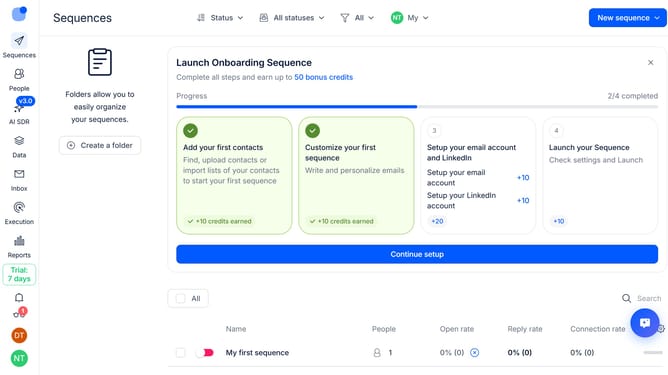
- First click on the "Sequences" tab in the left sidebar
- Then click on the "Settings" icon in the top right corner
- Finally click on the "X" button next to "Open rate" from the dropdown menu
Why should you How to hide open rate sequence column in Reply
Reply.io is a powerful sales engagement platform designed to streamline and automate communication for teams and individuals.
One of its versatile features is the ability to hide the open rate sequence column. By organizing your dashboard, you can maintain a clean view, focusing on metrics that matter most to your strategy.
This feature helps streamline report sessions, reduces unnecessary visual clutter, and enhances productivity by aligning the interface with personalized preferences and campaign goals.
Ultimately, it offers a tailored user experience, ensuring your dashboard is as effective and efficient as your communication processes.
Last update