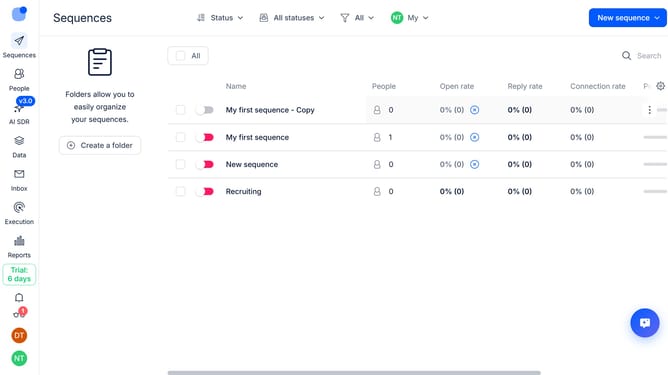
How to pause a sequence after a successful call in Reply
Here is how to pause a sequence after a successful call in reply
- First click on the sequence where you want to pause a sequence after a successful call
- Then click on the "Settings" button in the top menu
- Next click on the "Calls handling" dropdown button
- Then toggle on the switch for "Pause on successful call"
- Finally click on the "Save settings" button at the bottom of the page
Why should you How to pause a sequence after a successful call in Reply
Reply.io is a cutting-edge sales engagement platform designed to streamline and enhance communication workflows.
The ability to pause a sequence after a successful call in Reply is a valuable feature for sales professionals. It ensures that once you establish a meaningful connection, the sequence halts, preventing unnecessary follow-ups.
This feature enhances efficiency by allowing your team to focus only on prospects who need further nurturing, maximizing resource allocation and maintaining a professional relationship.
Ultimately, it boosts productivity, as you can dedicate more energy towards converting opportunities rather than managing redundant tasks.
Last update