How to handle tasks manually in a sequence in Reply
Here is how to handle tasks manually in a sequence in reply
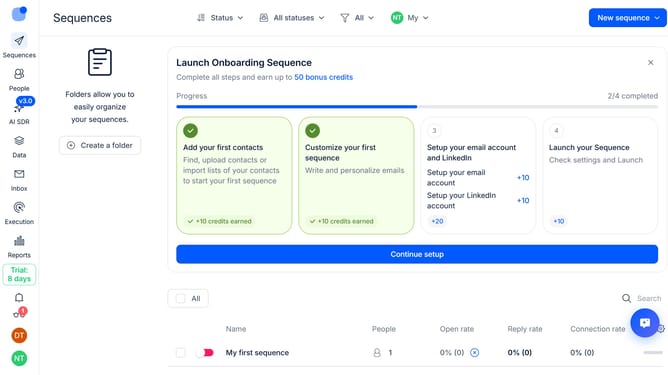
- First click on the sequence where you want to configure tasks to be handled manually
- Then click on "Settings" tab in the top menu
- Next scroll down to view more options
- Then click on the dropdown arrow next to the "Task handling"
- Next click on the "How to handle task steps" dropdown button
- Then select "Manually" from the dropdown options
- Finally click on the "Save settings" button
Why should you How to handle tasks manually in a sequence in Reply
Reply.io is a powerful platform designed to streamline communication and accelerate sales through effective outreach automation.
Handling tasks manually in a sequence within Reply allows you to maintain a personalized touch in your campaigns. This feature empowers users to adjust tasks according to real-time interactions and feedback, ensuring more meaningful connections.
By managing tasks manually, you can prioritize high-impact activities, maintain flexibility, and enhance engagement. This approach enables more thoughtful follow-ups, ultimately leading to stronger relationships and improved outcomes.
Last update