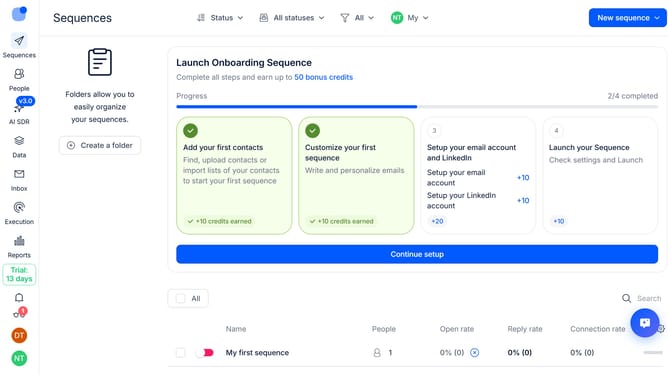
How to hide deliveries column in Reply
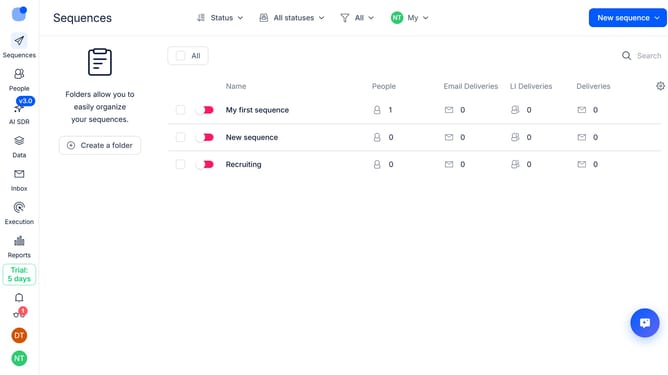
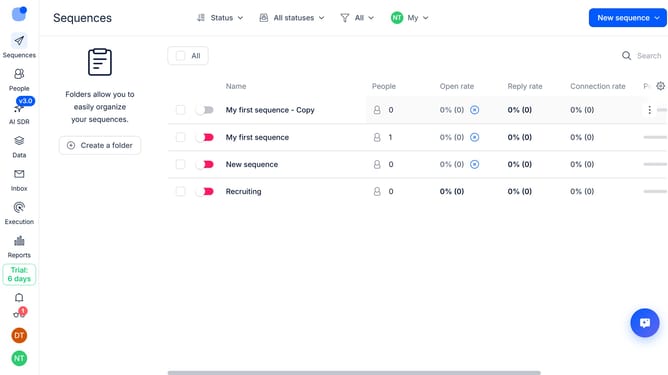
Here is how to hide deliveries column in reply
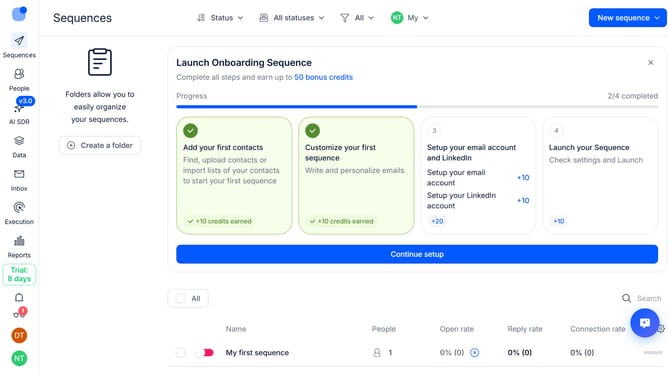
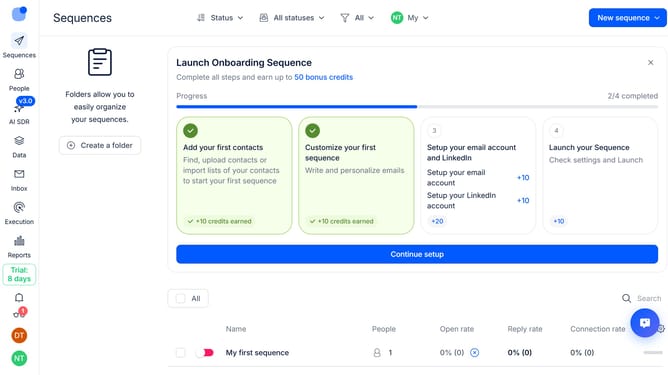
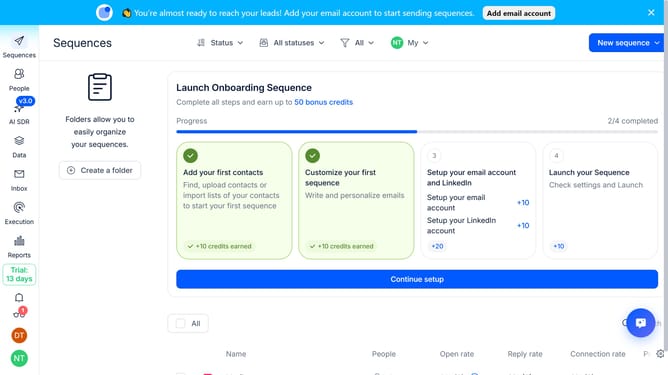
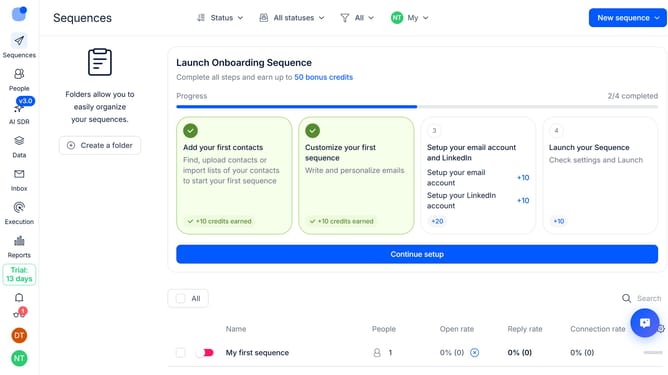
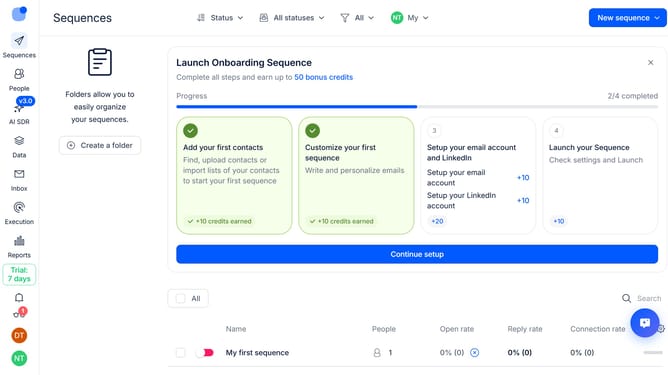
- First, click on "Sequences" in the sidebar
- Then, click on the settings icon in the top right menu
- Finally, click on the "X" button next to the "Deliveries" option
Why should you How to hide deliveries column in Reply
Reply.io is a powerful sales engagement platform designed to automate and streamline communication workflows, enhancing productivity and efficiency.
One of the versatile features in Reply is the ability to hide the deliveries column. This feature offers users the flexibility to customize their interface, providing a cleaner and more focused workspace.
Hiding the deliveries column can significantly reduce visual clutter, allowing users to concentrate on more pertinent data and foster seamless navigation. It enables teams to tailor their dashboards according to individual preferences, enhancing user experience and productivity.
Last update