How to delete sequence in Reply
Here is how to delete sequence in reply
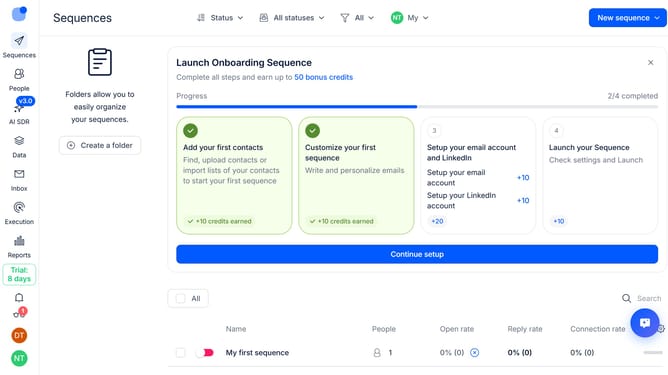
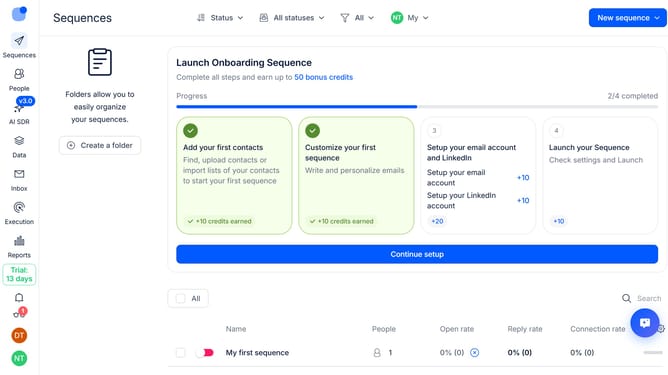
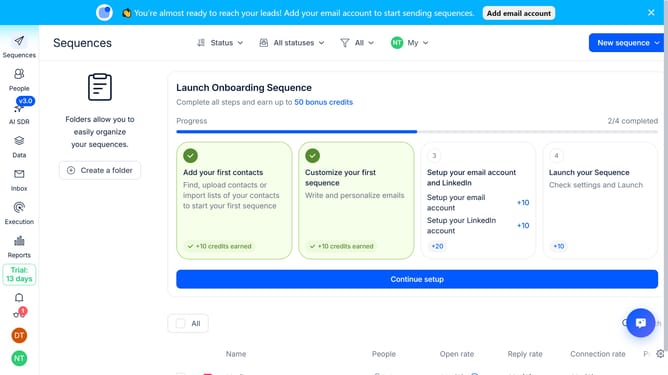
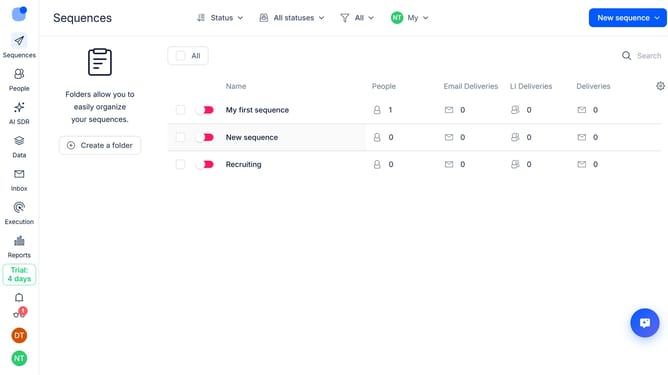
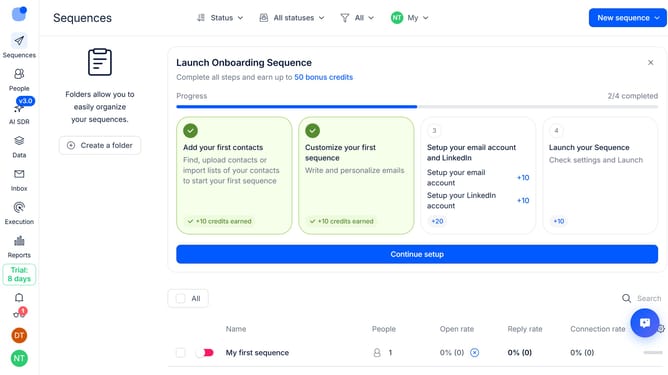
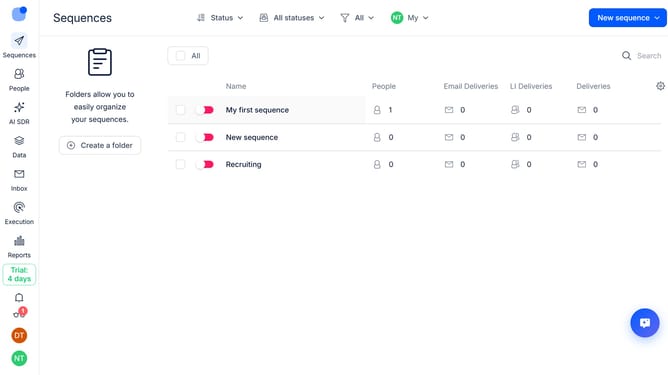
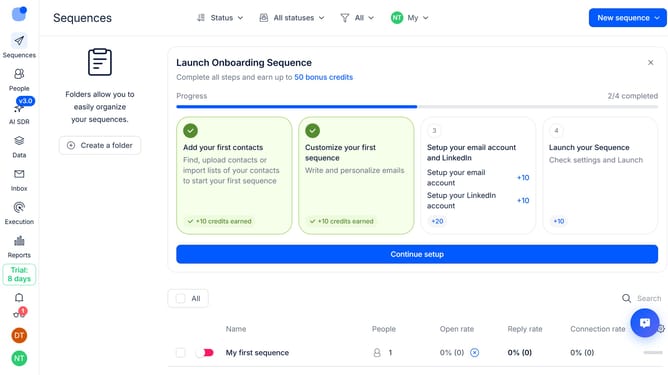
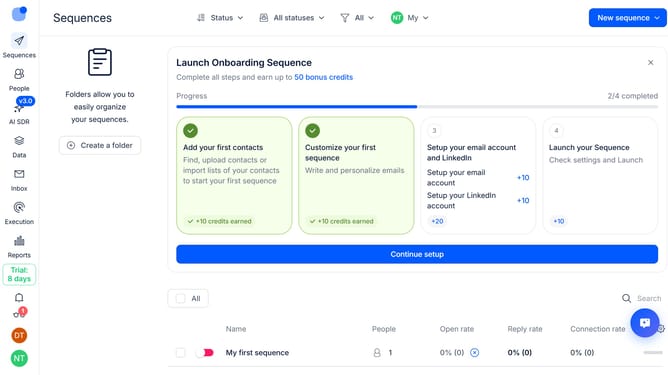
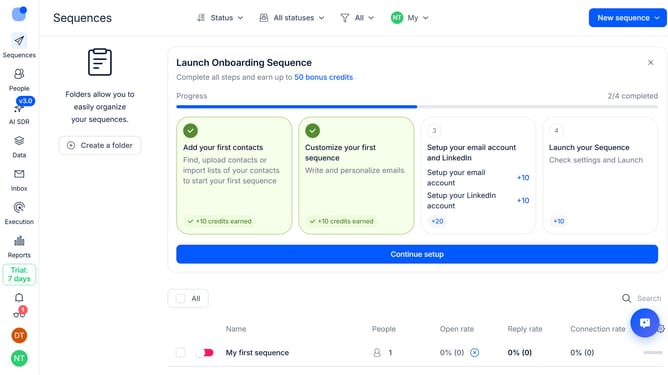
- First hover your mouse cursor over the sequence that you want to delete
- Then click on the three-dots icon next to the sequence
- Next click on the 'Delete' button from the dropdown menu
- Finally click on the 'Remove' option
Why should you How to delete sequence in Reply
Reply.io is a powerful platform designed to streamline your sales engagement, allowing teams to focus on what they do best: closing deals.
The ability to delete a sequence within Reply is a valuable feature that enhances user efficiency. Removing outdated or irrelevant sequences helps maintain a clean and organized system, ensuring that only pertinent and effective campaigns remain active.
By regularly managing sequence lists, users ensure that their outreach strategies are always aligned with the most current objectives and targets. This not only optimizes performance but also saves time and resources by eliminating unnecessary clutter.
Last update