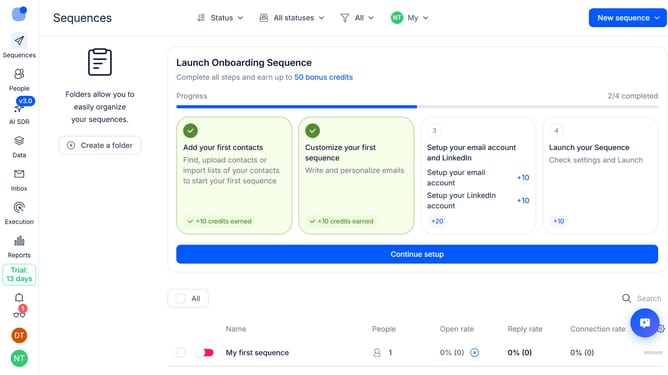
How to handle calls manually in a sequence in Reply
Here is how to handle calls manually in a sequence in reply
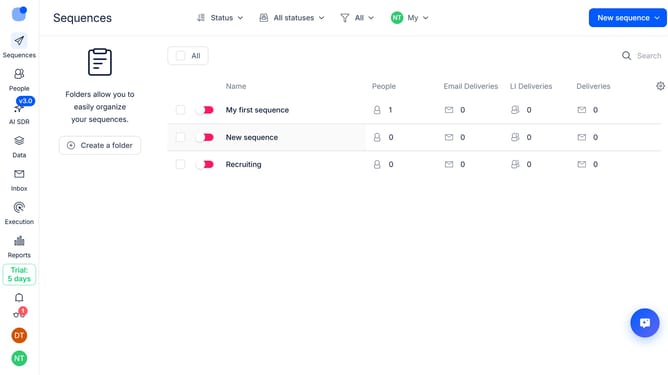
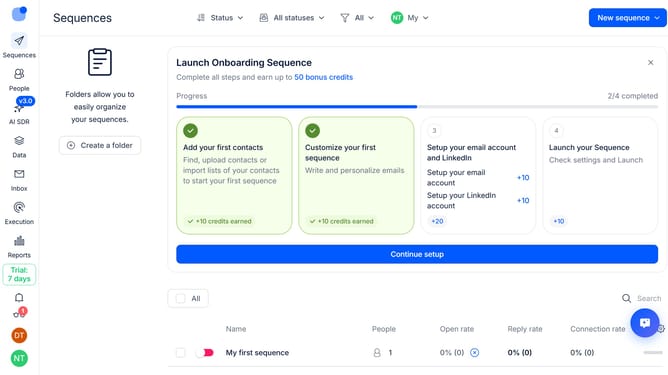
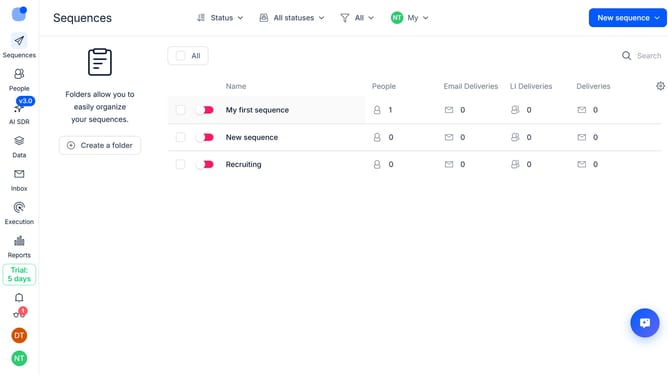
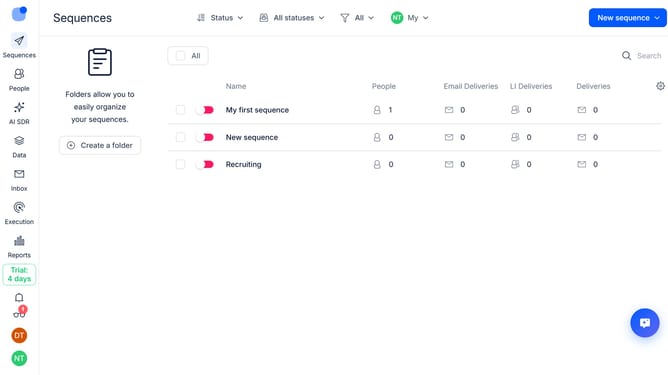
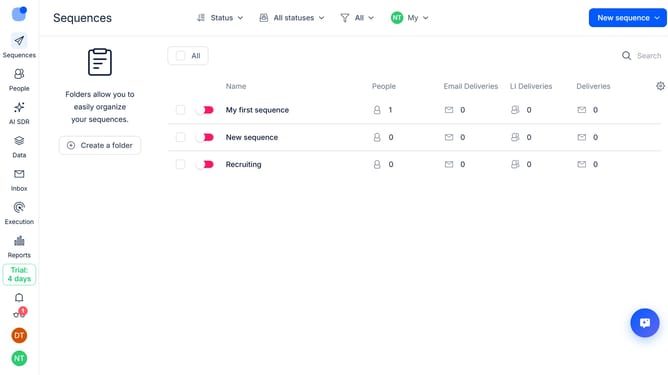
- First click on a sequence where you want to handle calls manually
- Then click on "Settings" tab in the top menu
- Next click on the dropdown button next to the "Calls handling" option
- Then click on the "How should we handle call steps" dropdown button
- Next click on "Manually" to change the call handling method
- Finally click on "Save settings" button
Why should you How to handle calls manually in a sequence in Reply
Reply.io is a powerful platform designed to streamline and optimize your sales and communication efforts.
The ability to handle calls manually in a sequence within Reply brings precision and personal touch to your sales strategy. This feature allows users to organize and execute phone calls in a predefined order, aligning perfectly with your outreach goals.
Using this feature means you can follow up on leads more effectively, ensuring timely responses and personalized interactions. It enhances productivity by providing a structured approach, minimizing errors, and maximizing engagement opportunities.
Ultimately, this leads to stronger relationships with potential clients and a more successful outreach campaign, empowering your team to manage communications seamlessly.