How to set a daily contact limit for a sequence in Reply
Here is how to set a daily contact limit for a sequence in reply
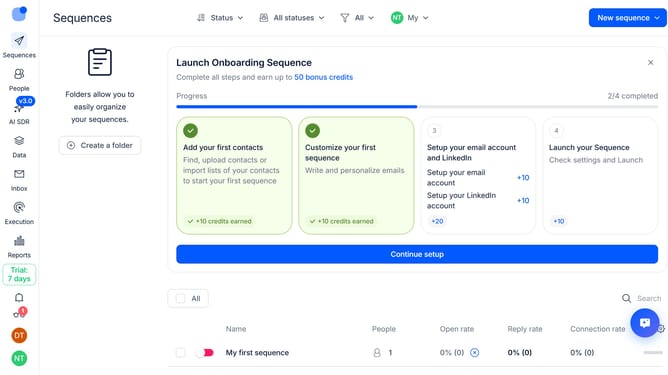
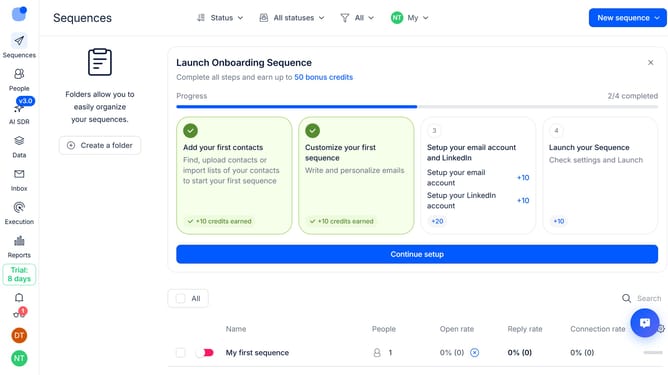
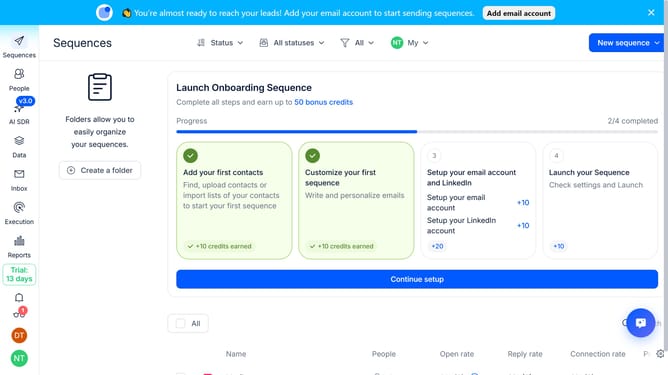
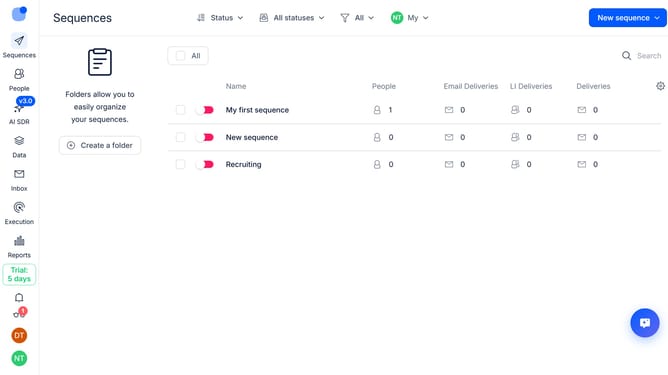
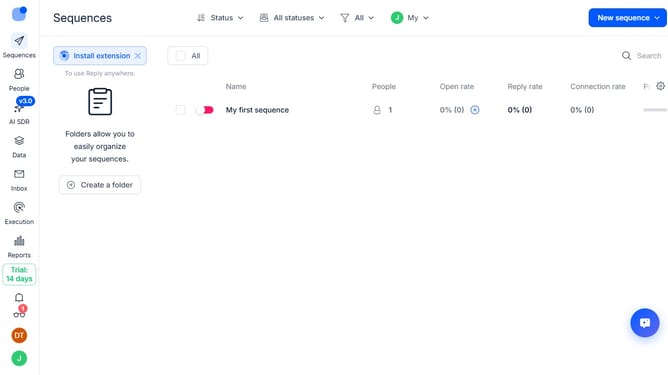
- First click on the sequence where you want to set a daily contact limit
- Then click on the "Settings" button in the top menu
- Next click on the dropdown arrow next to "General settings"
- Then scroll down to view more options
- Next turn off the toggle switch next to "No limit on new daily contacts"
- Then click the input field and enter your preferred maximum number of new daily contacts
- Finally click on the "Save settings" button
Why should you How to set a daily contact limit for a sequence in Reply
Reply.io is a cutting-edge platform designed to revolutionize your sales communication through automation and smart workflows.
Setting a daily contact limit for a sequence in Reply empowers you to maintain control over your outreach efforts. By specifying the number of contacts reached daily, you ensure a consistent, manageable flow of communication without overwhelming your audience.
This feature is particularly beneficial for maintaining a personalized touch, reducing recipient fatigue, and enhancing engagement rates. With careful contact management, you drive more meaningful interactions and improve your campaign's overall effectiveness.
Last update