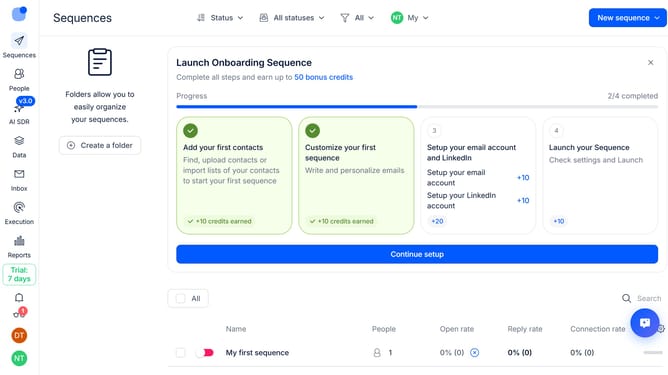
How to hide the domain column in contacts in Reply
Here is how to hide the domain column in contacts in reply
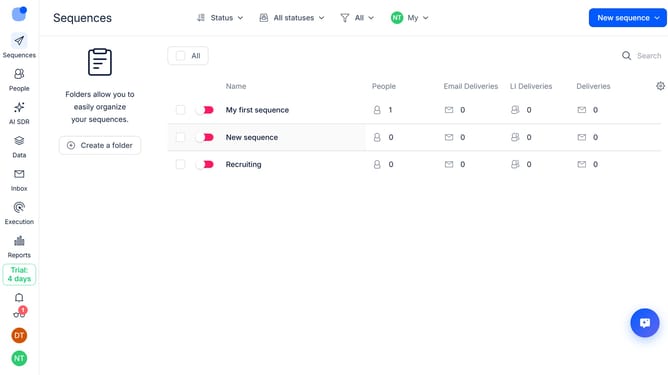
- First click on the "People" button in the left sidebar
- Then click on the "Gear" icon in the top menu
- Finally click on the "X" button next to "Domain" in the right sidebar
Why should you How to hide the domain column in contacts in Reply
Reply.io is a dynamic sales engagement platform designed to streamline communication and boost productivity.
One of the subtle yet powerful features within Reply.io is the ability to hide the domain column in contacts. This feature lets you maintain a clutter-free and focused view of your contact list, ensuring essential information remains at the forefront.
Using this feature can enhance privacy and foster a cleaner workspace, allowing you to concentrate on engagement strategies without unnecessary distractions. A simpler interface can lead to improved efficiency and a more seamless workflow.
Last update