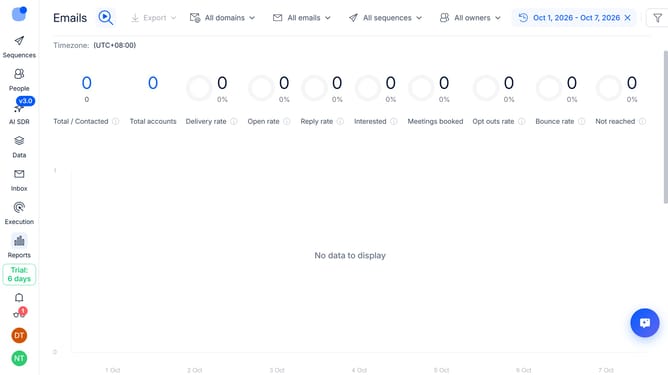
How to hide LI reply rate sequence column in Reply
Here is how to hide li reply rate sequence column in reply
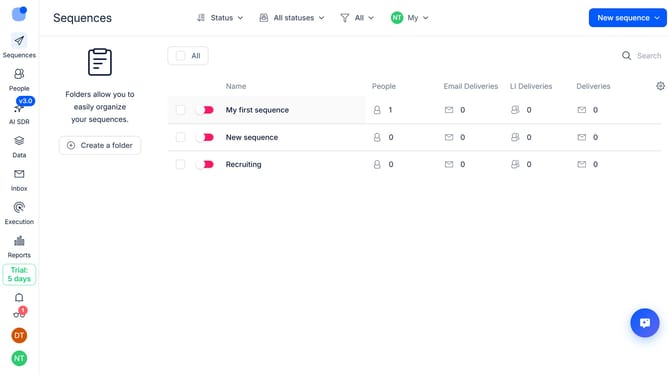
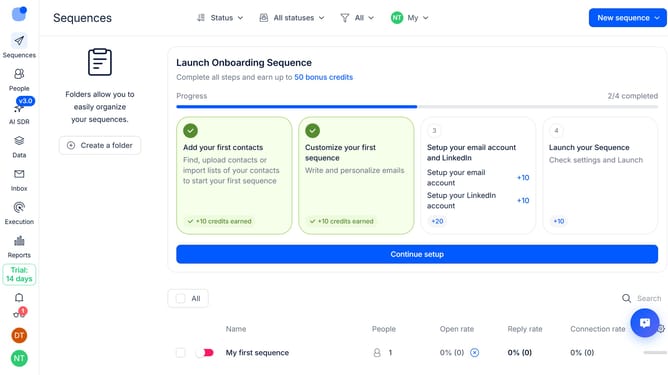
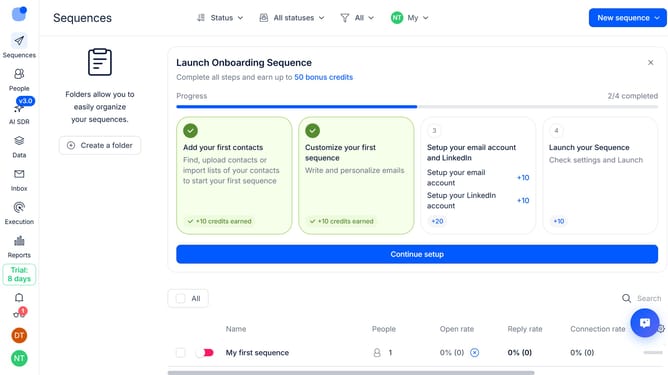
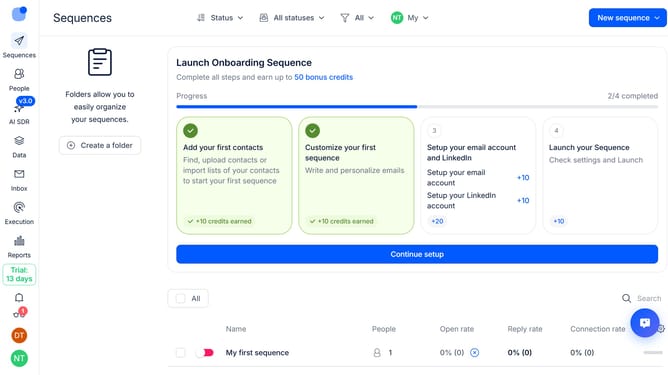
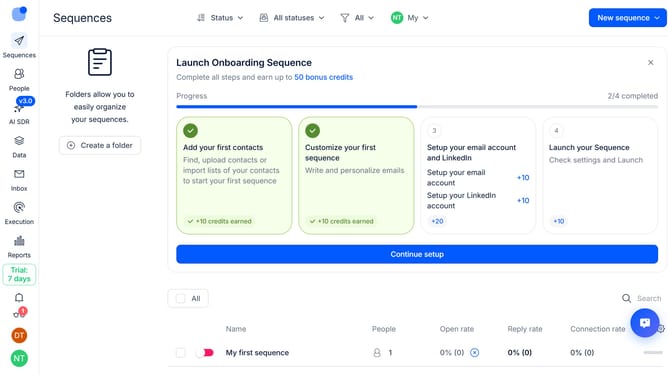
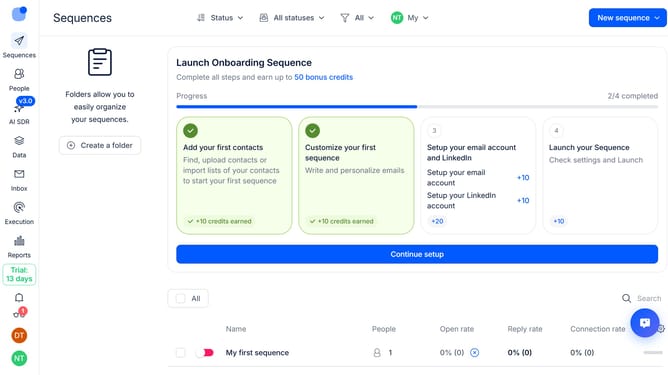
- First click on the "Sequences" option in the sidebar
- Then click on the settings icon next in the top right
- Finally click on the "X" icon next to the "LI Reply rate"
Why should you How to hide LI reply rate sequence column in Reply
Reply.io is an intuitive platform designed to streamline multi-channel sales engagement and automate repetitive tasks, boosting your outreach efficiency.
One of the standout features is the ability to hide the LinkedIn (LI) reply rate sequence column. This feature allows users to focus on more critical metrics without distraction, ensuring a cleaner, more organized dashboard view.
By hiding unnecessary columns, users can quickly streamline their workflow, enhancing productivity while maintaining access to essential information. This results in a more efficient and clutter-free experience, ultimately supporting better decision-making and improved campaign management.
Last update