How to limit same-domain contacts per day in a sequence in Reply
Here is how to limit same-domain contacts per day in a sequence in reply
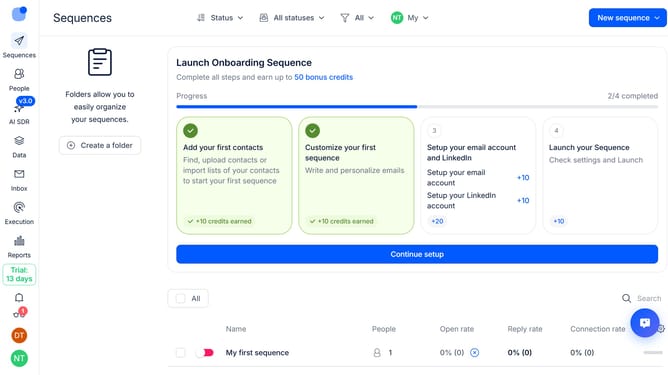
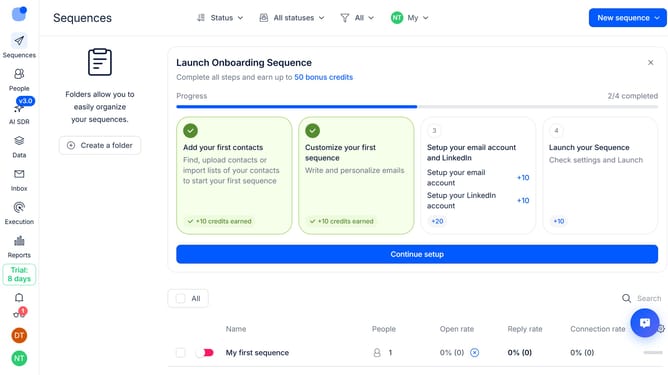
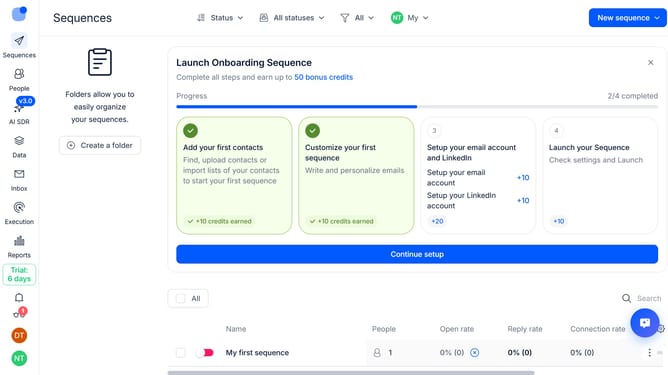
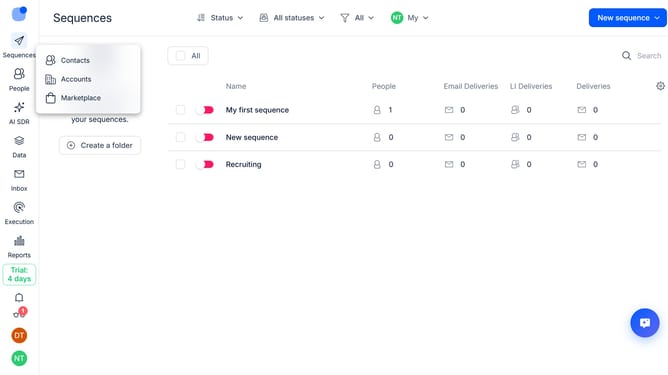
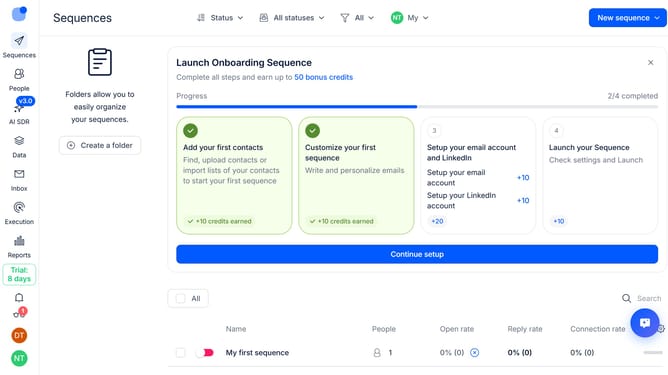
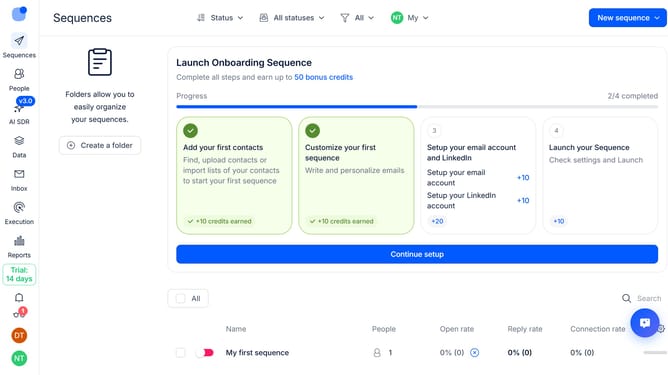
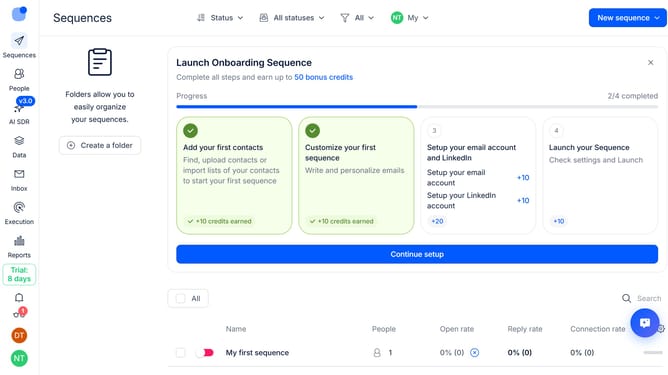
- First click on the sequence where you want to limit same-domain contacts per day
- Then click on "Settings" button in the top menu
- Next click on the "General settings" dropdown button
- Then click on the toggle switch to enable "Max same-domain contacts per day"
- Next click on the input field and change the number of "Max same-domain contacts per day"
- Then scroll down to view more options
- Finally click on the "Save settings" button
Why should you How to limit same-domain contacts per day in a sequence in Reply
Reply.io is a powerful sales engagement platform designed to simplify prospecting and outreach.
One beneficial feature of Reply.io is its ability to limit same-domain contacts per day in a sequence. This feature ensures a balanced outreach by giving you control over how many contacts from the same domain you reach out to daily.
Using this feature helps prevent overwhelming a single company with excessive communication, maintaining professionalism and increasing the chances of meaningful engagement.
By strategically managing your outreach, you can ensure your campaigns are both effective and respectful, enhancing your overall strategy.
Last update