How to duplicate sequence in Reply
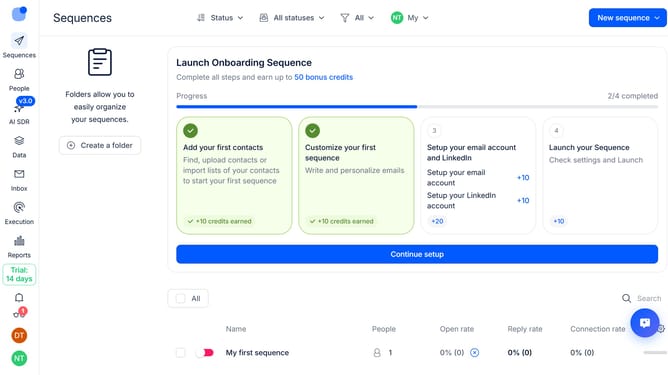
Here is how to duplicate sequence in reply
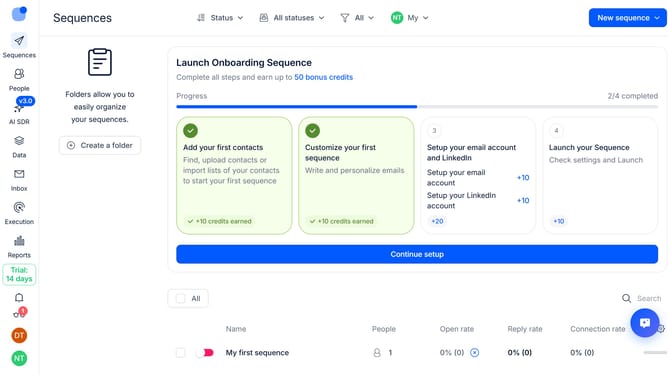
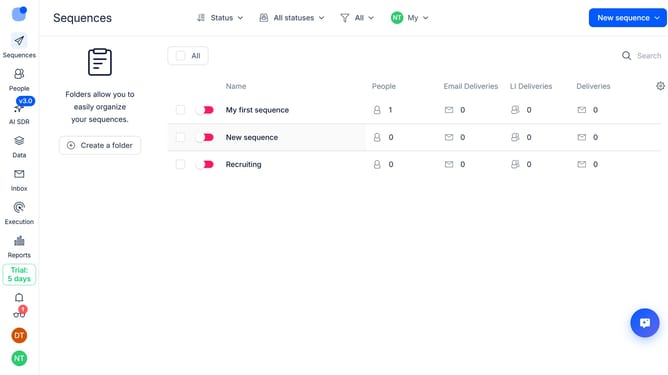
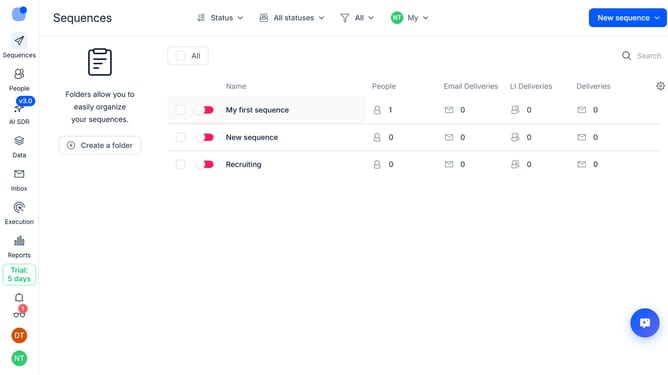
- First hover your mouse cursor over the sequence that you want to duplicate
- Then click on the three dots icon next to the sequence
- Finally select 'Duplicate' from the dropdown menu
Why should you How to duplicate sequence in Reply
Reply.io is a powerful sales engagement platform designed to streamline and automate communication workflows.
The “Duplicate Sequence” feature in Reply offers a seamless way to replicate successful email campaigns. By allowing you to copy entire sequences, it helps maintain consistency while saving valuable time. It’s an ideal solution for scaling outreach without losing personalization.
This feature ensures that you can build on proven templates, tailoring them for different audiences or slight variations. Leveraging successful strategies has never been easier, promoting efficiency and enhancing productivity for teams.
Last update