How to disable the List-Unsubscribe header for a sequence in Reply
Here is how to disable the list-unsubscribe header for a sequence in reply
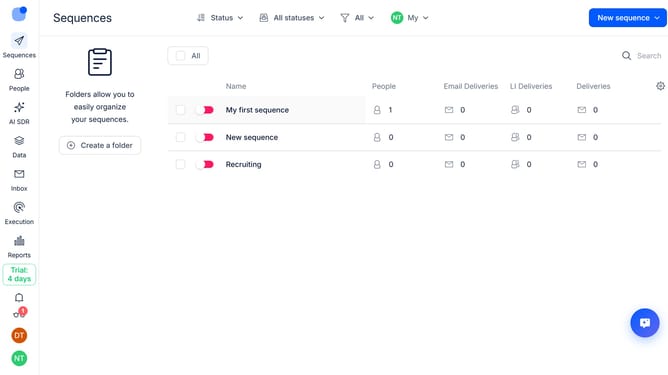
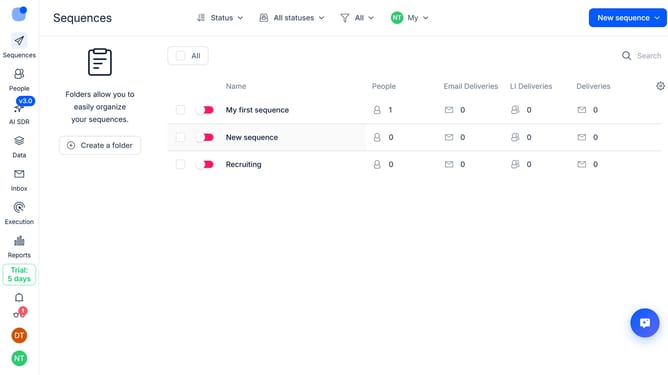
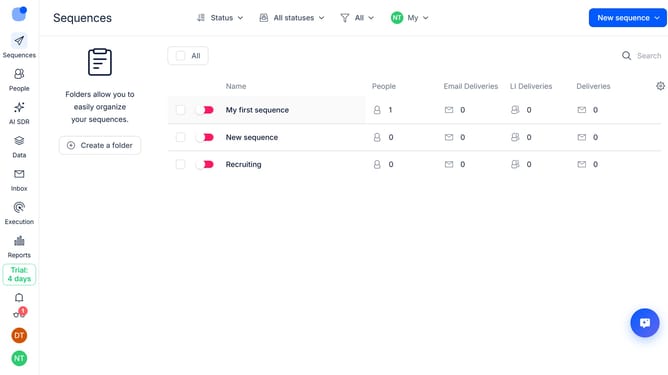
- First click a sequence where you want to disable the List-Unsubscribe header
- Then click on "Settings" button in the top menu
- Next click on the dropdown button for the "General settings"
- Then toggle the "Enable List-Unsubscribe header for all emails from this sequence" switch to OFF
- Then scroll down to view more option
- Finally click on the "Save settings" button
Why should you How to disable the List-Unsubscribe header for a sequence in Reply
Reply.io is a powerful platform dedicated to automating and optimizing sales outreach.
In Reply.io, one of the features you might encounter is the List-Unsubscribe header in email sequences. This feature is designed for compliance and to enhance user experience by providing recipients with an easy way to opt-out.
However, there are times when you might prefer to disable this header for specific sequences. This approach can be valuable when you have an established, consent-based communication with your recipient list and wish to maintain a more personalized touch.
Disabling this feature allows you to tailor your outreach strategy more precisely, delivering emails that resonate better with your audience while aligning with your engagement goals.