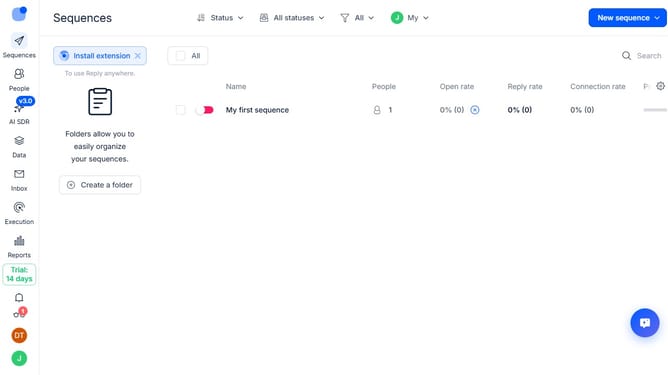
How to enable match email providers option in a sequence in Reply
Here is how to enable match email providers option in a sequence in reply
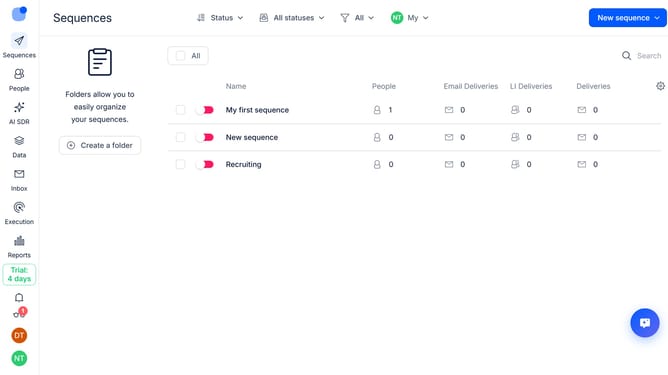
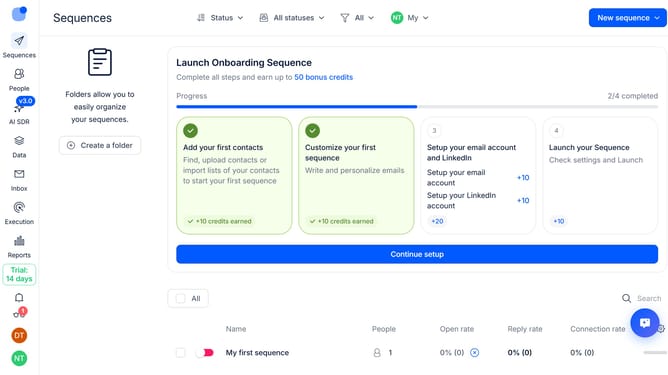
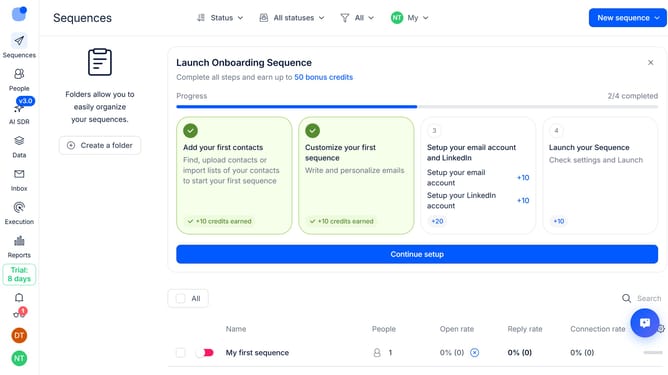
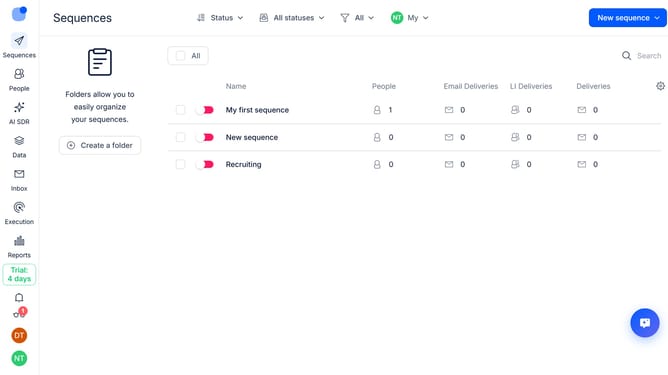
- First click on the sequence where you want to enable match email providers option in a sequence
- Then click on the "Settings" button in the header
- Next click the "General settings" dropdown option
- Then click on the toggle switch on for "Matching email providers" in the main content area
- Next scroll down to view more options
- Finally click on the "Save settings" button
Why should you How to enable match email providers option in a sequence in Reply
Reply.io is a powerful platform designed to streamline sales communication and engagement through automated sequences.
Enabling the “match email providers” option within a sequence optimizes email deliverability by aligning emails with recipient providers. This feature ensures messages are better received and reduces the chance of them landing in spam folders.
By harmonizing your emails with provider-specific standards, you increase the likelihood of reaching the intended inbox, ultimately enhancing engagement rates and fostering more meaningful connections with prospects.
Last update