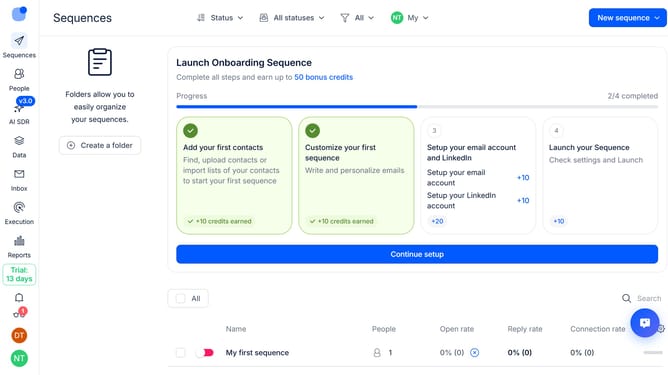
How to show LI deliveries sequence column in Reply
Here is how to show li deliveries sequence column in reply
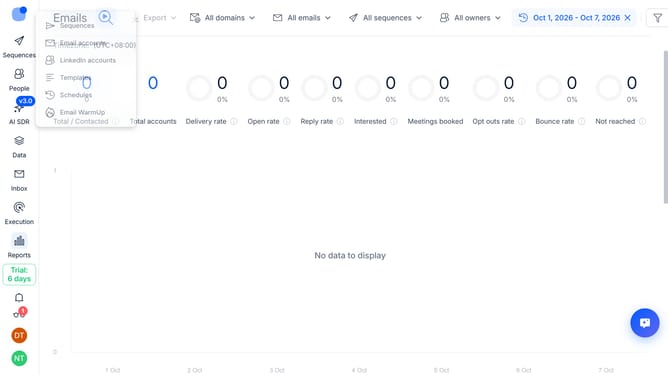
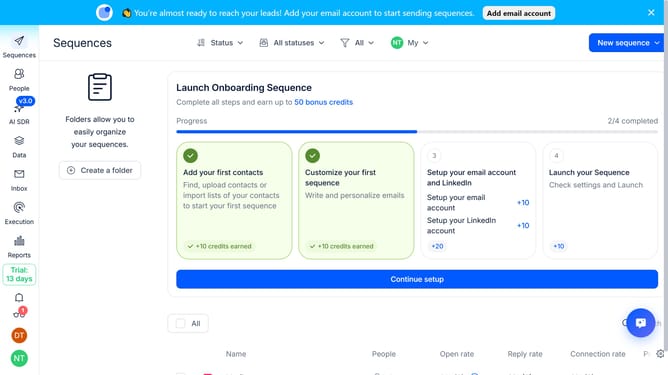
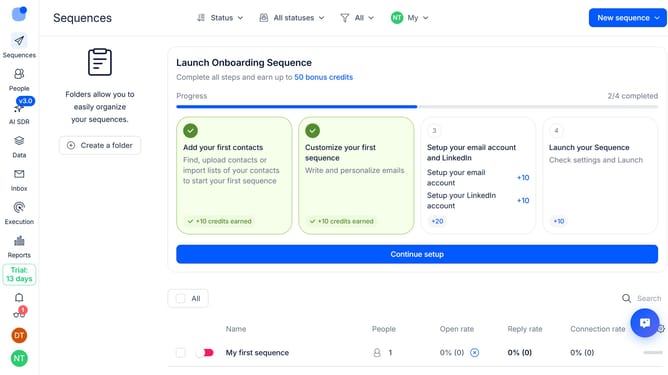
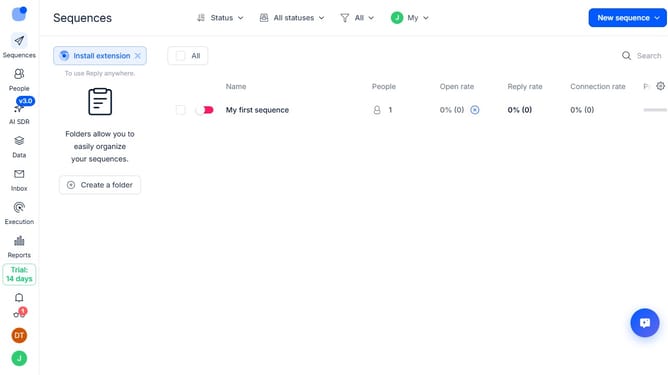
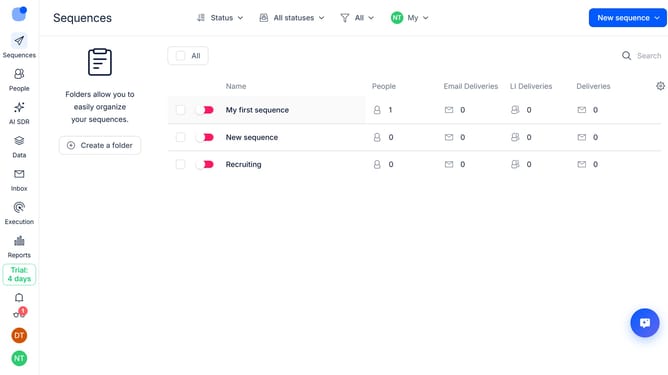
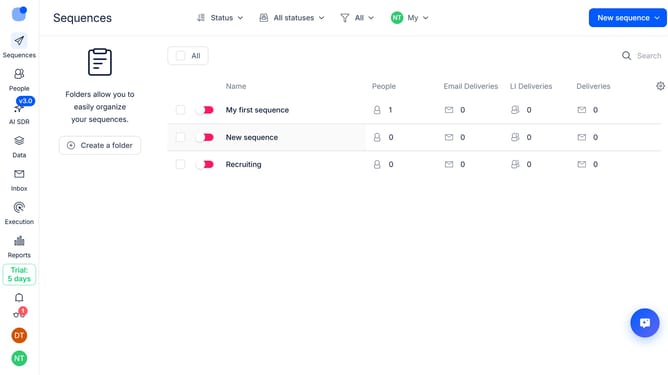
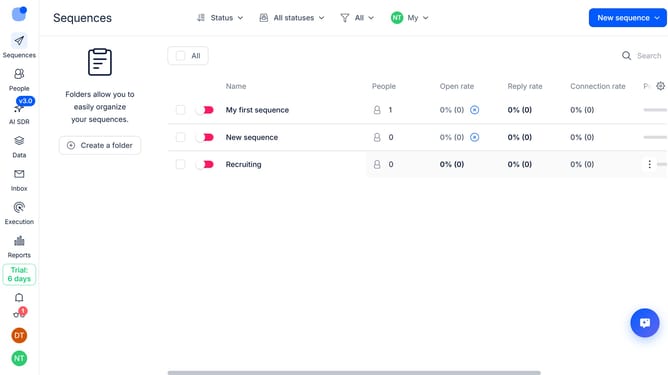
- First click on the "Sequences" option in the top left corner of the screen
- Then click on the "Settings" icon in the top-right of the page
- Next, click on the "Add column" button
- Finally, select "LI Deliveries" from the dropdown menu
Why should you How to show LI deliveries sequence column in Reply
Reply.io is an innovative sales engagement platform designed to streamline communication and maximize productivity.
One valuable feature in Reply is the ability to view the LinkedIn (LI) deliveries sequence column. This offers users a clear view of their engagement sequences, allowing them to track interactions efficiently.
By utilizing the LI deliveries sequence column, users gain deeper insights into their outreach efforts. It helps in prioritizing follow-ups and understanding the effectiveness of their strategies.
This feature ensures a more organized approach, leading to improved connection rates and measurable engagement success.
Last update