How to save sequence as template in Reply
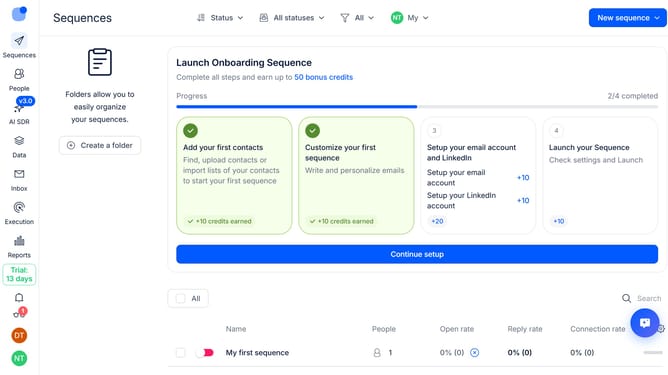
Here is how to save sequence as template in reply
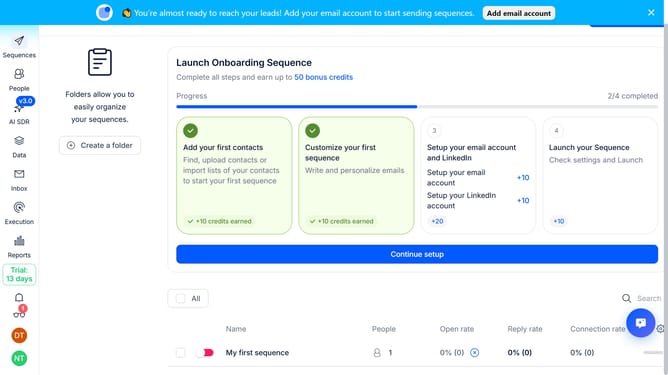
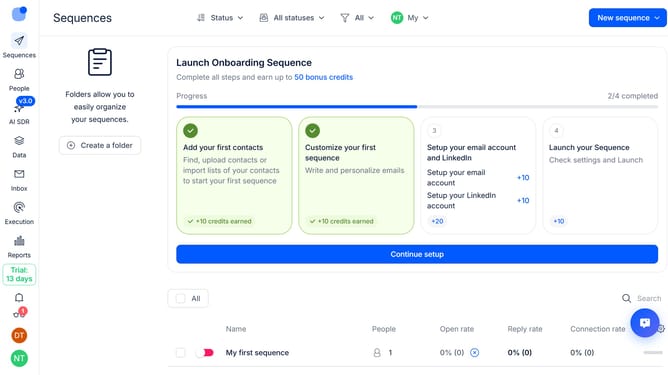
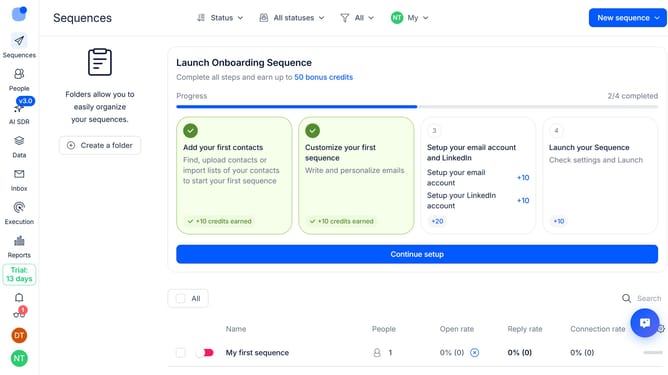
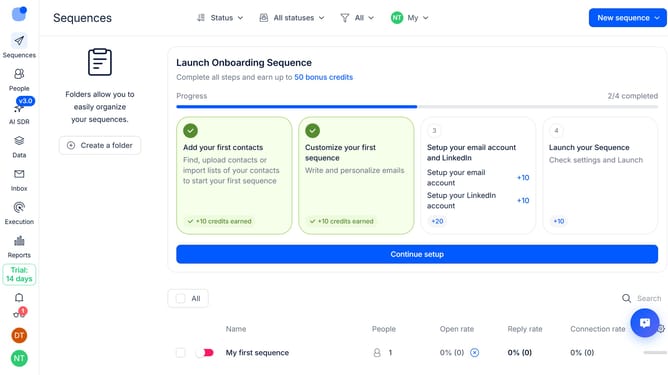
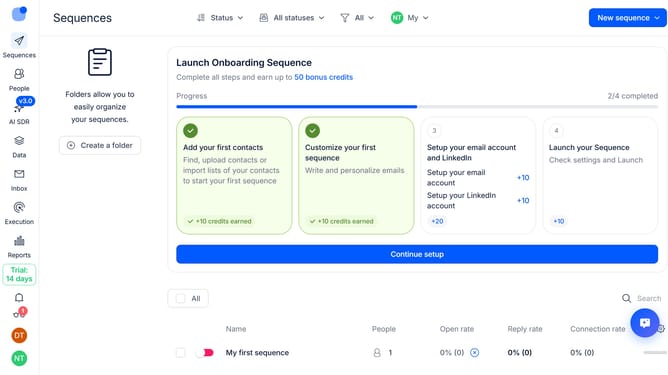
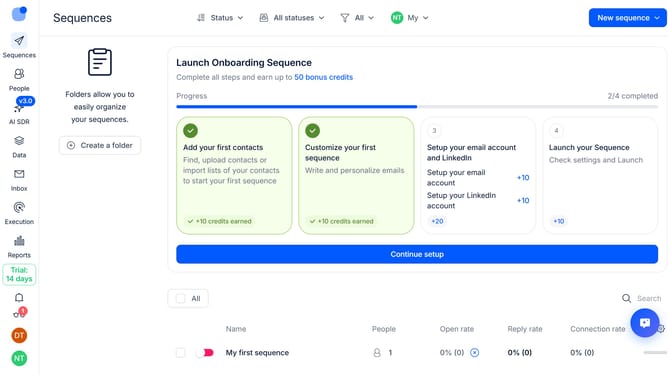
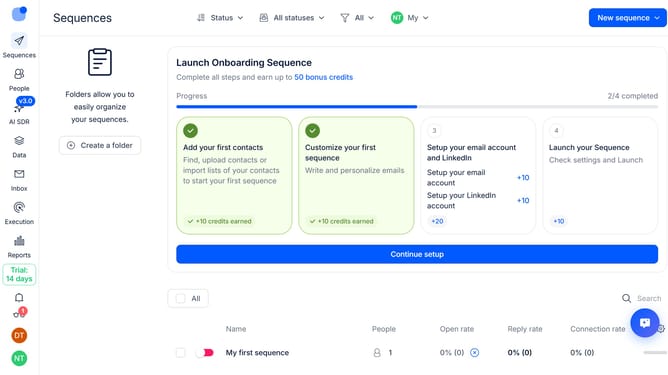
- First hover your mouse cursor over the sequence that you want to save as a template
- Then click on the three-dots icon next to the sequence
- Next, click on the 'Archive' option from the dropdown menu
- Then click on the description text input field and type in your desired description
- Finally, click on the 'Save' button to confirm saving the template
Why should you How to save sequence as template in Reply
Reply.io is an innovative platform designed to streamline your sales engagement and boost productivity with intelligent tools and automation.
One standout feature is the ability to save a sequence as a template. This allows users to repurpose successful strategies and communication flows effortlessly. By saving sequences, team members can replicate effective outreach methods without starting from scratch each time.
Utilizing this feature enhances consistency and efficiency, ensuring your team always has access to proven approaches. It's an excellent way to maintain quality and accelerate performance in your sales processes.
Last update