How to hide progress column in Reply
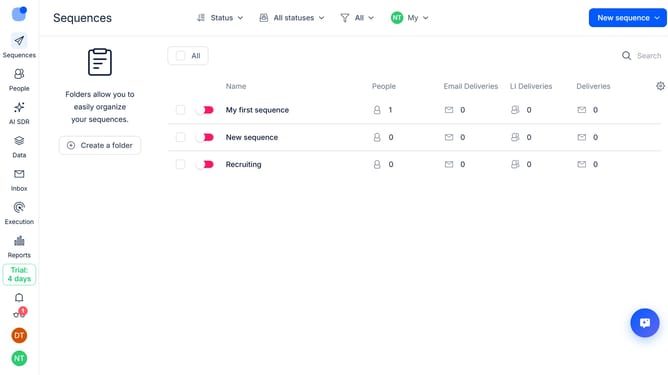
Here is how to hide progress column in reply
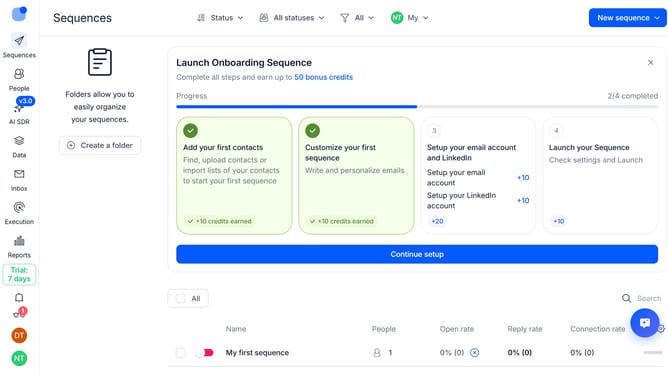
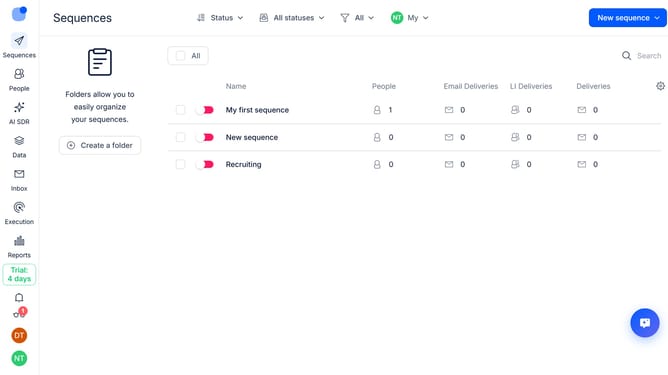
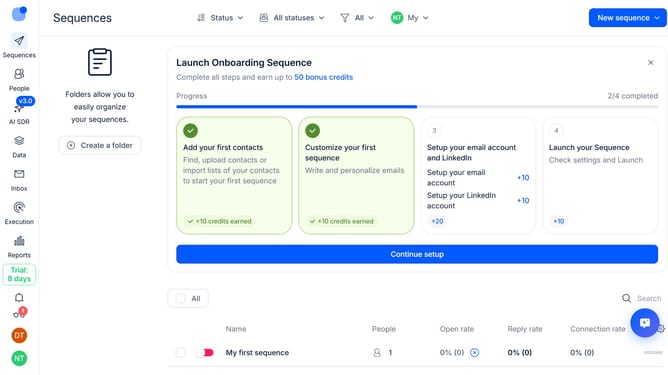
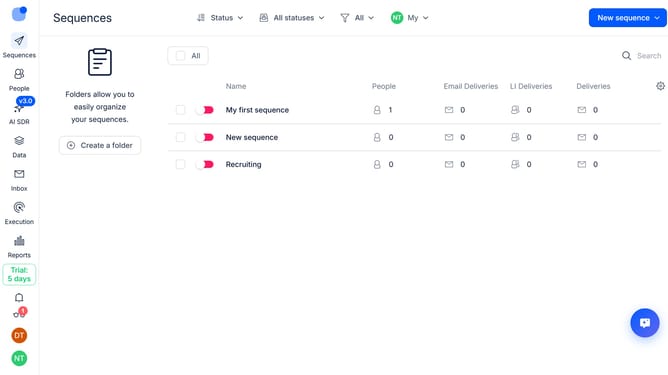
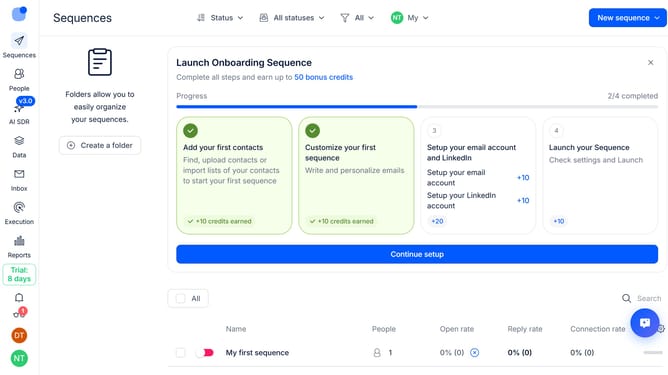
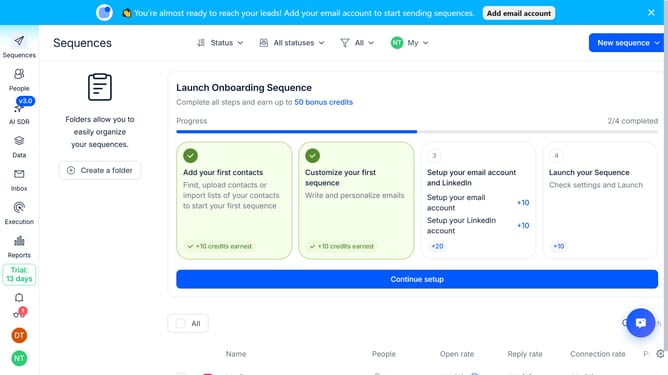
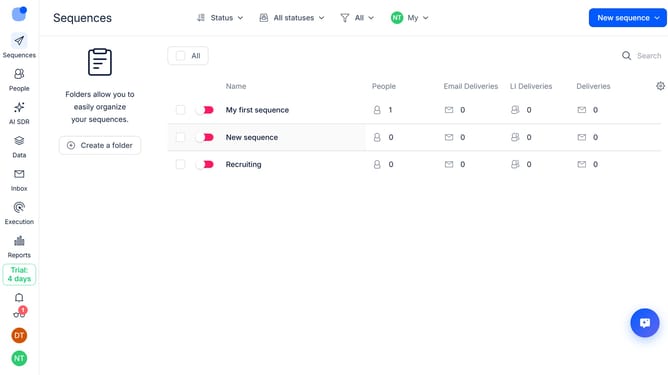
- First click on the "Sequences" tab in the left sidebar
- Then click on the "Settings" icon in top right of the page
- Finally click on the "X" button next to the "Progress" option
Why should you How to hide progress column in Reply
Reply.io is an advanced sales engagement platform designed to streamline communication processes and enhance productivity.
Among its many features, Reply offers the ability to hide the progress column in your dashboard. This feature provides a clutter-free view, allowing users to focus on the most relevant information without distractions.
By hiding unnecessary columns, you can tailor your dashboard to showcase only the essential metrics, optimizing your workspace for efficiency and clarity. This streamlined approach not only enhances focus but also significantly boosts workflow management.
Last update