How to hide the account column in contacts in Reply
Here is how to hide the account column in contacts in reply
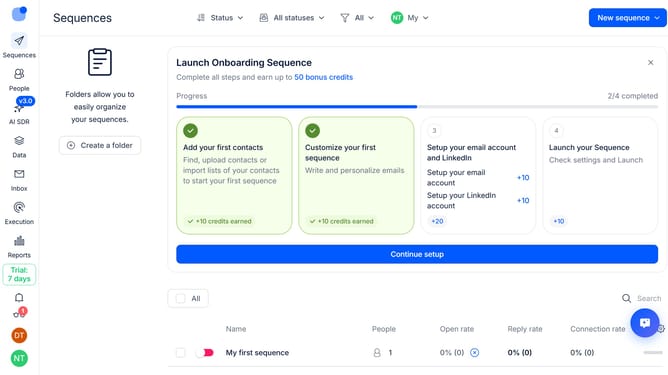
- First click on "People" item in the sidebar
- Then click on the settings icon next in the top-right of the page
- Finally click on the "x" icon next to "Account" to hide it
Why should you How to hide the account column in contacts in Reply
Reply.io is a powerful sales engagement platform that automates multichannel communications, driving productivity for sales teams.
One handy feature allows you to hide the account column in contacts, streamlining your view for better focus. Removing unnecessary clutter can enhance your team’s efficiency, ensuring that only the most relevant information is highlighted during critical interactions.
This feature is especially beneficial for those aiming to concentrate on direct outreach efforts without the distraction of additional columns. By tailoring your contact view, you create a cleaner interface, helping you manage communications more effectively.
Last update