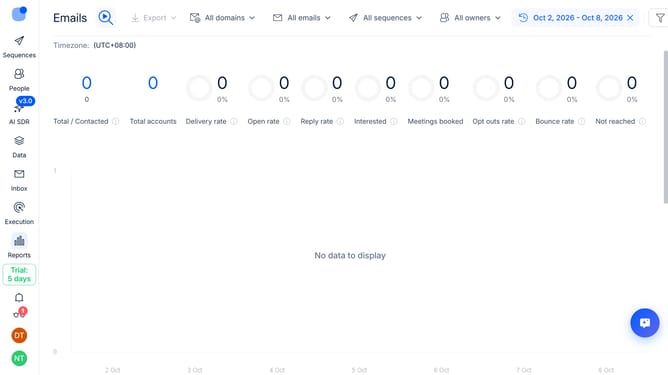
How to automatically resume out-of-office contacts in Reply
Here is how to automatically resume out-of-office contacts in reply
- First click on the user profile icon in the left sidebar
- Then click on "Settings" in the user profile dropdown menu
- Next click on the "Emails" option in the left sidebar menu
- Then click on the dropdown arrow for "Out of Office" settings
- Next toggle on the "Resume Out of Office Contacts" option
- Finally click on the "Save settings" button
Why should you How to automatically resume out-of-office contacts in Reply
Reply.io is a robust tool designed to streamline and automate your email outreach efforts.
One notable feature of Reply.io is its ability to automatically resume out-of-office contacts. This feature ensures that your communication remains seamless and uninterrupted, even when your correspondents are temporarily unavailable.
By detecting out-of-office responses and resuming conversations once contacts are back, you maintain engagement effortlessly. This uninterrupted flow enhances productivity and ensures no opportunities slip through the cracks.
Last update