How to show progress sequence column in Reply
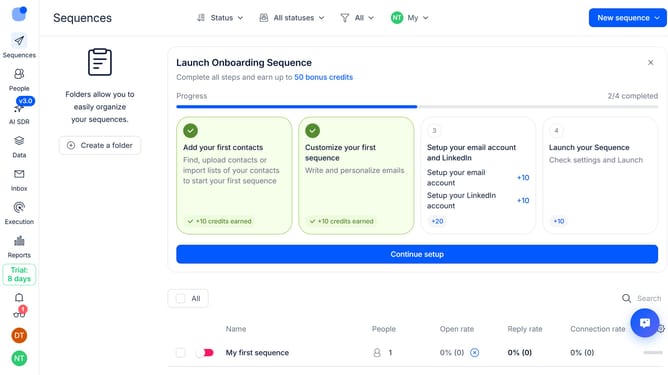
Here is how to show progress sequence column in reply
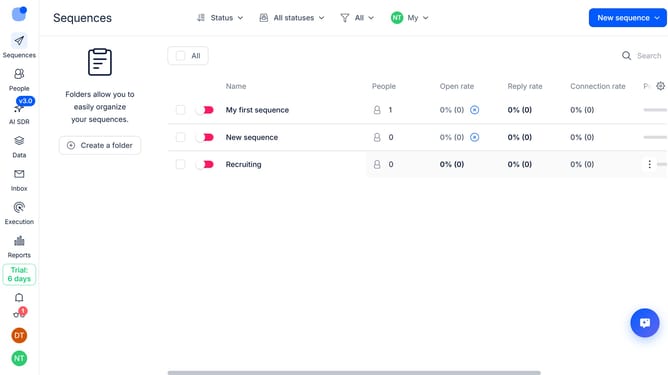
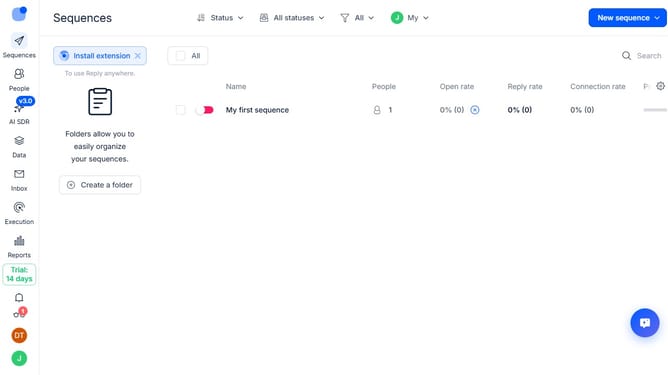
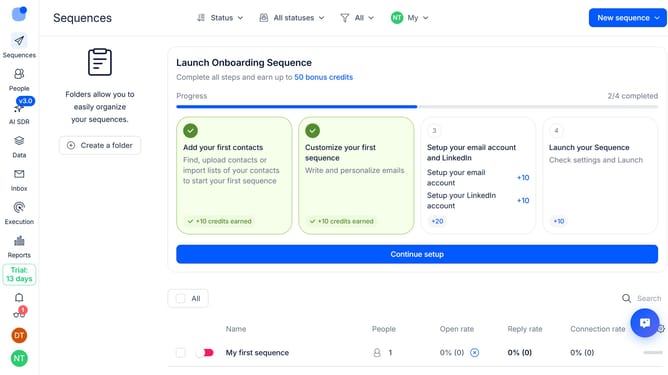
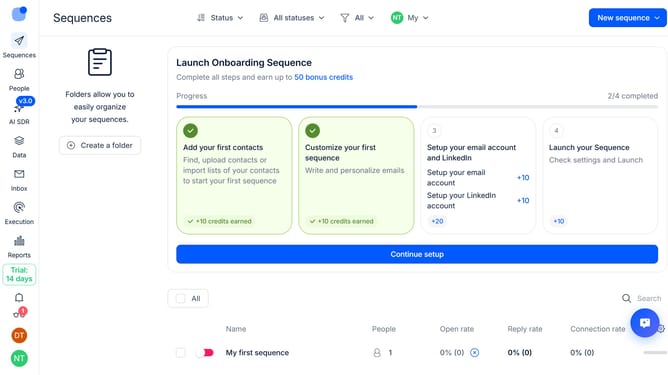
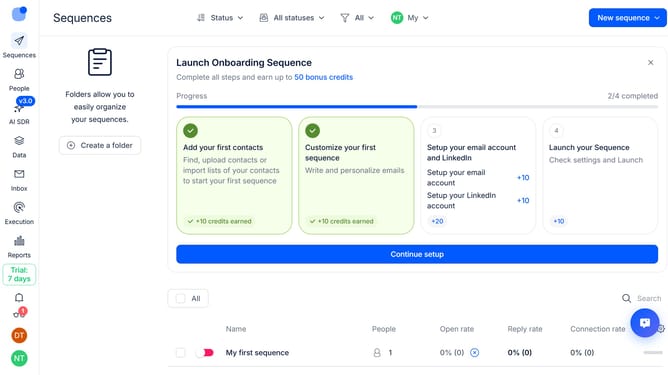
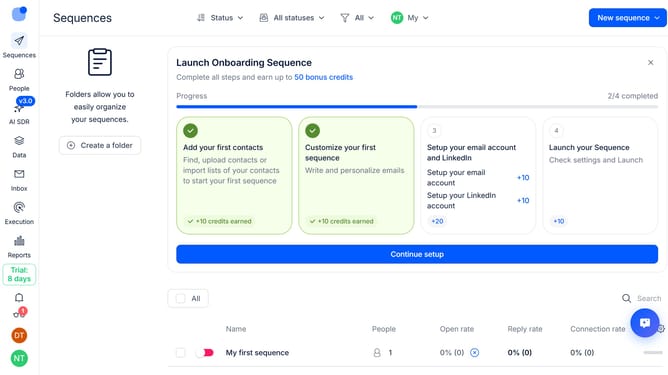
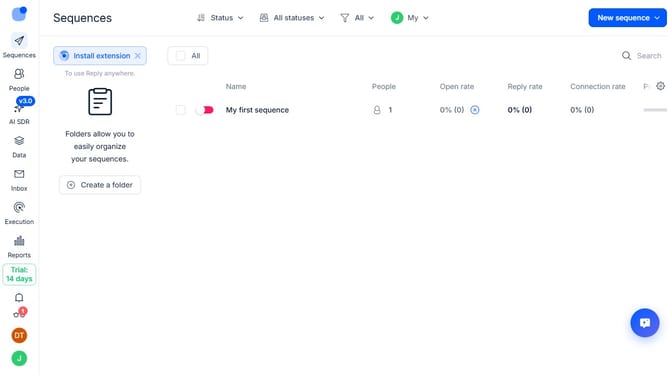
- First click on the "Sequences" option in the left sidebar
- Then click on the settings icon in the top-right menu
- After that click on the "Add column" button
- Finally select "Progress" from the dropdown list
Why should you How to show progress sequence column in Reply
Reply.io is a cutting-edge platform designed to streamline and automate multi-channel sales engagement.
The Progress Sequence column in Reply provides users with a dynamic overview of their campaign's status, ensuring clarity and direction in every interaction. This feature allows sales teams to track the advancement of each sequence, empowering them to optimize their outreach efforts effectively.
Utilizing the Progress Sequence column enhances workflow efficiency by offering real-time insights, helping teams make data-driven decisions and prioritize tasks seamlessly. It fosters a more organized approach to sales, ensuring prospects are nurtured and engaged timely.
Last update