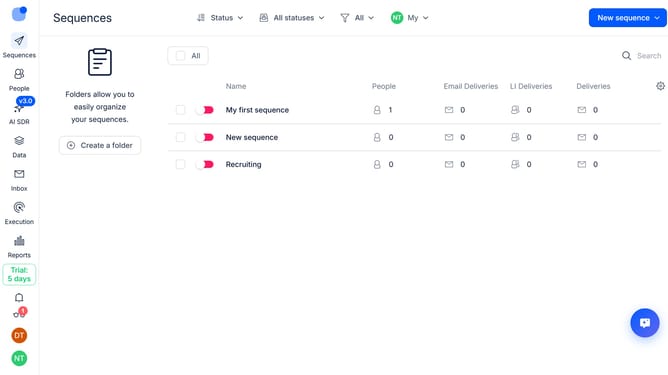
How to hide the industry column in contacts in Reply
Here is how to hide the industry column in contacts in reply
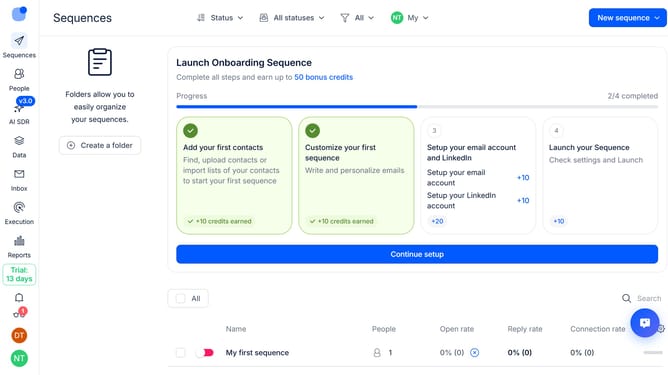
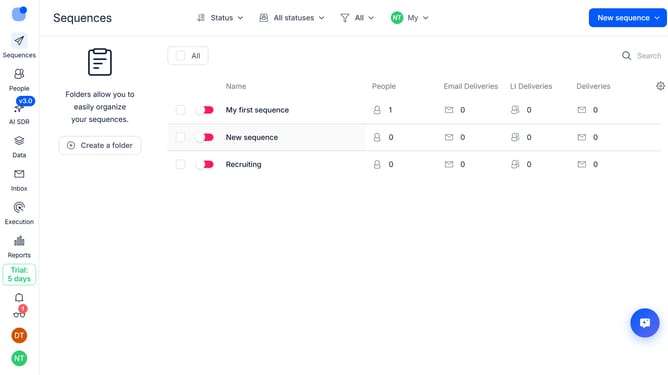
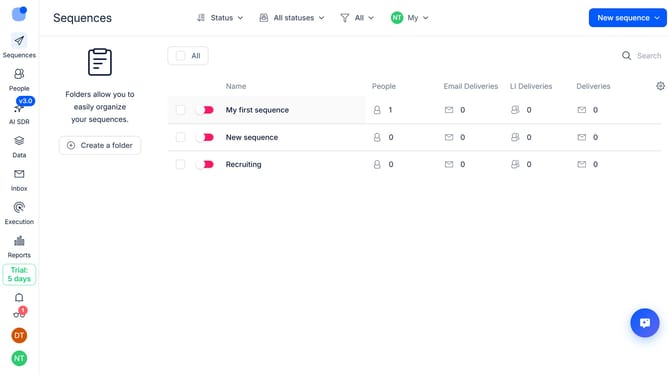
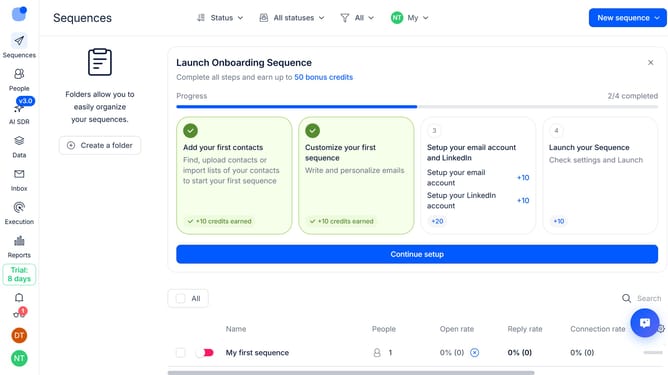
- First click on the "People" item in the left sidebar
- Then click on the "Gear" settings icon in the top-right of the page
- Finally click on the "X" icon next to the "Industry" option
Why should you How to hide the industry column in contacts in Reply
Reply.io is a dynamic platform designed to streamline your sales and outreach processes with effective communication tools.
The ability to hide the industry column in contacts within Reply offers a more focused view, allowing sales teams to streamline their data interface.
This feature enhances your workflow by decluttering unnecessary information, thereby improving focus on more relevant data points.
By customizing your view, you can prioritize the metrics that matter most, ensuring a more efficient and productive use of the platform.
Last update