How to disable match email providers option in a sequence in Reply
Here is how to disable match email providers option in a sequence in reply
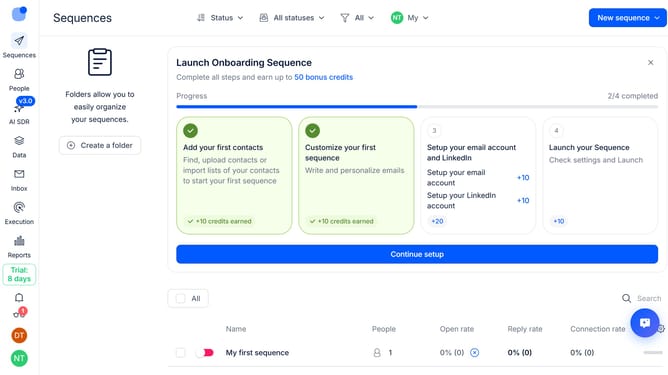
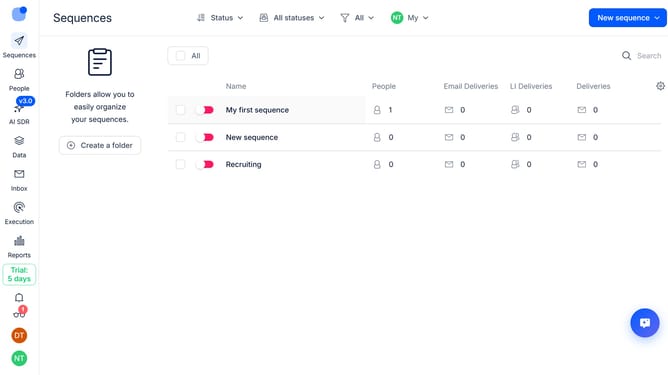
- First click on the sequence where you want to disable match email providers option
- Then click on the "Settings" button
- Next click on the dropdown arrow to expand more settings
- Then toggle off the switch next to "Matching email providers"
- Next scroll down to view more options
- Finally click on the "Save settings" button
Why should you How to disable match email providers option in a sequence in Reply
Reply.io is a robust sales engagement platform designed to optimize communication and enhance productivity.
One valuable feature of Reply is the ability to disable the "match email providers" option in a sequence. By turning off this setting, users can send targeted messages without restrictions related to specific email domains.
This feature is particularly beneficial when seeking to reach a diverse audience without limitations. It enhances the flexibility of your outreach, ensuring that your message reaches a broader scope of prospects smoothly and efficiently.
Leveraging this capability can significantly improve your engagement rates by allowing seamless communication with varied email providers.
Last update