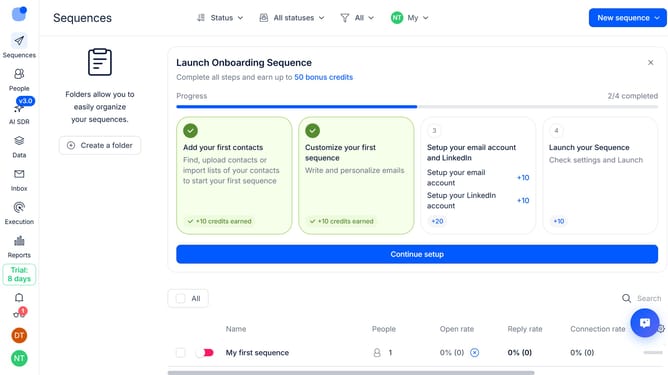
How to enable open tracking for a sequence in Reply
Here is how to enable open tracking for a sequence in reply
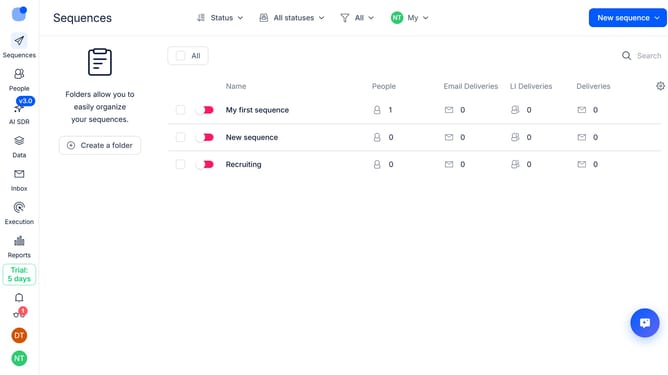
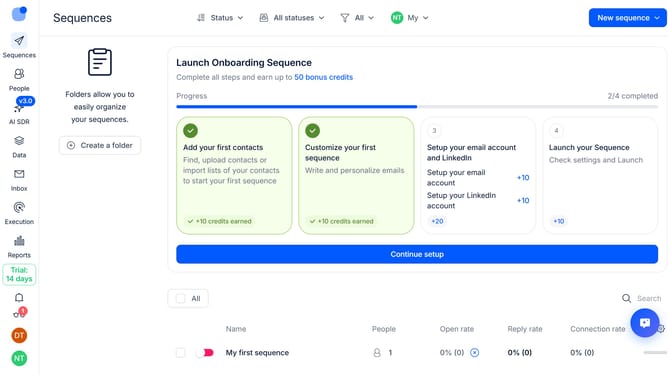
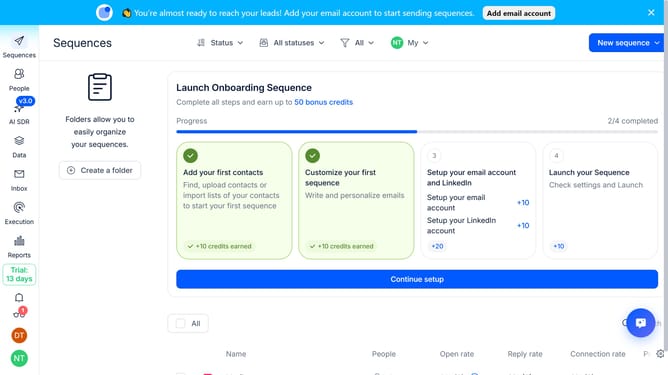
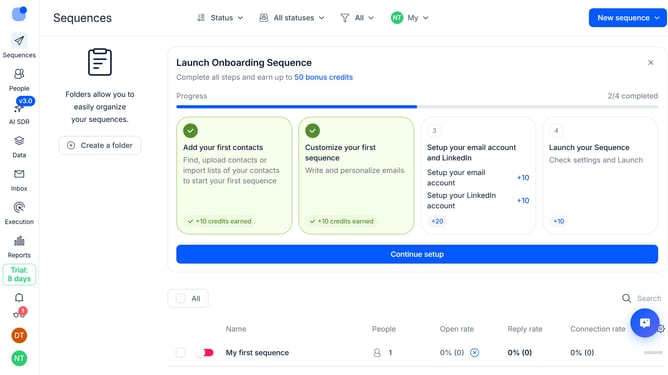
- First click on the sequence where you want to enable open tracking
- Then click on the "Settings" button in the top menu
- Next click on the "Email Tracking" dropdown button
- Then turn off the toggle switch for "Plain text sending mode (text-only)"
- Next turn on the toggle switch for "Open tracking"
- Finally click on the "Save settings" button in the bottom right corner
Why should you How to enable open tracking for a sequence in Reply
Reply.io is a powerful sales engagement platform designed to streamline communication and automate outreach.
Enabling open tracking for a sequence in Reply is a simple way to boost your email campaign effectiveness. This feature allows you to know when recipients open your emails, providing crucial insights into engagement levels.
By utilizing open tracking, you can analyze recipient behavior, refine your strategies, and tailor follow-up actions. This leads to more informed decisions, enhancing your outreach potential.
Ultimately, open tracking empowers you with the data needed to maximize response rates and improve overall campaign success.
Last update