How to remove the limit on same-domain contacts per day in a sequence in Reply
Here is how to remove the limit on same-domain contacts per day in a sequence in reply
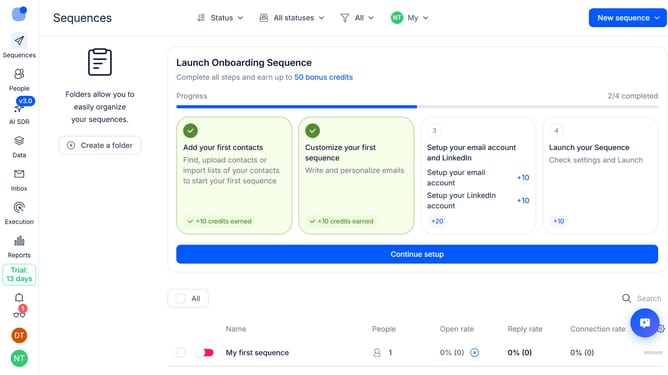
- First click on the sequence where you want remove the limit on same-domain contacts per day
- Then click on "Settings" button in the top menu
- Next click on the dropdown button for "General settings"
- Then toggle the "Max same-domain contacts per day" switch to OFF
- Next scroll down to view more options
- Finally click on "Save settings" button
Why should you How to remove the limit on same-domain contacts per day in a sequence in Reply
Reply.io is a dynamic sales engagement platform designed to enhance communication and boost productivity.
Removing the limit on same-domain contacts per day in a sequence within Reply maximizes outreach efficiency. This feature empowers users to connect with multiple individuals from the same organization seamlessly.
Utilizing this capability results in more robust connections and a stronger presence within target companies. Enhanced engagement fosters better relationship-building and opens doors to collaborative opportunities, ultimately driving success.
Last update