How to hide the provider column in contacts in Reply
Here is how to hide the provider column in contacts in reply
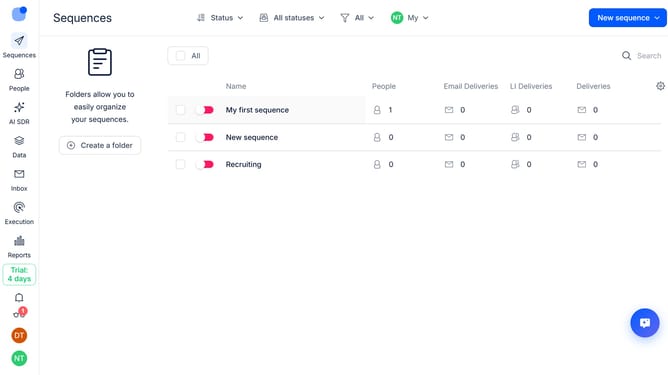
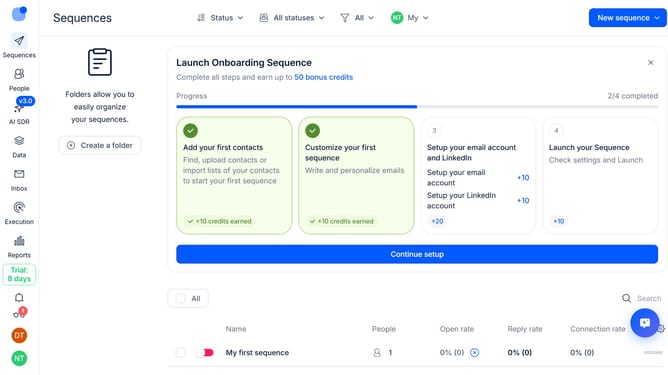
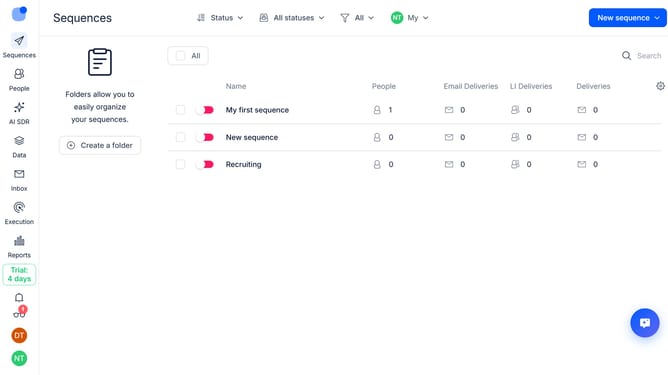
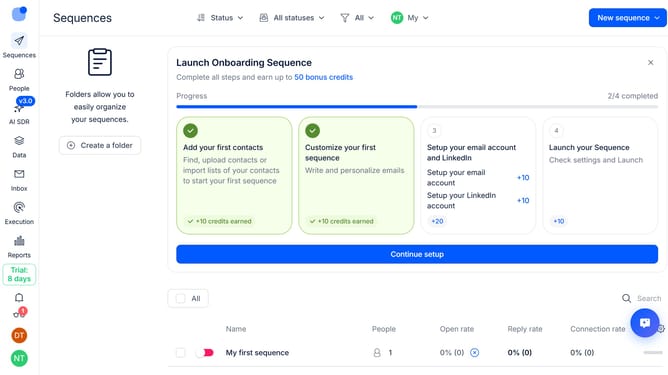
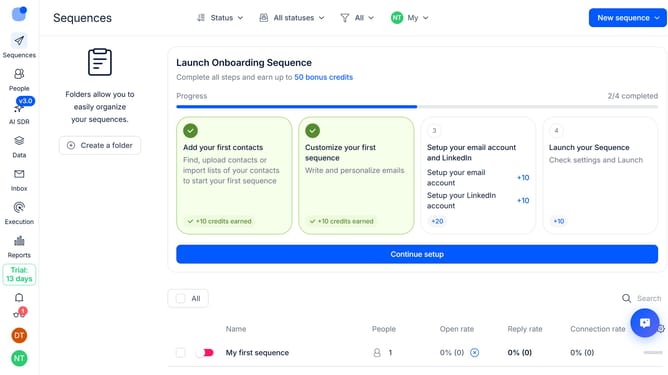
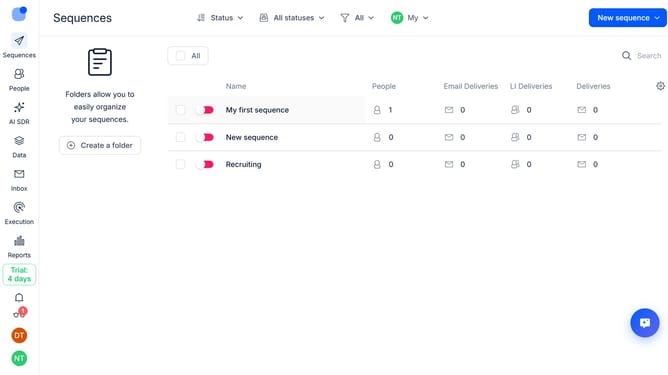
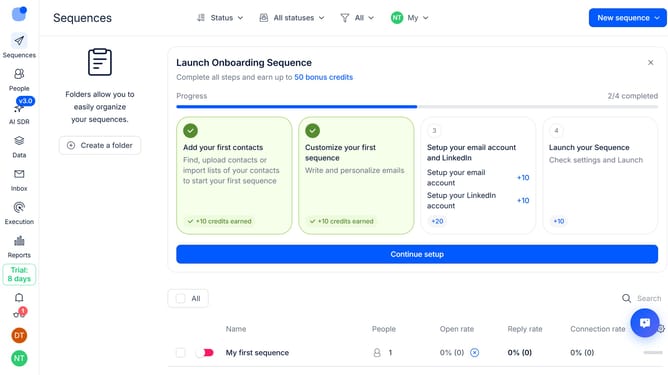
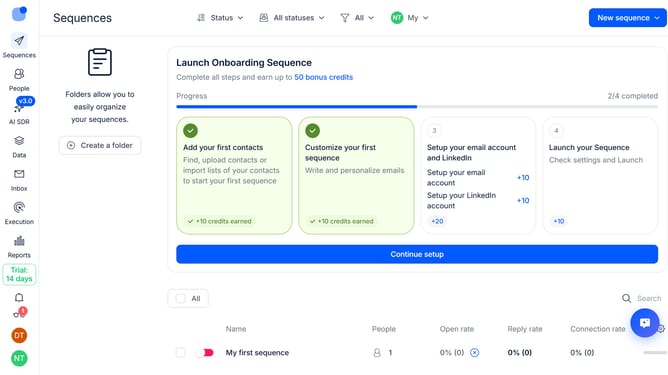
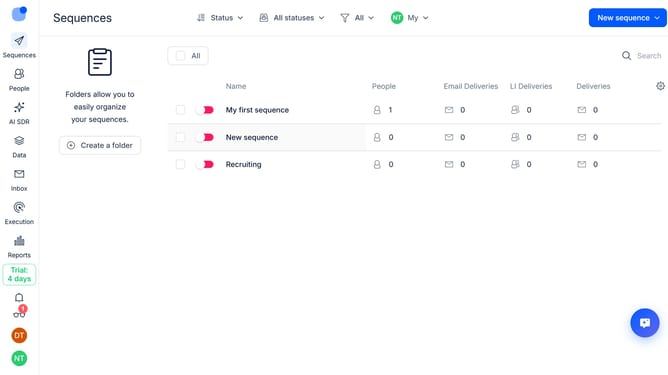
- First click on the 'People' tab in the left sidebar
- Then click on the settings icon in the top-right menu
- Finally click on the 'x' next to the 'Provider' option to hide the column
Why should you How to hide the provider column in contacts in Reply
Reply.io is a powerful platform designed to streamline and elevate your sales engagement strategy.
Among its numerous features, Reply.io allows users to customize their contact management experience.
By hiding the provider column in contacts, you can declutter your view, ensuring that your team focuses only on the most pertinent information necessary for your outreach efforts.
This leads to a more efficient workflow and empowers you to prioritize client interactions without unnecessary distractions, enhancing overall productivity and clarity.
Last update