How to continue sequence steps when contacts book a meeting in Reply
Here is how to continue sequence steps when contacts book a meeting in reply
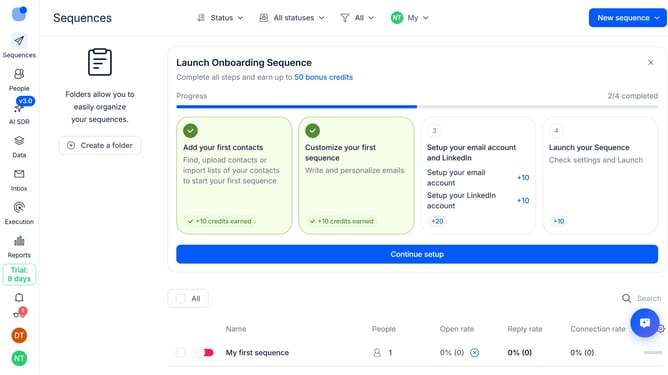
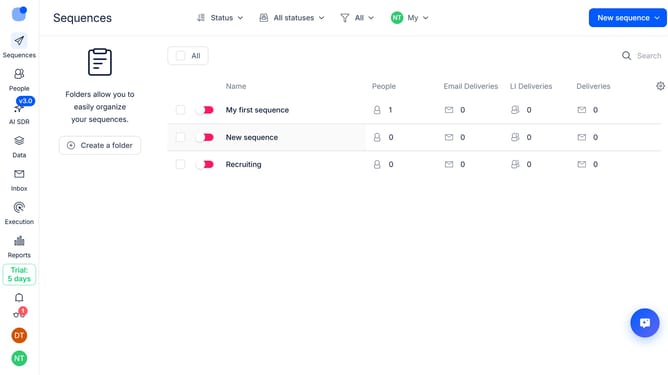
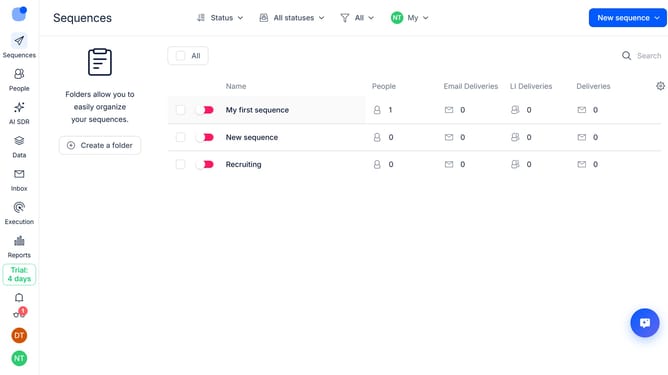
- First click on a sequence where you want to continue sequence steps when contacts book a meeting
- Then click on the "Settings" button in the top menu
- Next, click on the dropdown arrow next to "Replies handling" section
- Then click on the "When person books a meeting" dropdown button
- Next, click on the "Continue processing steps" option from the dropdown menu
- Finally, click on the "Save settings" button at the bottom of the page
Why should you How to continue sequence steps when contacts book a meeting in Reply
Reply.io is a dynamic platform designed to streamline your outreach efforts and enhance communication workflows.
One standout feature of Reply is the ability to seamlessly continue sequence steps when contacts book a meeting. This functionality ensures that customer interactions remain uninterrupted, maintaining the momentum of engagement without manual adjustments.
Utilizing this feature allows for more efficient follow-ups and a smoother customer journey. By automating these sequences, you save time, reduce effort, and keep your focus on building meaningful relationships.
Last update