How to disable click tracking for a sequence in Reply
Here is how to disable click tracking for a sequence in reply
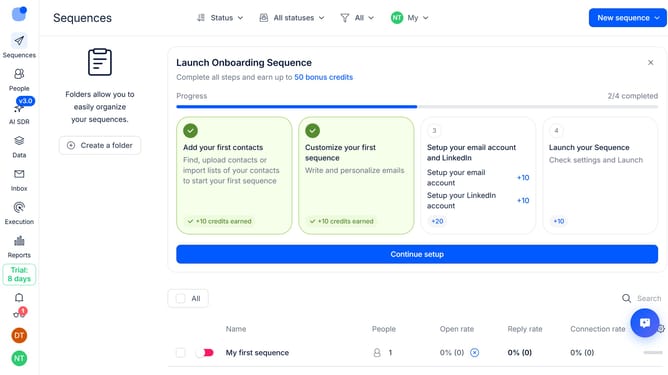
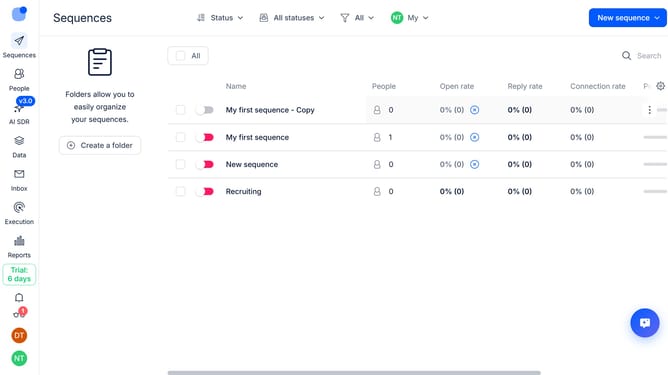
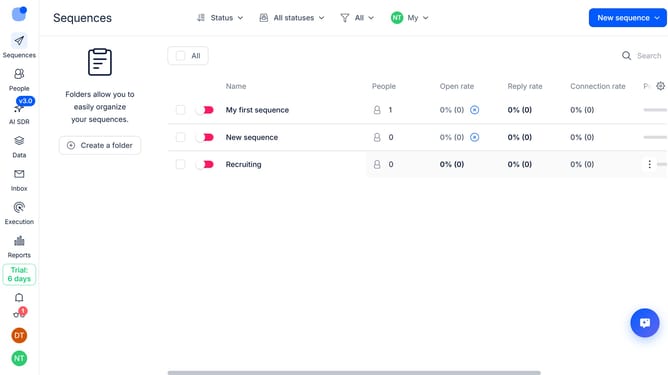
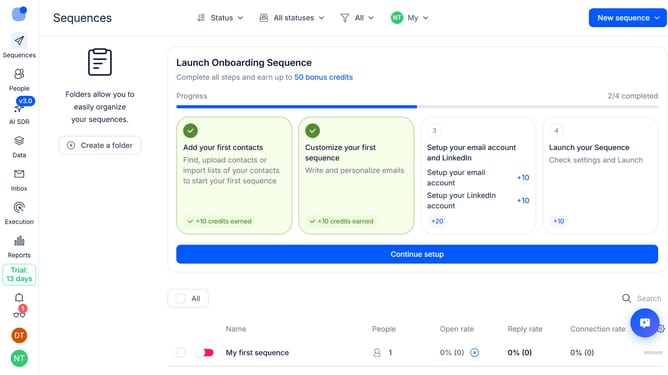
- First click a sequence where you want to disable click tracking
- Then click on the "Settings" button in the top menu
- Next, click on the dropdown button next to the "Email Tracking" option
- Then toggle off the switch for "Clicks tracking" to disable it
- Finally click on the "Save settings" button
Why should you How to disable click tracking for a sequence in Reply
Reply.io is a sophisticated platform designed to automate your sales communications effectively.
One of its valuable features is the ability to disable click tracking for a sequence. This option provides users with greater control over their email campaigns, ensuring that your messages are received as intended without tracking interference.
By disabling click tracking, you can enhance privacy for your recipients, build trust, and avoid potential email filtering that can occur with tracked links. It's an excellent choice for those aiming to maintain a clean and straightforward communication strategy.
Last update