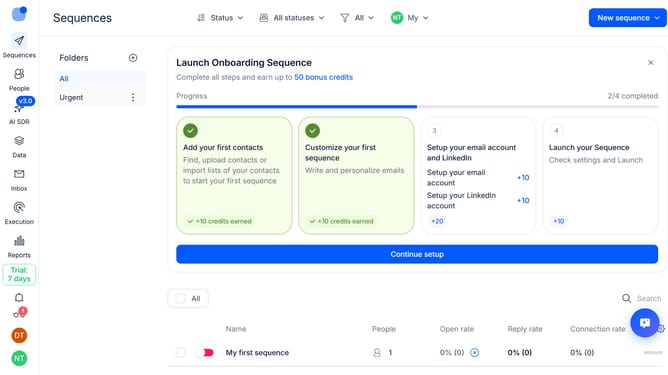
How to skip InMail steps when credits are unavailable in a sequence in Reply
Here is how to skip inmail steps when credits are unavailable in a sequence in reply
- First click on a sequence where you want to skip InMail steps when credits are unavailable
- Then click on the "Settings" tab in the top menu
- Next click on the dropdown arrow next to "General settings"
- Then click on the toggle on the switch for "Skip InMail step automatically if no InMail credits are available"
- Next scroll down to view more options
- Finally click on the "Save settings" button
Why should you How to skip InMail steps when credits are unavailable in a sequence in Reply
Reply.io is a robust platform designed to automate and streamline sales engagement through multichannel outreach.
The feature to skip InMail steps in Reply's sequences ensures seamless workflow even when InMail credits are unavailable.
This clever functionality allows your sequences to continue uninterrupted, maintaining momentum and increasing efficiency in your outreach efforts.
By automatically bypassing steps that require InMail credits, it ensures you don’t hit any snags, ultimately enhancing productivity and making your sales process more resilient.
Last update