How to disable skip InMail steps when credits are unavailable in a sequence in Reply
Here is how to disable skip inmail steps when credits are unavailable in a sequence in reply
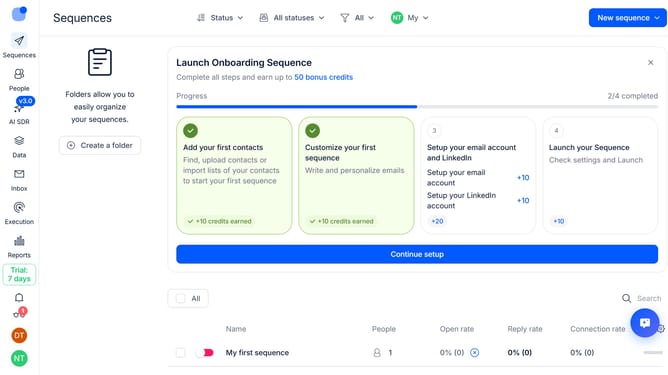
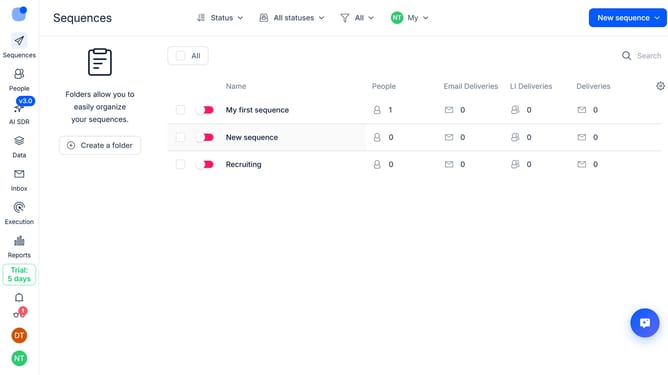
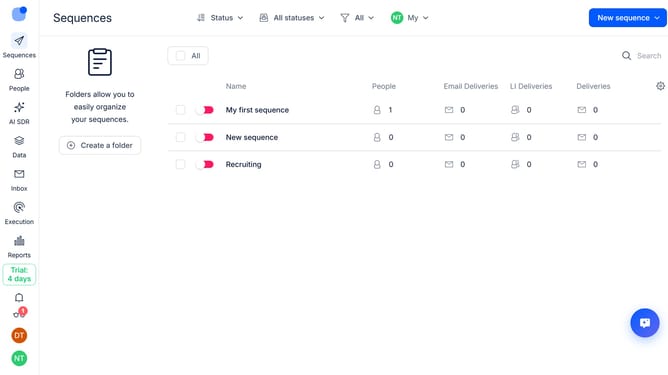
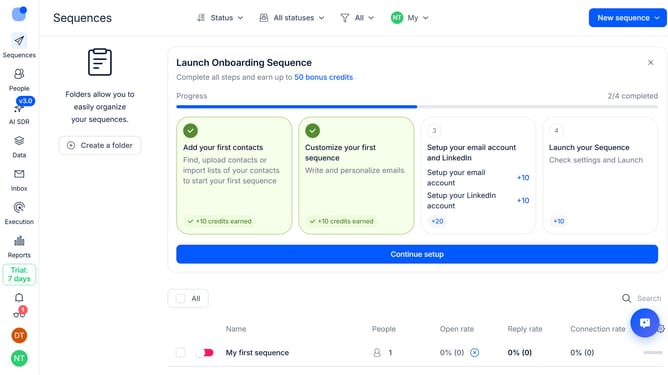
- First click on the sequence where you want to disable skip InMail steps when credits are unavailable in the main panel
- Then click on the "Settings" tab in the header
- Next click on the dropdown button next to the "General settings" option
- Then click on the toggle switch next to "Skip InMail step automatically if no InMail credits are available"
- Finally click on the "Save settings" button
Why should you How to disable skip InMail steps when credits are unavailable in a sequence in Reply
Reply.io streamlines communication by automating outreach processes and enhancing sales engagement.
Disabling the skip InMail steps when credits are unavailable ensures your sequences remain effective and uninterrupted. Enabling this feature means your outreach strategy doesn’t hit a snag, maintaining momentum and maximizing engagement opportunities.
This approach ensures that your communication flow is consistent, improving the efficiency and effectiveness of your campaigns. By removing interruptions due to insufficient credits, you can focus on strategic engagement rather than operational hiccups.
Last update