How to hide LI Deliveries column in Reply
Here is how to hide li deliveries column in reply
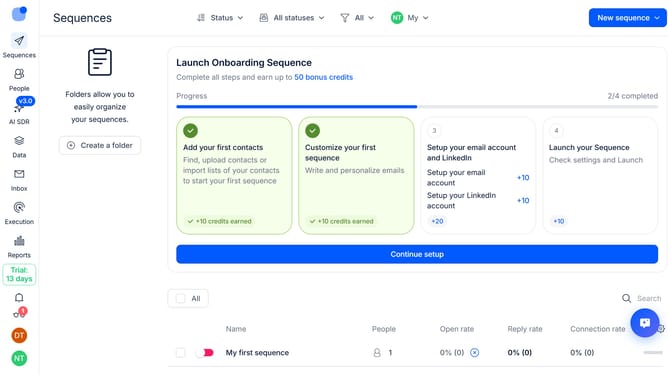
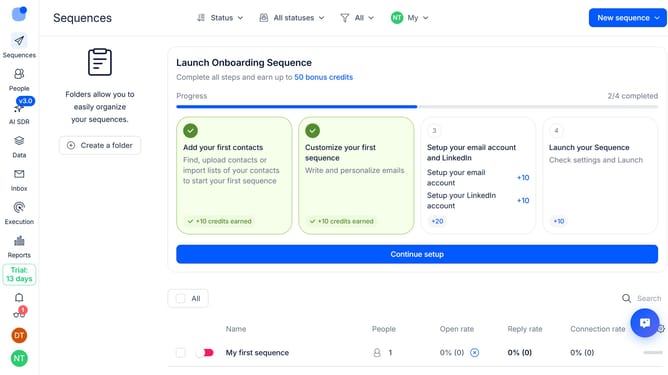
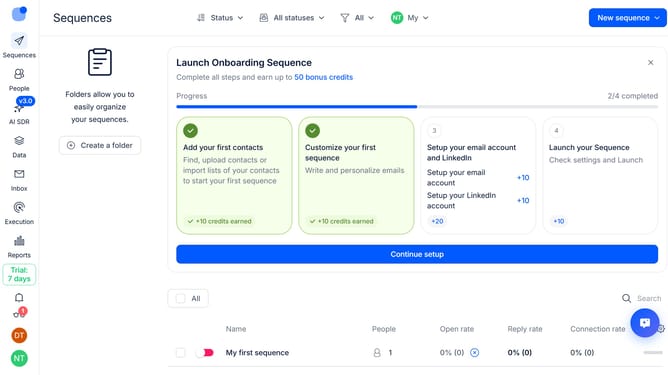
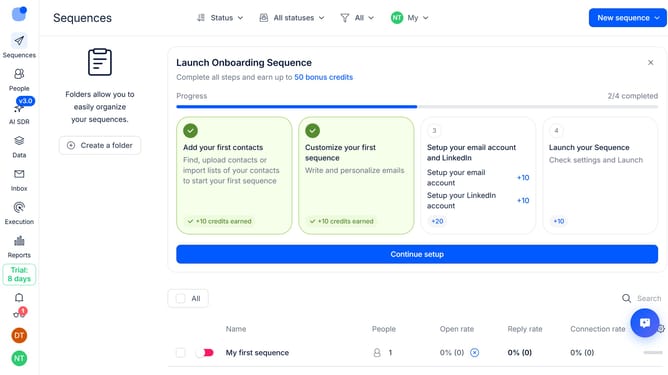
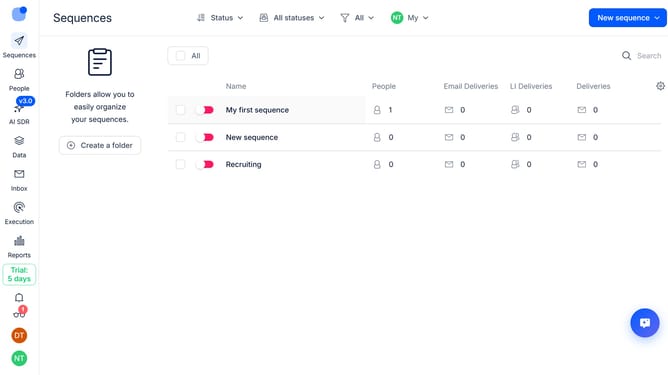
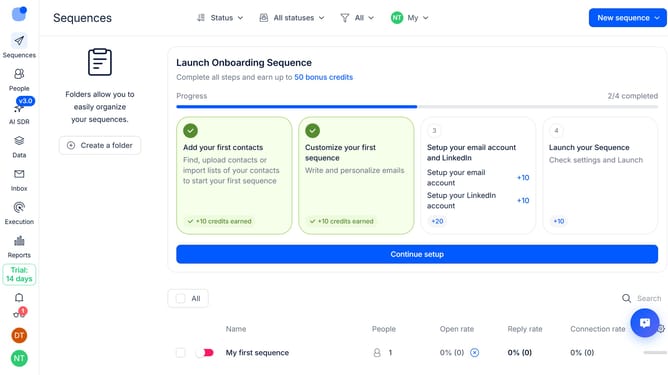
- First click on "Sequences" item in the left sidebar
- Then click on the "gear" icon in the top menu
- Finally click on the "X" icon next to the "LI Deliveries" option
Why should you How to hide LI Deliveries column in Reply
Reply.io is a versatile tool designed to streamline and optimize email communication for businesses and sales teams.
One of the features that enhances user experience is the ability to hide the LI Deliveries column. This simple action can declutter your workspace, allowing you to focus on more critical data points and enhance productivity.
Utilizing this feature means a cleaner, more focused view of your dashboard, which can lead to improved workflow efficiency and easier navigation, aiding in more strategic decision-making.
Last update