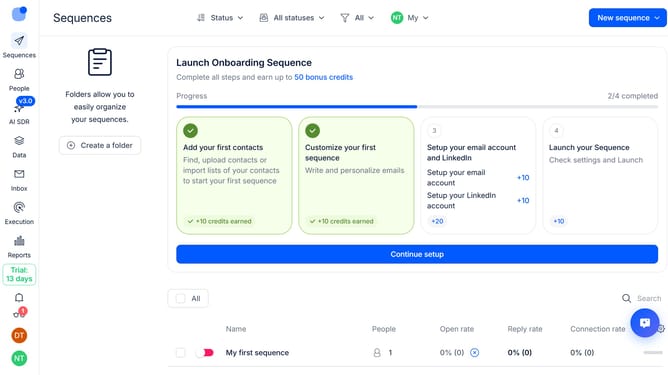
How to enable click tracking for a sequence in Reply
Here is how to enable click tracking for a sequence in reply
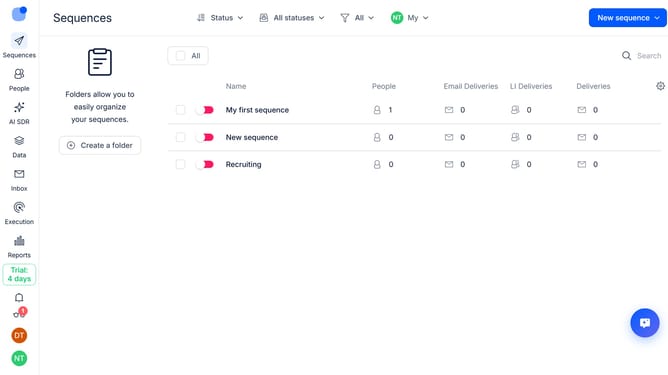
- First click on the sequence where you want to enable click tracking
- Next click on the "Settings" tab in the top menu
- Then click on the dropdown arrow to expand the "Email Tracking" section
- Next turn off the "Plain text sending mode (text-only)" toggle to disable it
- Then click on the "Clicks tracking" toggle to enable it
- Finally click on the "Save settings" button
Why should you How to enable click tracking for a sequence in Reply
Reply.io is a powerful platform designed to streamline communication and enhance outreach efforts through automation.
Enabling click tracking for a sequence in Reply allows users to monitor and analyze recipients' interactions with links. This feature provides invaluable insights into engagement levels, helping users refine their strategies effectively.
By understanding which links capture attention, businesses can tailor content to better meet audience needs, boosting response rates and optimizing campaign performance.
Incorporating click tracking empowers users to make data-driven decisions, ensuring more personalized and successful communication efforts.
Last update