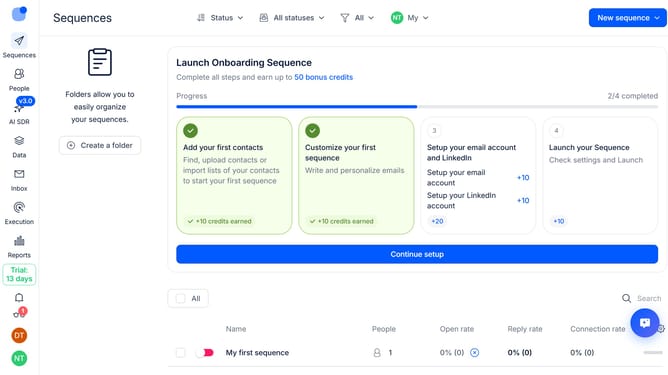
How to integrate Hubspot in Reply
Here is how to integrate hubspot in reply
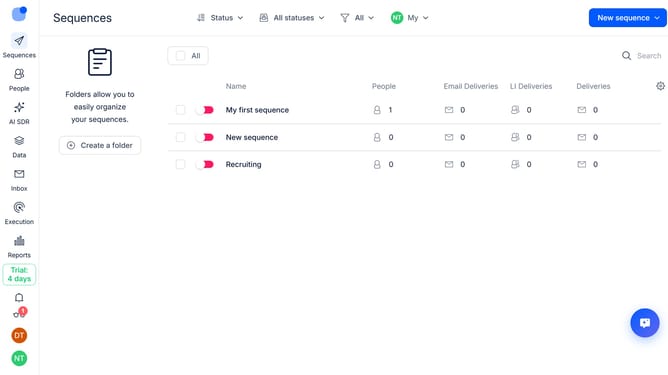
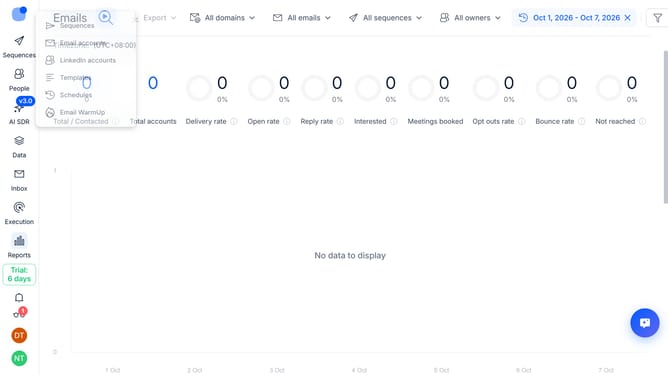
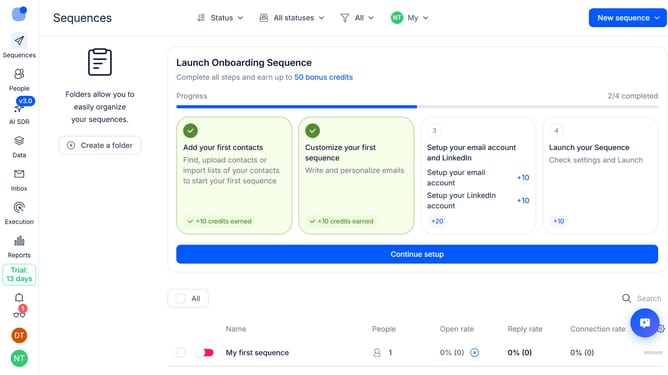
- First click on the user icon in the left sidebar
- Then click on the "Settings" option in the dropdown menu
- Next scroll down in the left sidebar menu
- Then click on the "Integrations" option in the left sidebar
- Finally click on the "+ Connect" button
Why should you How to integrate Hubspot in Reply
Reply.io is a cutting-edge engagement tool that streamlines communication and automates sales outreach for businesses.
Integrating HubSpot with Reply enhances your outreach by uniting both platforms for seamless communication. This feature allows users to effortlessly import contacts and manage campaigns efficiently.
Utilizing this integration saves time and ensures accuracy, as it automatically syncs data between HubSpot and Reply. This leads to enhanced productivity and keeps your sales process smooth and organized.
By combining the power of HubSpot’s CRM with Reply’s automation, businesses can optimize their lead management and outreach strategies effectively.
Last update