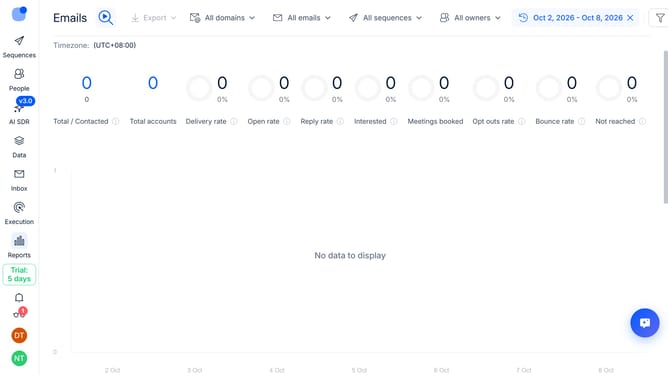
How to show email reply rate sequence column in Reply
Here is how to show email reply rate sequence column in reply
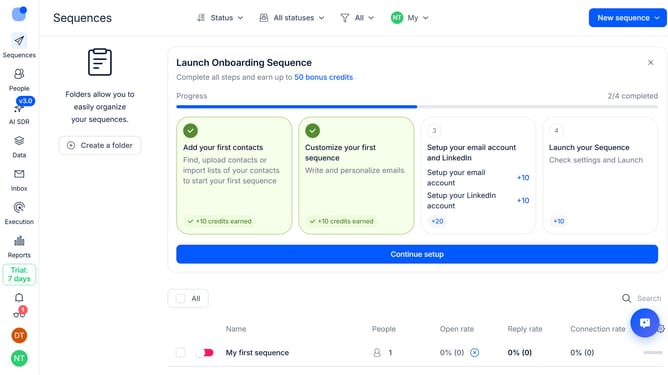
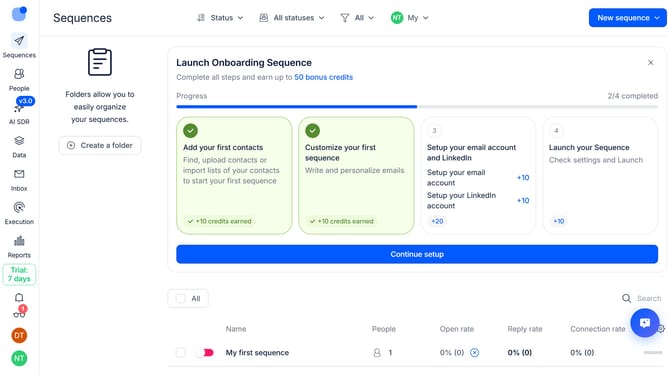
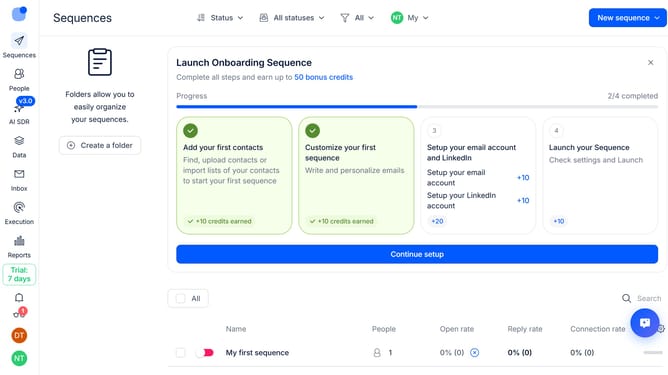
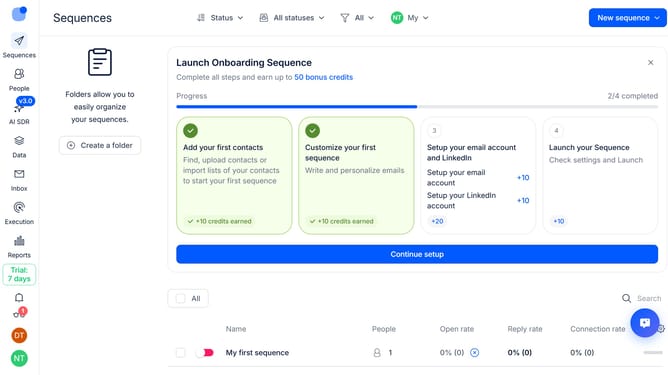
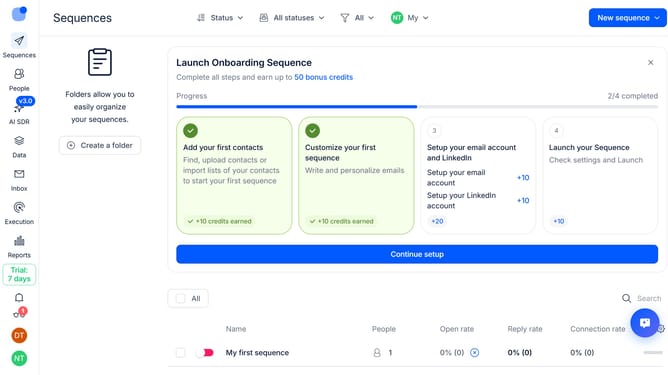
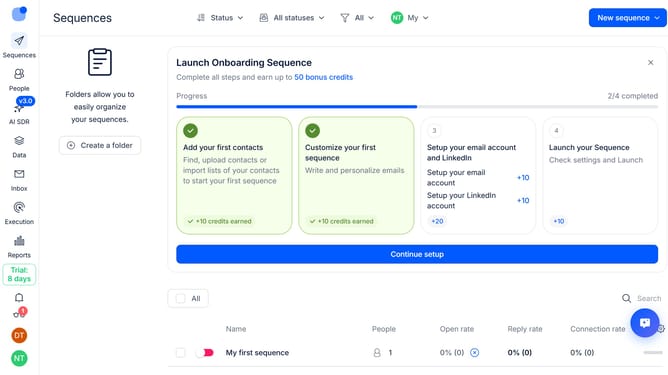
- First click on the "Sequences" item in the sidebar
- Then click on the "gear" icon in the top menu
- Next, click on the "Add column" button in the dropdown menu
- Finally, select "Email Reply rate" from the list of columns
Why should you How to show email reply rate sequence column in Reply
Reply.io is a powerful tool designed to streamline your email communication and boost sales engagement.
The feature to display the email reply rate sequence column in Reply is a game-changer for tracking email performance.
By using this feature, teams can quickly identify which sequences are generating the most responses, enhancing their outreach strategy.
Understanding reply rates helps teams refine their messaging and timing, leading to more successful campaigns and higher engagement.
Last update