How to assign created tasks to the sequence owner in Reply
Here is how to assign created tasks to the sequence owner in reply
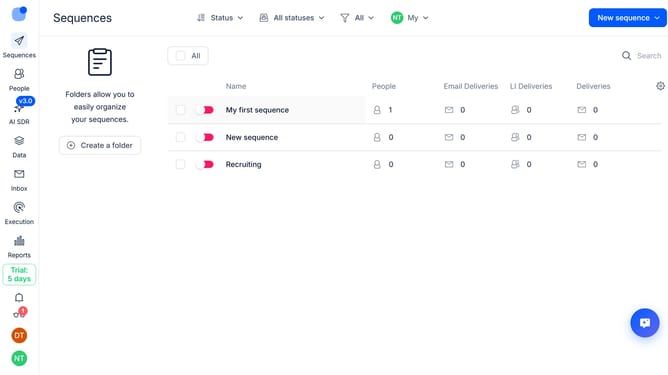
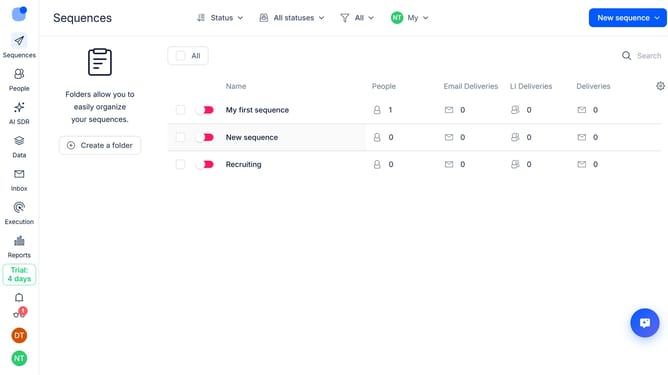
- First click on the sequence where you want to assign created tasks to the sequence owner
- Then click the "Settings" tab in the top navigation bar
- Next scroll down to view more options
- Then click on the dropdown button next to the "Tasks handling"
- Next click on "Who will be the owner of created tasks" dropdown
- Then select "Sequence owner" from the dropdown menu
- Finally click on "Save settings" button
Why should you How to assign created tasks to the sequence owner in Reply
Reply.io is an innovative engagement platform designed to streamline communication and automate outreach processes.
One of its standout features is the ability to assign created tasks directly to the sequence owner. This smart functionality enhances workflow efficiency, ensuring tasks are seamlessly aligned with the right team member responsible for the sequence.
Utilizing this feature ensures accountability and clarity, reducing miscommunication and enhancing productivity. It empowers teams to focus on strategic goals by simplifying task delegation, making operations smoother and more effective.
Last update