How to disable automatic calls when contacts open emails in Reply
Here is how to disable automatic calls when contacts open emails in reply
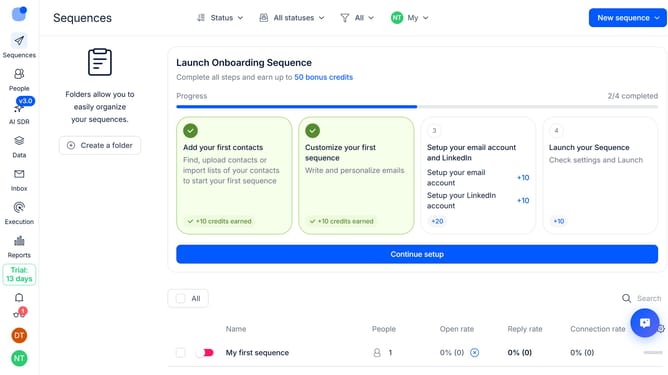
- First click on the sequence where you want to disable automatic calls when contacts open emails
- Then click on "Settings" button in the header menu
- Next click on the "Calls handling" dropdown button
- Then toggle off the "Automatically call on opens" option
- Finally click on the "Save settings" button in the main content area
Why should you How to disable automatic calls when contacts open emails in Reply
Reply.io is an innovative platform designed to streamline and automate your sales communication processes.
One of its standout features allows users to disable automatic calls triggered when contacts open emails. This provides greater control over communication strategies.
By disabling automatic calls, you prevent unexpected disruptions, allowing for more personalized timing and context when reaching out to prospects.
This can enhance the interaction quality, align with customer expectations, and ultimately improve the overall efficiency of your sales process.
Last update