How to change the number of email opens before a call in Reply
Here is how to change the number of email opens before a call in reply
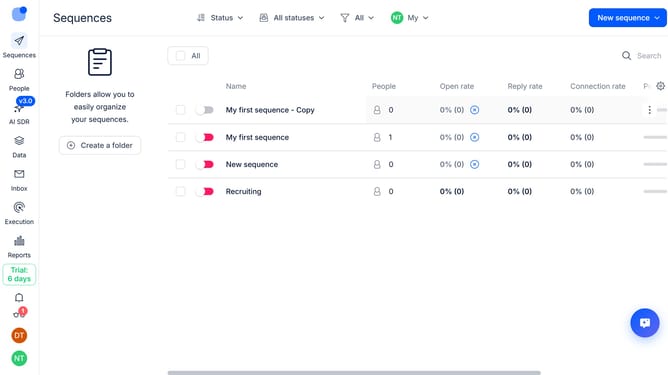
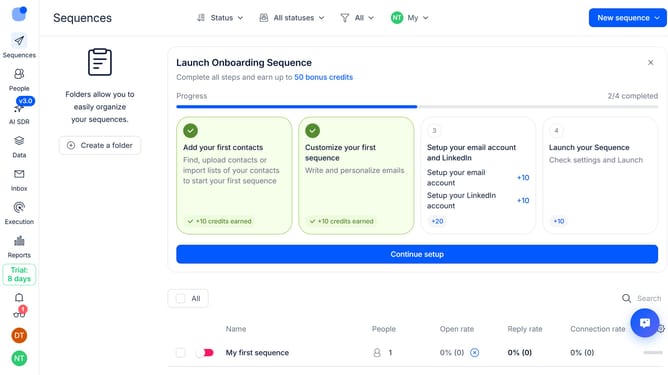
- First click on the sequence where you want to change the number of email opens required before a call
- Then click on the "Settings" button in the header
- Next click on the dropdown arrow for the "Calls handling"
- Then click on the "Number of Email Opens before call" dropdown button
- Next select your preferred number of email opens from the dropdown list
- Finally click on the "Save settings" button
Why should you How to change the number of email opens before a call in Reply
Reply.io is a robust platform designed to streamline multichannel sales engagement and boost productivity.
One powerful feature of Reply.io is the ability to change the number of email opens before triggering a call. This customization allows you to fine-tune your outreach strategy, ensuring that calls happen at the optimal time when prospects are more engaged.
Leveraging this feature ensures higher conversion rates by aligning your sales efforts with prospect interest levels, ultimately enhancing your communication efficiency and effectiveness.
Last update