How to set when contacts are marked as finished after the last step in Reply
Here is how to set when contacts are marked as finished after the last step in reply
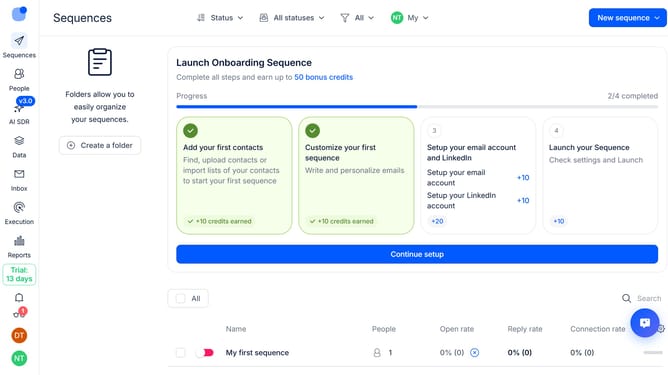
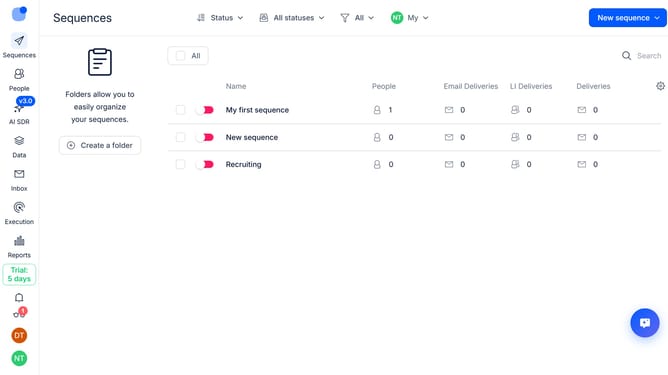
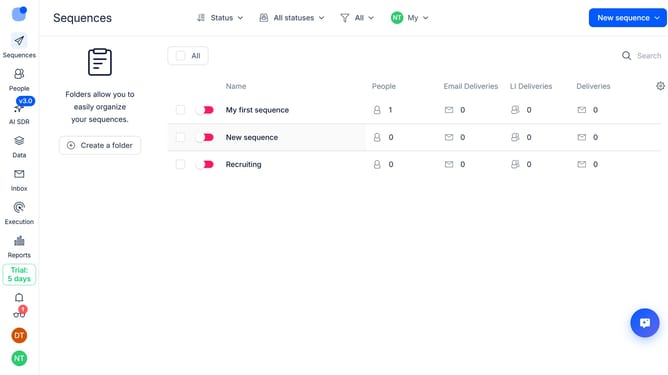
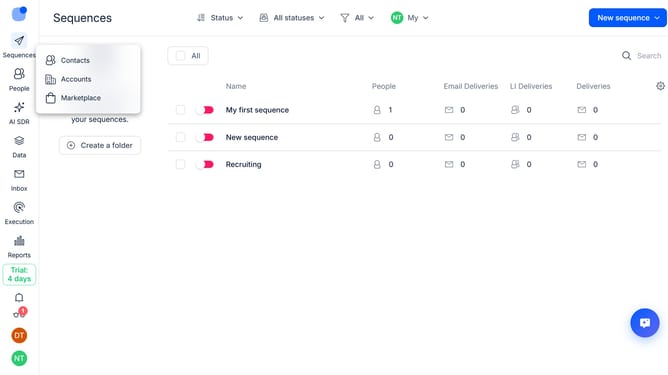
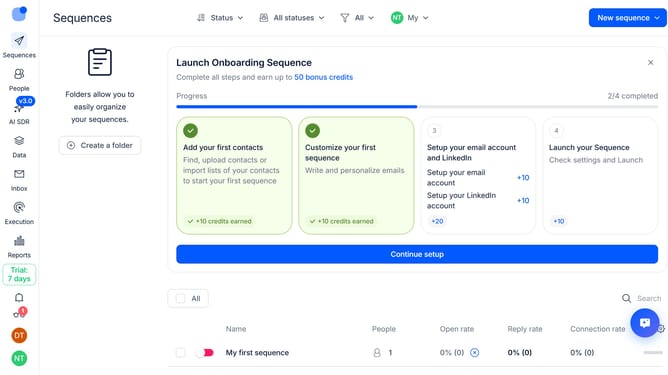
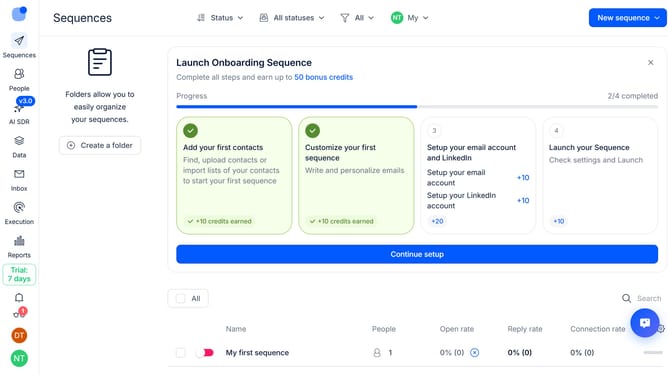
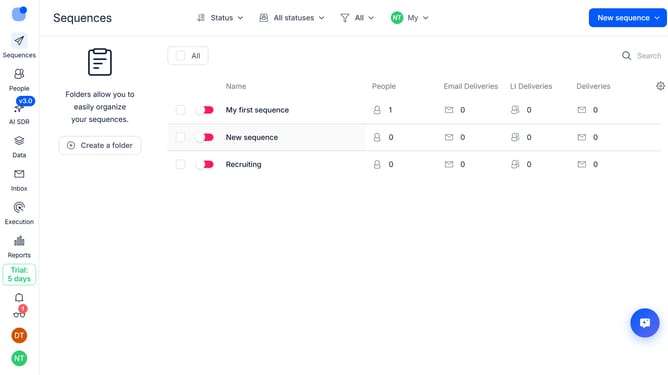
- First, click on the sequence where you want to configure when contacts are marked as finished after the last step
- Then click on "Settings" button
- Next click on dropdown arrow next to the "Replies handling"
- Then click on the "Mark contact as finished after the last step in number of days" text input field and type in your desired number of days
- Finally click on "Save settings" button
Why should you How to set when contacts are marked as finished after the last step in Reply
Reply.io is a powerful platform designed to streamline sales communications and automate outreach efforts with efficiency and precision.
A standout feature of Reply is the ability to set when contacts are marked as finished after completing the last step, ensuring seamless workflow management. This feature offers users the flexibility to customize contact completion settings according to their specific campaign needs.
Utilizing this functionality optimizes contact handling by automatically transitioning them after final interactions. This empowers teams to maintain organization, reduce manual tracking, and focus on new leads, ultimately enhancing productivity.
Last update