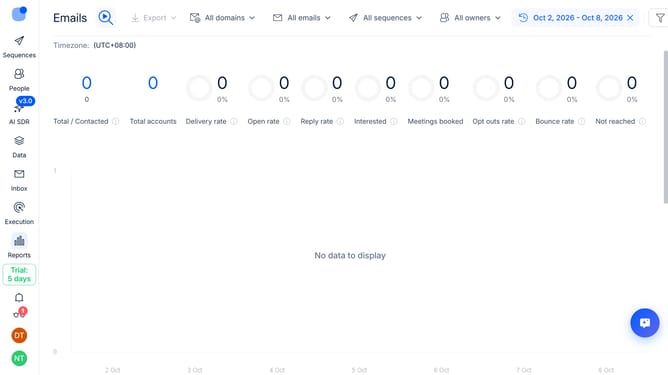
How to show open rate sequence column in Reply
Here is how to show open rate sequence column in reply
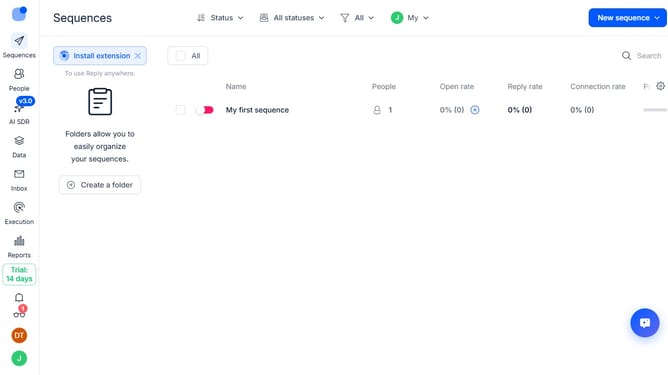
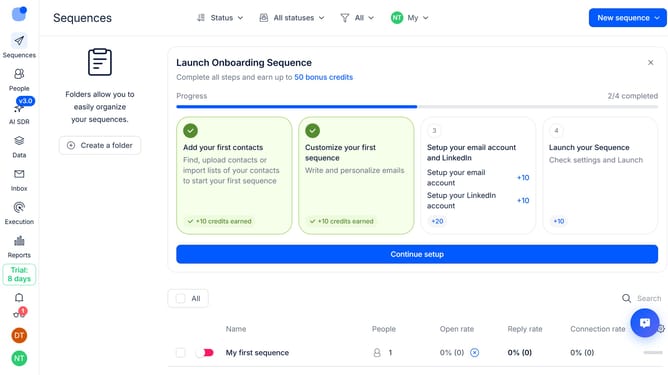
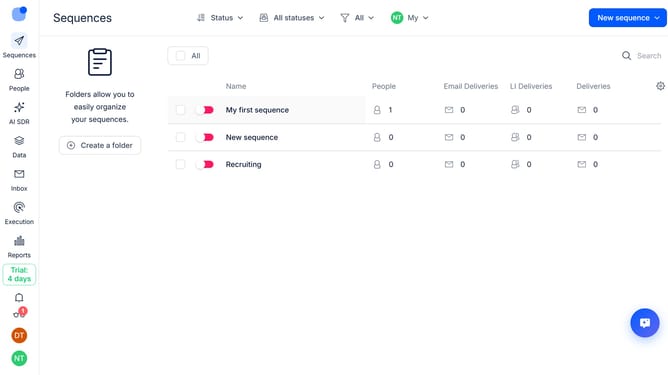
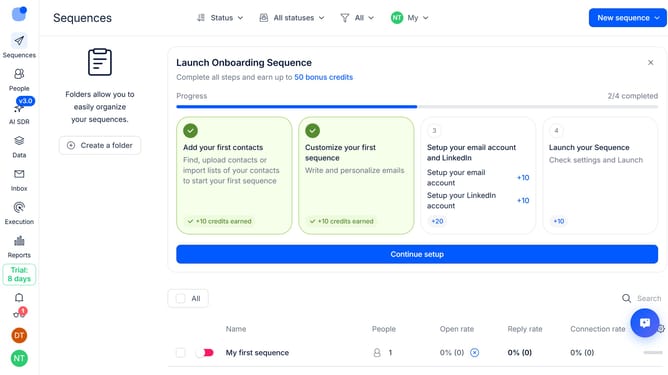
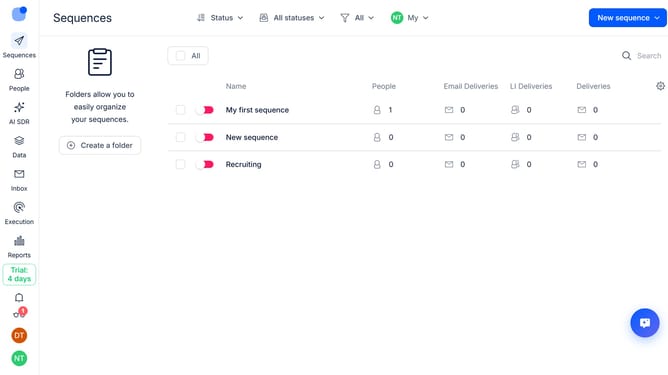
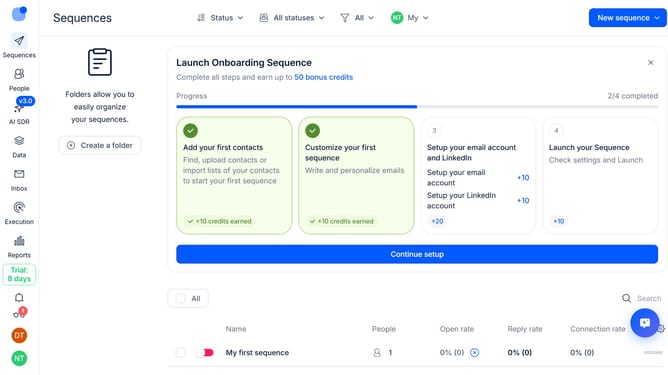
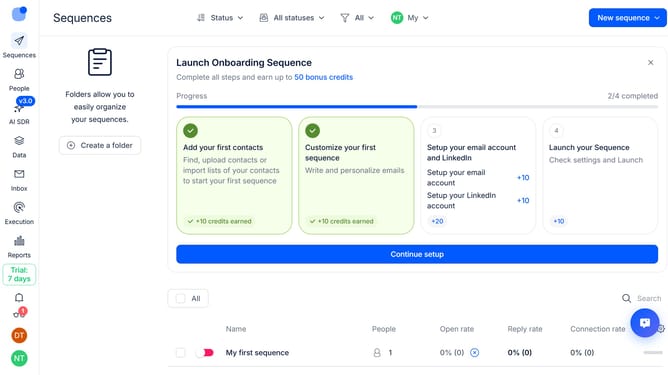
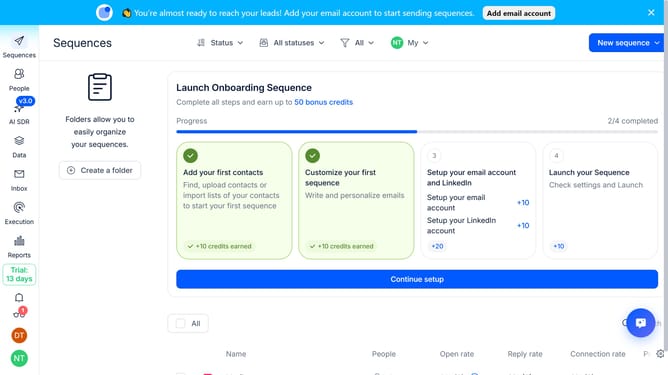
- First click on the "Sequences" button in the left sidebar
- Then click on the gear icon in the top right section of the screen
- Next, click on the "Add column" button from the dropdown menu
- Finally, select "Open rate" from the list of available columns
Why should you How to show open rate sequence column in Reply
Reply.io is an efficient platform designed to streamline sales engagement through automated communication sequences and analytics.
The "Open Rate Sequence" column feature in Reply helps you track how often your emails are opened within a specific sequence. This feature brings insightful clarity, allowing you to assess the effectiveness of your email campaigns at a glance.
Displaying the open rate sequence offers significant benefits. It empowers you to fine-tune your messaging strategy, enhancing engagement by understanding what resonates with your audience. Ultimately, it boosts the impact and success of your outreach efforts.
Last update