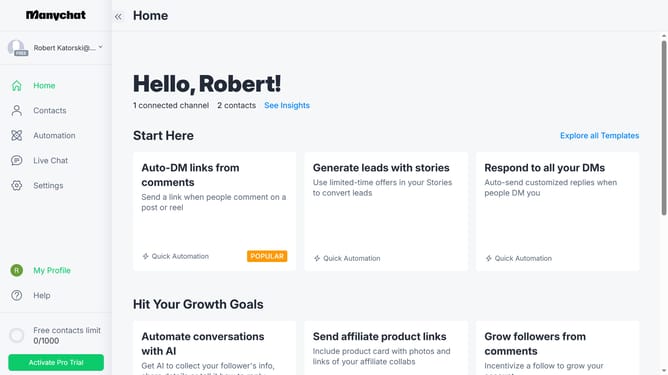
How to filter contacts by phone number in Manychat
Here is how to filter contacts by phone number in manychat
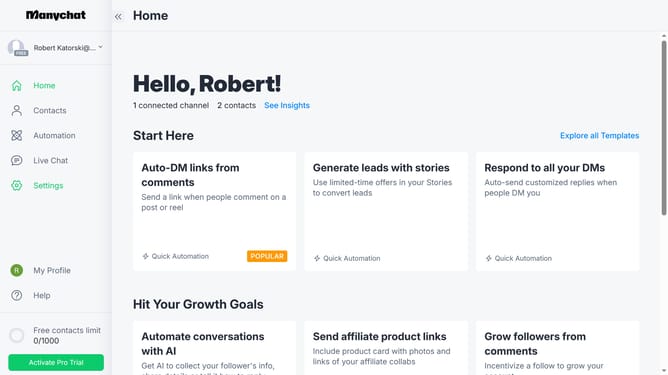
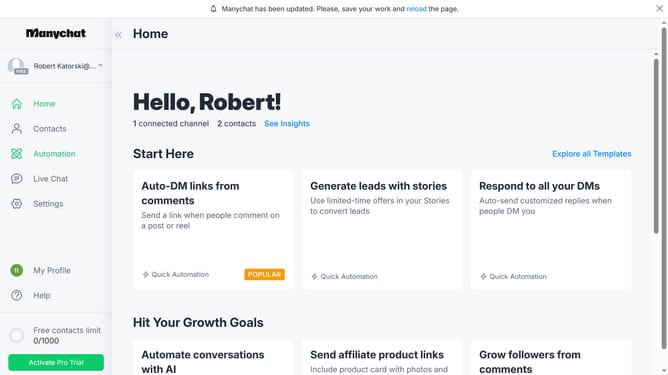
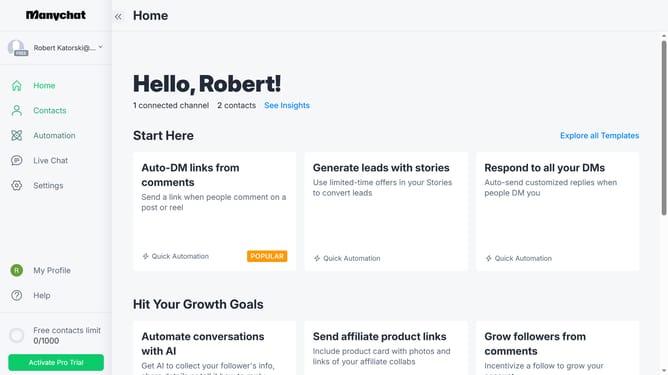
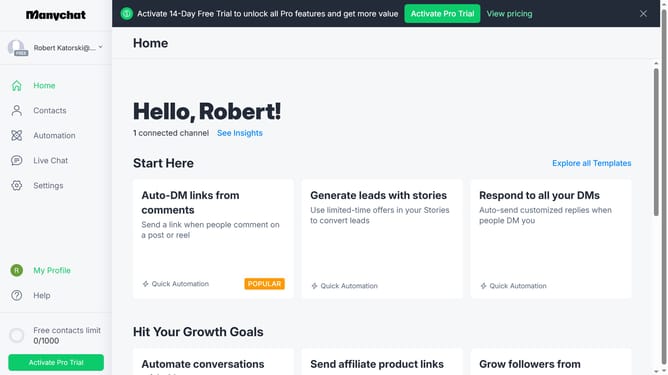
- First click on the "Contacts" item in the left sidebar menu
- Then click on the "Filter" button in the main content area
- Next click on the "+ Condition" button to add a new filter condition
- Click on "System Fields" in the filter dropdown menu
- Select "Phone" from the list of system fields
- Click on "is unknown" in the condition operator dropdown
- Click on "is" to change the condition operator
- Finally select the phone number you want to filter from the suggestions menu
Why should you filter contacts by phone number in Manychat
Manychat is an innovative platform designed to elevate customer engagement through automated conversations.
Filtering contacts by phone number in Manychat enhances your ability to precisely target specific user groups, improving your marketing campaigns’ effectiveness.
This feature offers the convenience of segmenting your audience quickly, allowing you to tailor messages that resonate more personally and drive higher engagement rates.
By honing in on phone number data, businesses can streamline communications and ensure that the right messages reach the right people at the right time.
Last update