How to refresh API key in Manychat
Here is how to refresh api key in manychat
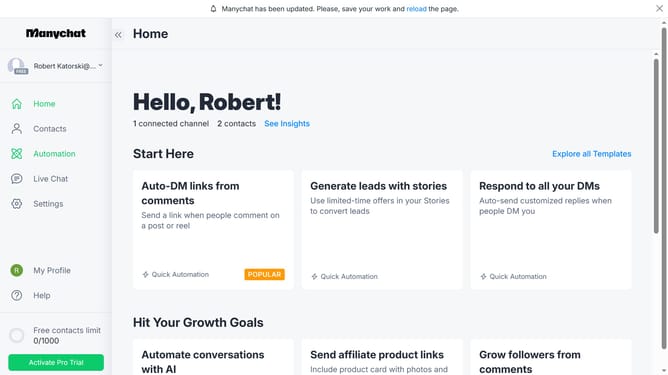
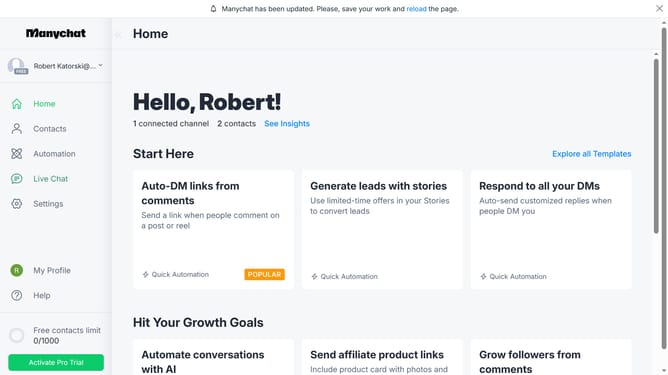
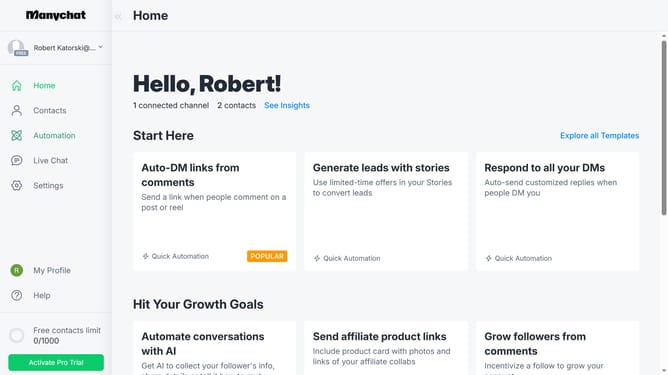
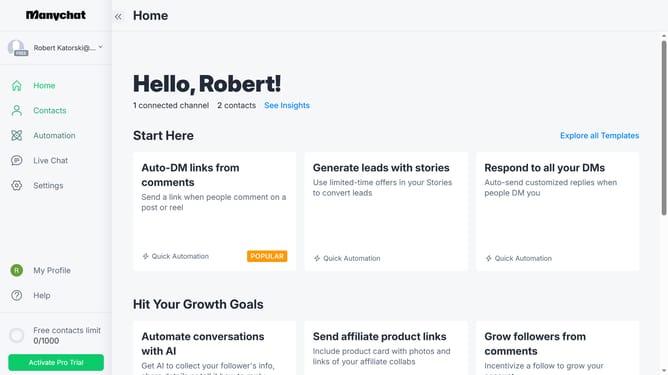
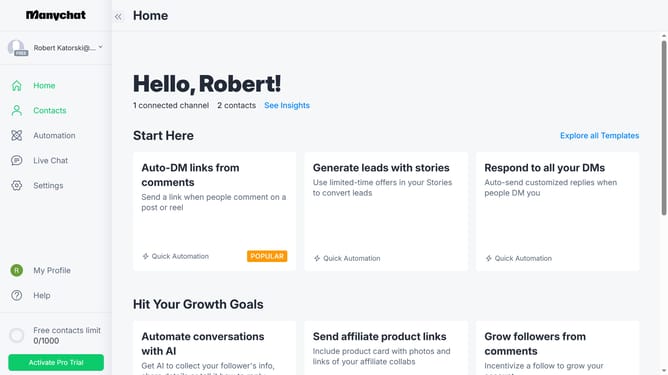
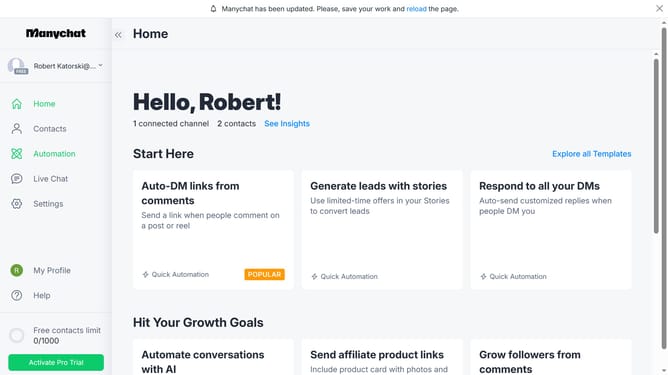
- First click on "My Profile" link in the left sidebar
- Then click on "API Settings" option in the profile dropdown menu
- Next click on "Refresh API Key" button in the API settings page
- Finally click on "Refresh" button in the confirmation dialog box
Why should you refresh API key in Manychat
Manychat is a dynamic platform designed to enhance customer engagement through seamless chat automation.
Regularly refreshing the API key in Manychat ensures robust security, safeguarding your data and various integrations.
By refreshing the API key, you maintain a smooth connection, preventing disruptions in automated workflows.
This feature is essential for maintaining the integrity of your Manychat operations while enhancing overall system stability and efficiency.
Last update