How to delete a user field folder in Manychat
Here is how to delete a user field folder in manychat
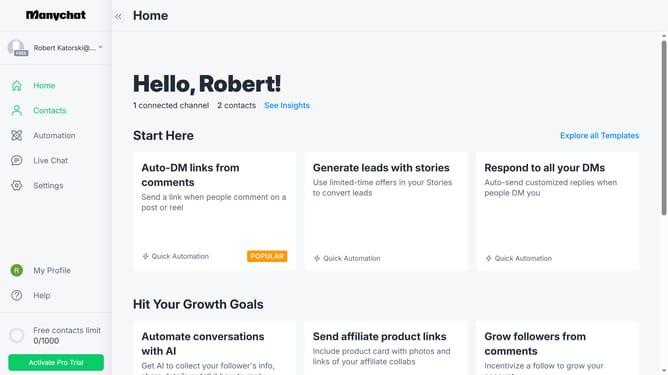
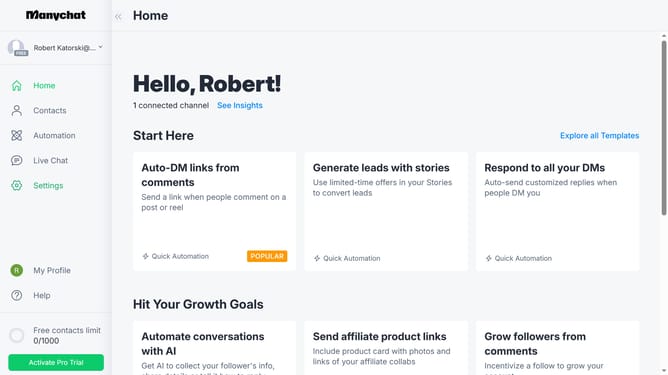
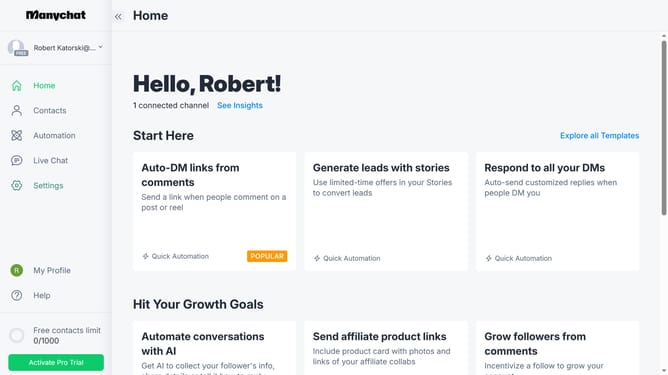
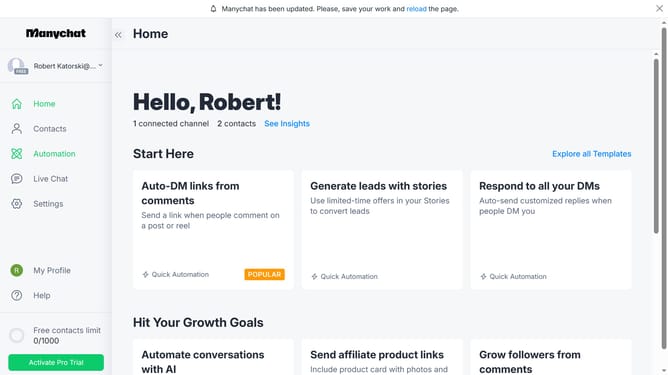
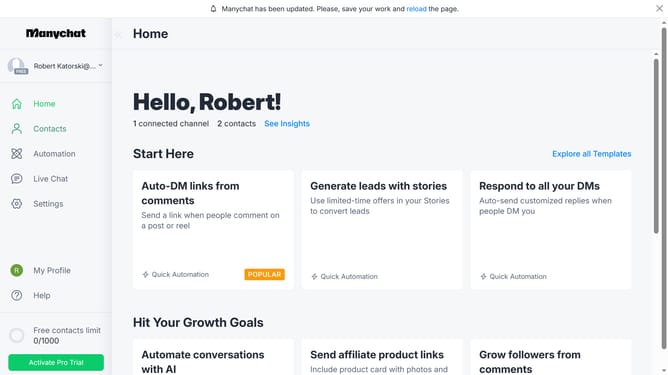
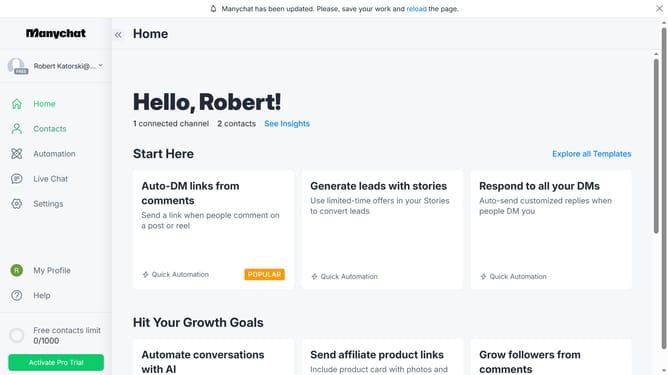
- First click on the "Settings" option in the left sidebar menu
- Scroll down in the general settings menu
- Click "Fields" in the left sidebar menu
- Scroll up in the fields settings page
- Click on the options menu (three dots) next to the folder you want to delete
- Click the "Delete" option from the dropdown menu
- Finally click the "Delete" button to completely delete the user field folder
Why should you delete a user field folder in Manychat
Manychat is a powerful platform designed to automate conversations and enhance engagement through chatbots across various messaging apps.
Deleting a user field folder in Manychat helps in keeping your workspace clean and organized, ensuring that only necessary and current data is retained. This feature allows users to streamline their data management approach effortlessly.
Utilizing this function enhances efficiency, as it declutters the user interface, making navigation intuitive and reducing the potential for errors in field selection. It also promotes data accuracy by removing outdated information, thereby aiding in better decision-making and strategy implementation.
Last update