How to unsubscribe from multiple accounts in ManyChat
Here is how to unsubscribe from multiple accounts in manychat
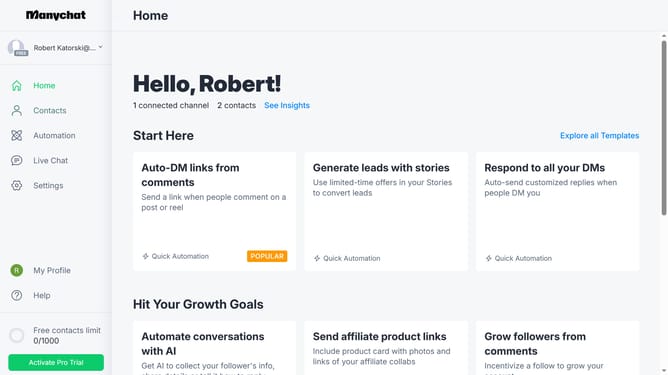
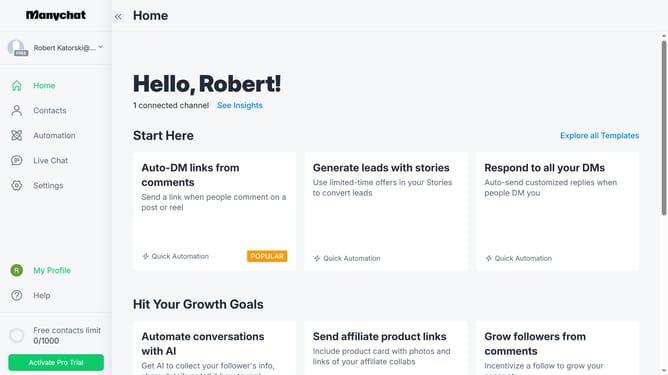
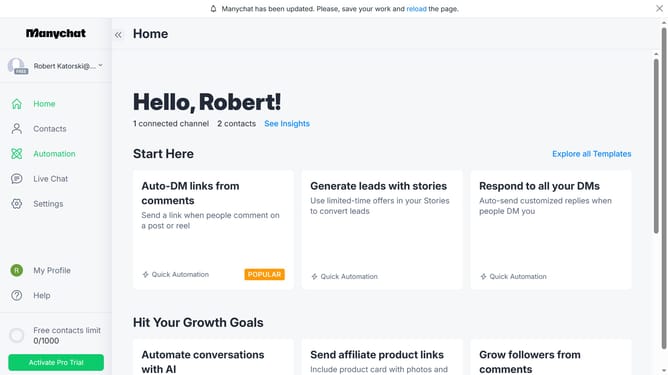
- First click on the "Contacts" link in the left sidebar
- Click multiple contacts you want to unsubscribe from the contact list
- Click the "Bulk Actions" button in the top right corner
- Scroll down in the dropdown menu
- Select "Unsubscribe from Account" from the dropdown menu
- Click the confirmation text field and type in the word "unsubscribe"
- Finally click the confirm button to unsubscribe from the accounts
Why should you unsubscribe from multiple accounts in ManyChat
ManyChat is a versatile platform designed to enhance customer interaction through automated messaging solutions.
The feature to unsubscribe from multiple accounts in ManyChat offers significant convenience and efficiency, allowing users to streamline their account management with ease.
By providing an intuitive way to manage multiple accounts simultaneously, this feature saves users time, reduces clutter, and helps maintain organized communication channels, ultimately enhancing the overall user experience.
This streamlined process empowers businesses to focus more on strategic interactions rather than administrative tasks.
Last update