How to connect activecampaign account in Manychat
Here is how to connect activecampaign account in manychat
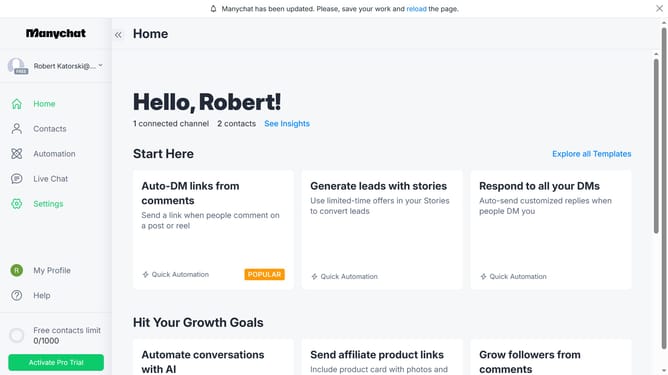
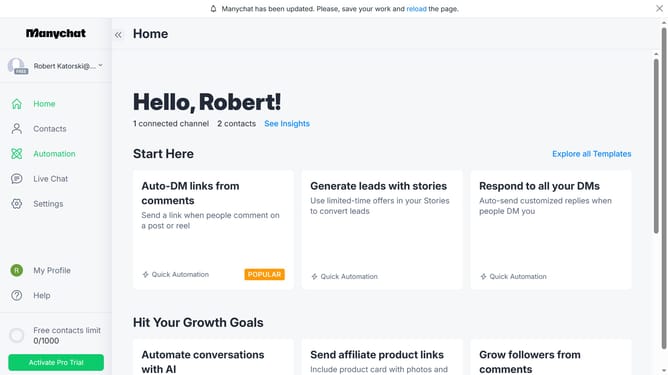
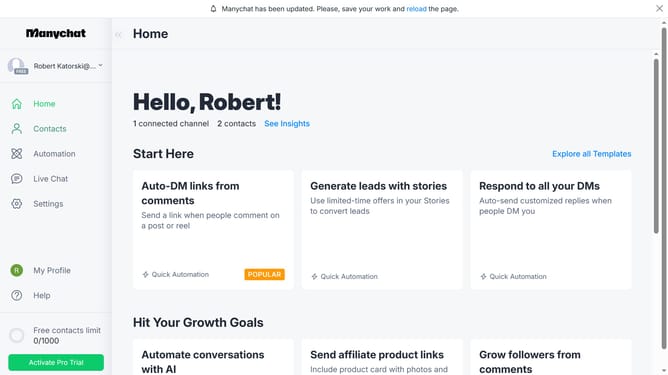
- First click on the "Settings" option in the left sidebar menu
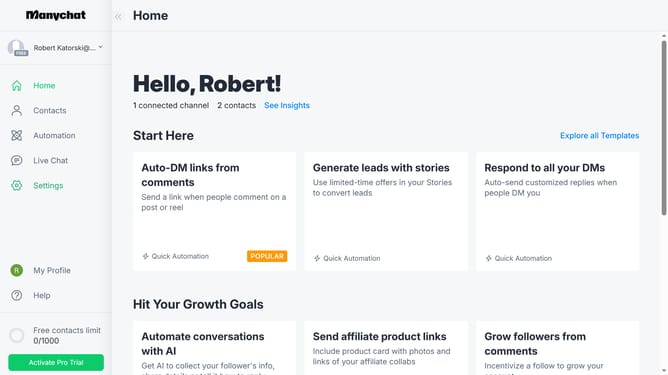
- Next click on the scroll bar in the right side of the settings page
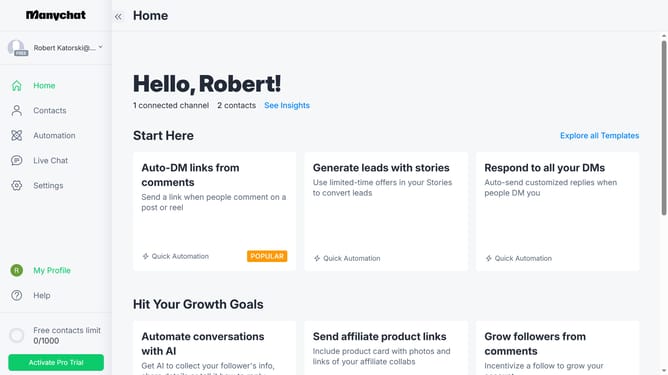
- Then click on the "Integrations" option in the left settings submenu
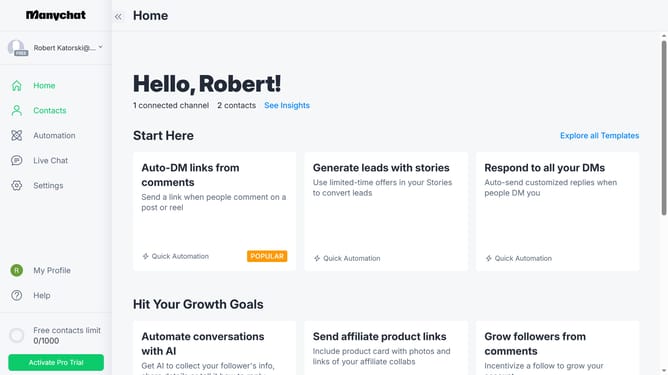
- Scroll down in the integrations settings
- Finally click the "Connect ActiveCampaign Account" button to integrate ActiveCampaign with your Manychat
Why should you connect activecampaign account in Manychat
Manychat automates communication, streamlining interactions with customers through powerful chatbot capabilities.
Connecting your ActiveCampaign account with Manychat enhances marketing by seamlessly syncing contact data, ensuring personalized messaging.
This integration empowers businesses by merging robust email marketing with dynamic chat engagement, increasing efficiency and customer connections.
Leveraging these tools together optimizes workflows and vastly improves customer experience, driving growth and engagement.
Last update