How to rename a user field folder in Manychat
Here is how to rename a user field folder in manychat
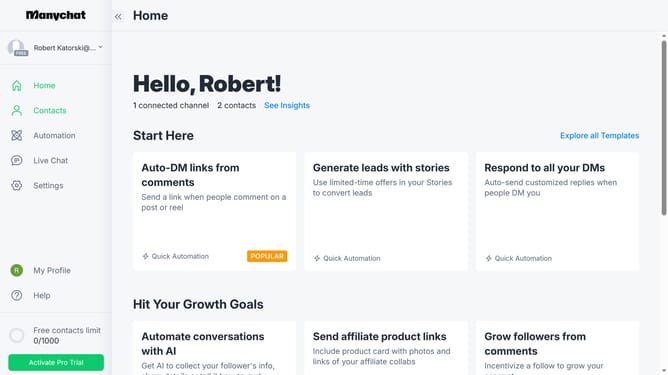
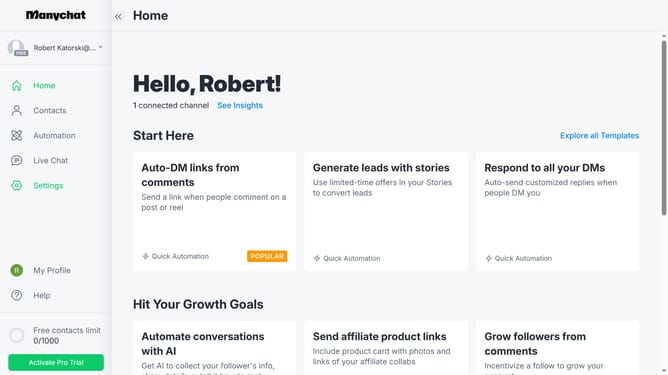
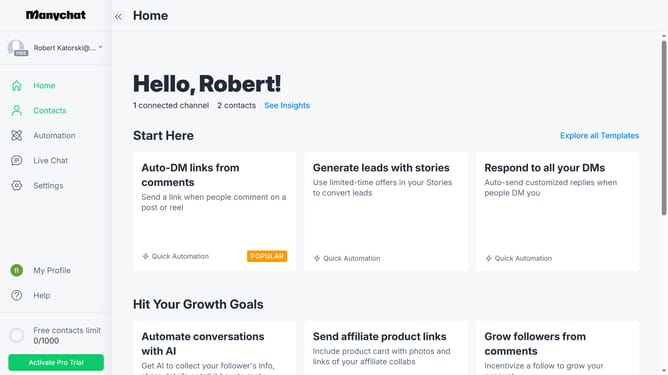
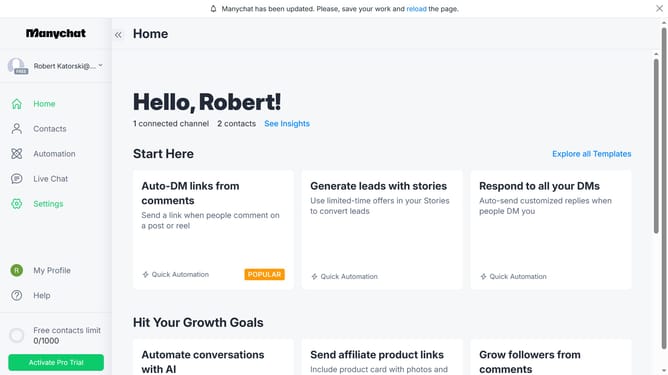
- First click on the "Settings" option in the left sidebar
- Scroll down in the general settings menu
- Then click on "Fields" option under the Automation section in the left menu
- Scroll down in the fields settings page
- Click the three dots menu icon next to the folder you want to rename
- Select "Rename" option from the dropdown menu
- Click on the name input field and change the current name to your desired name for your folder
- Finally click the "Rename" option from the dropdown menu to save the new folder name
Why should you rename a user field folder in Manychat
Manychat is a powerful platform designed to automate and enhance engaging conversations with your audience.
Renaming a user field folder in Manychat allows for streamlined organization and management of your data. This feature helps keep your folders neatly categorized, making it easier for you to locate and utilize information efficiently.
Utilizing this feature ensures that you maintain a tidy and intuitive workspace, ultimately improving your productivity and enhancing the user experience.
Last update