How to connect chatgpt account in Manychat
Here is how to connect chatgpt account in manychat
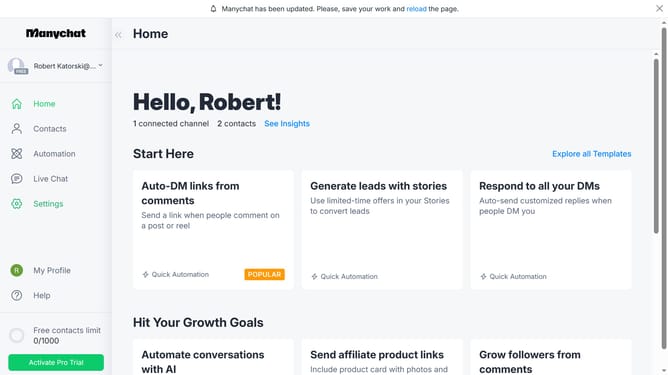
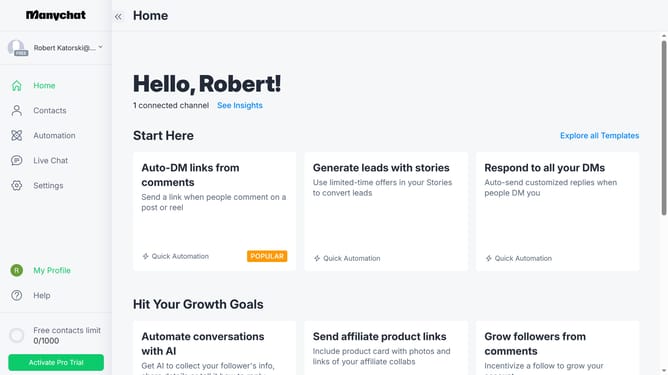
- First click on the "Settings" option in the left sidebar menu
- Then scroll down in the settings
- Next click on "Integrations" in the left settings submenu
- Then scroll down in the integrations settings
- Finally click on the "Connect ChatGPT" button in the ChatGPT integration panel
Why should you connect chatgpt account in Manychat
Manychat is an intuitive platform designed for automating chat experiences and enhancing customer engagement.
Connecting your ChatGPT account in Manychat unlocks a myriad of advanced conversational capabilities.
Utilizing ChatGPT within Manychat ensures more dynamic interactions, boosting user satisfaction and providing personalized responses.
The seamless integration fosters smooth communication, making your chatbot smarter and more capable of understanding nuanced user inquiries.
Last update