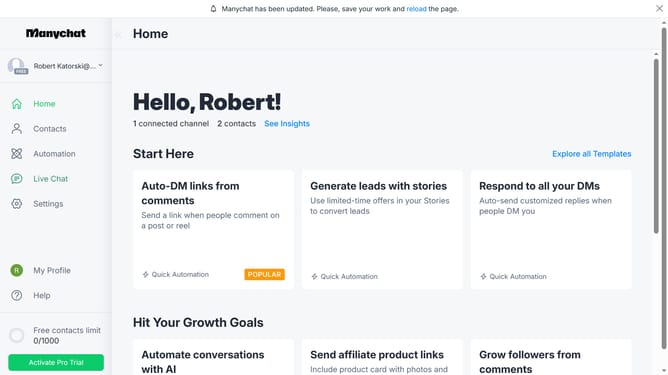
How to create a user field folder in Manychat
Here is how to create a user field folder in manychat
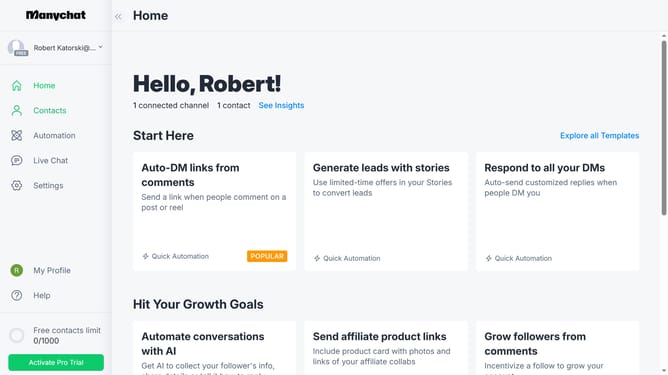
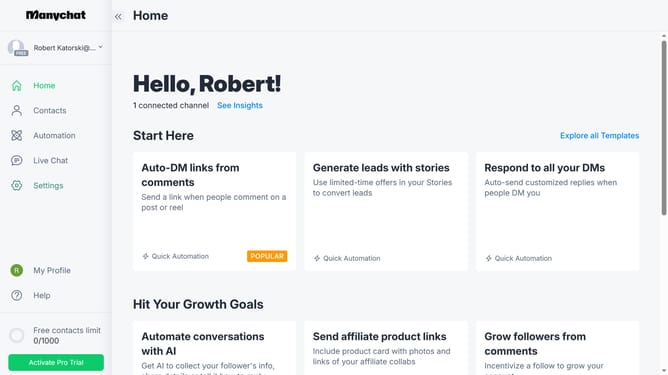
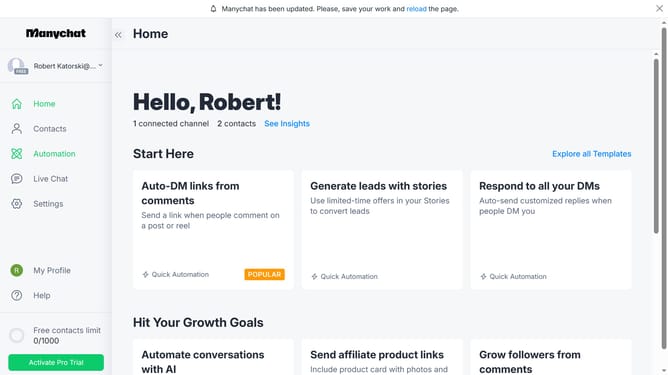
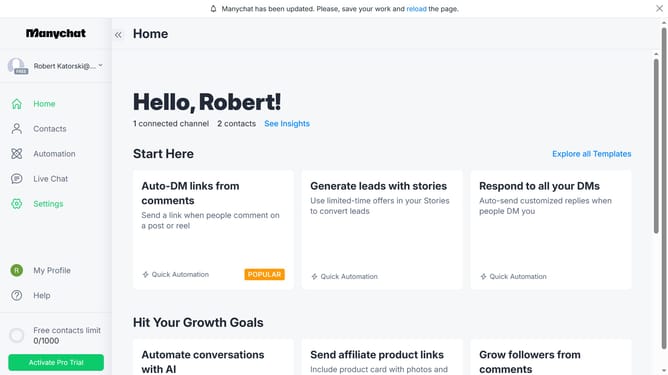
- First click on the "Settings" option in the left sidebar menu
- In the general settings menu, scroll down
- Click on "Fields" under the Automation section
- Next scroll up in the fields settings page
- Click "New Folder" under the User Fields section
- Then click on the folder name input field and type in the name of the folder for your user field
- Finally click on the "Create" button to confirm and create the new folder
Why should you create a user field folder in Manychat
Manychat is a powerful platform designed to help businesses automate their messaging on multiple channels.
Creating a user field folder in Manychat is a feature that brings structure and efficiency to your chatbot interactions. It allows you to organize user data effectively, making it easy to access and manage.
This organized approach ensures a seamless flow of information, enhancing your user engagement and providing personalized experiences, tailored to individual user needs.
By leveraging this feature, businesses can streamline communication, ultimately leading to better customer satisfaction and retention.
Last update