How to add a text bot field in Manychat
Here is how to add a text bot field in manychat
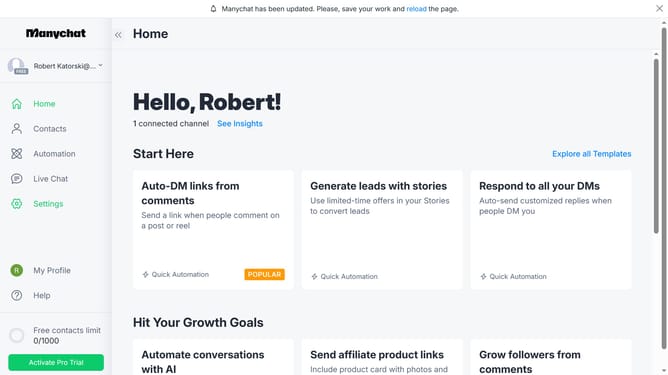
- First click on the "Settings" option in the left sidebar menu
- Scroll down in the general settings
- Click on "Fields" in the left side bar under the Automation section
- Scroll up in the fields page
- Click on the "Bot Fields" section
- Click on the "+ New Bot Field" button in the Bot Fields section
- Click inside the "Name" field in the Create New Bot Field dialog and type in the your preferred name for your text bot field
- Click the Value input field and type in your desired value
- Finally, click the "Create" button to create the new bot field
Why should you add a text bot field in Manychat
Manychat is a powerful platform enabling seamless customer interaction through automated messaging.
Adding a text bot field in Manychat enhances user engagements by collecting more personalized data from your audience. This feature allows for dynamic conversations, making interactions feel more human and welcoming.
Utilizing text bot fields increases the flexibility of your communication strategies. It delivers valuable insights into customer preferences, ensuring conversations are more relevant and impactful. This promotes customer satisfaction while fostering brand loyalty.
Last update